
Simplify Your
E-Commerce Labeling Workflow
Design, customize, enhance and generate labels directly from your browser. Save hours, prevent costly fulfillment mistakes, and simplify your product, shipping, and box labels for Amazon, Walmart, and more.
223M+
Product Label Generated
23M+
Shipment Label Generated
9K+
Extension User
Add More Value to Your Labels With Label Resizer
Add the Right Details to Your Labels
Add Any Text You Need
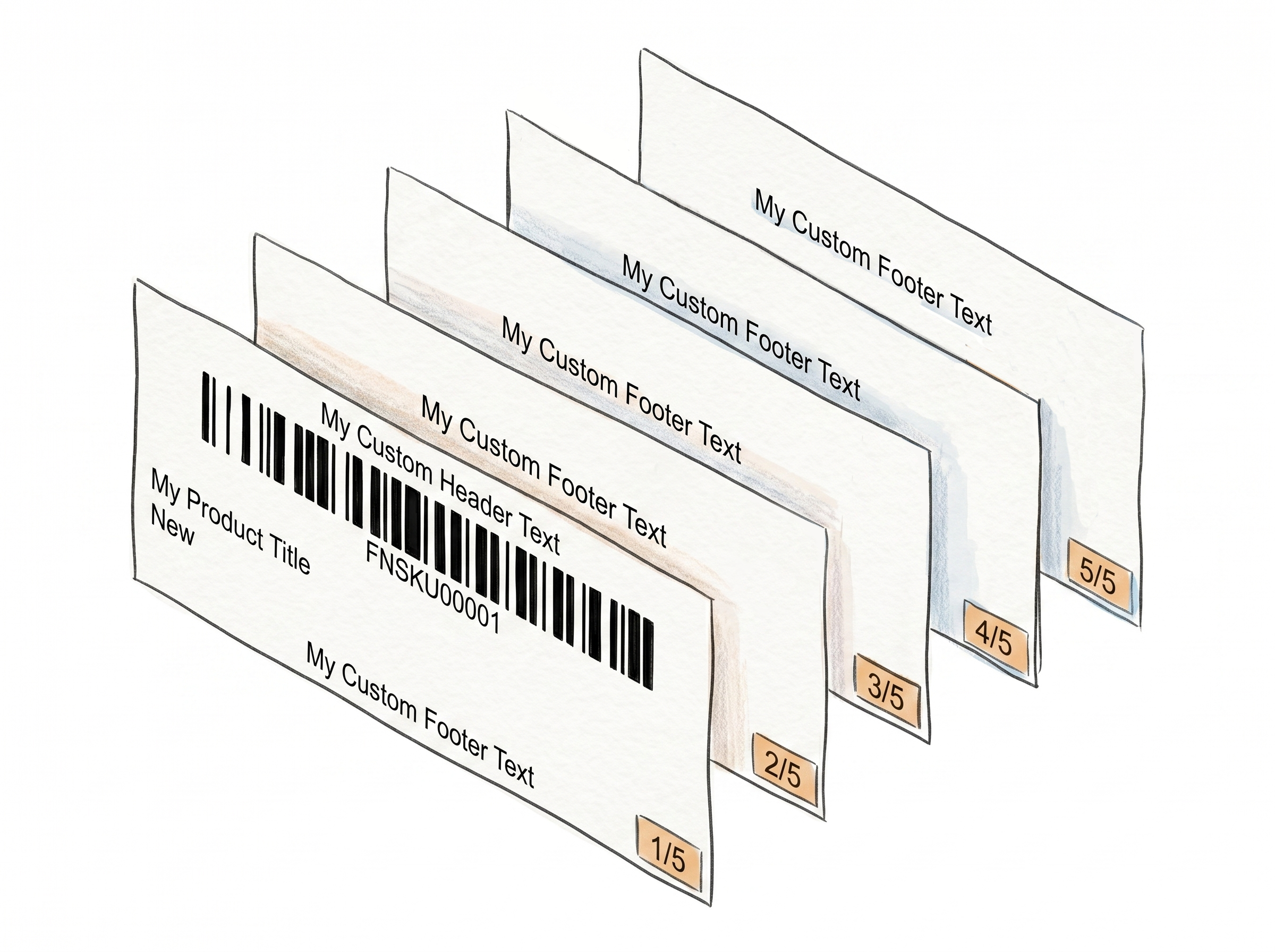
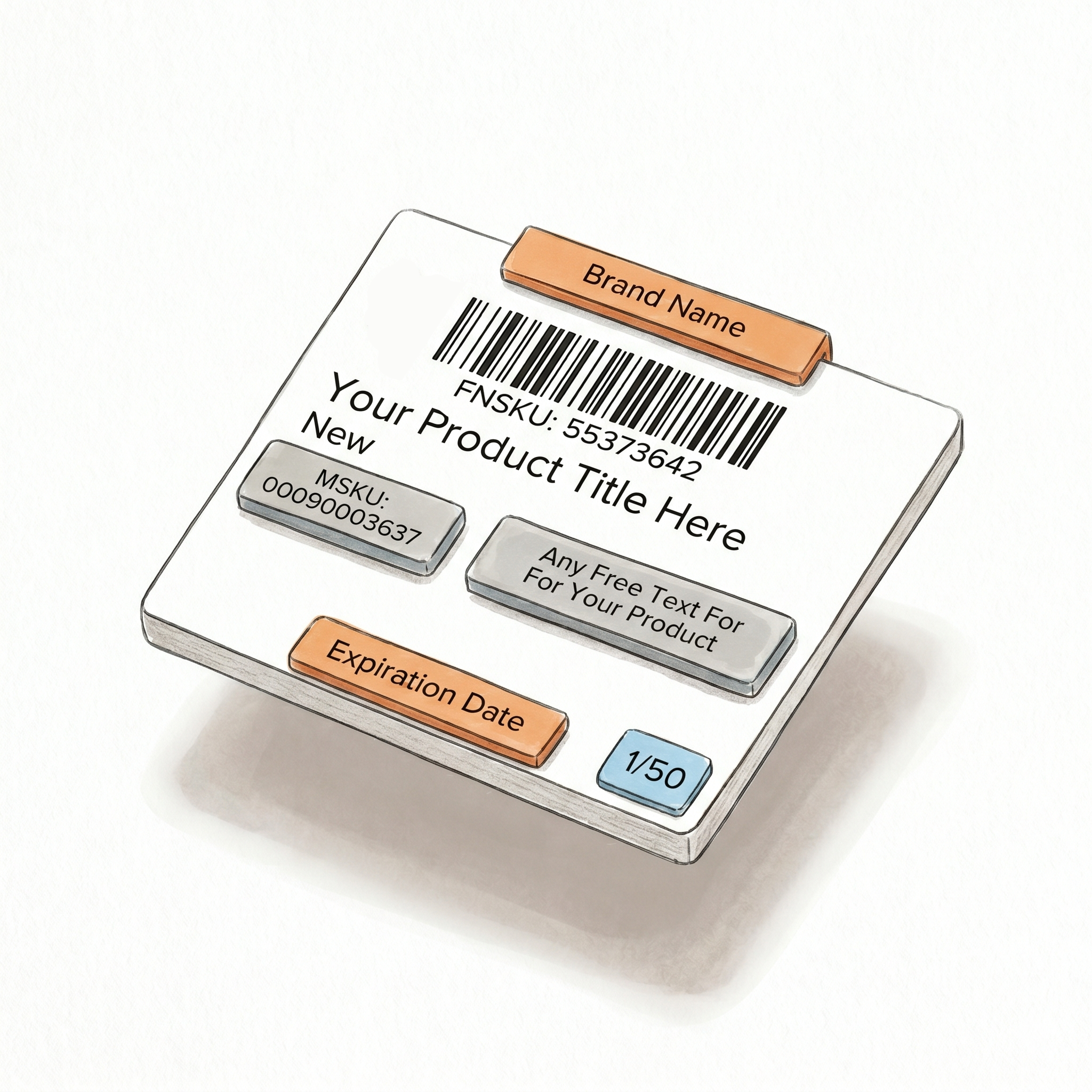
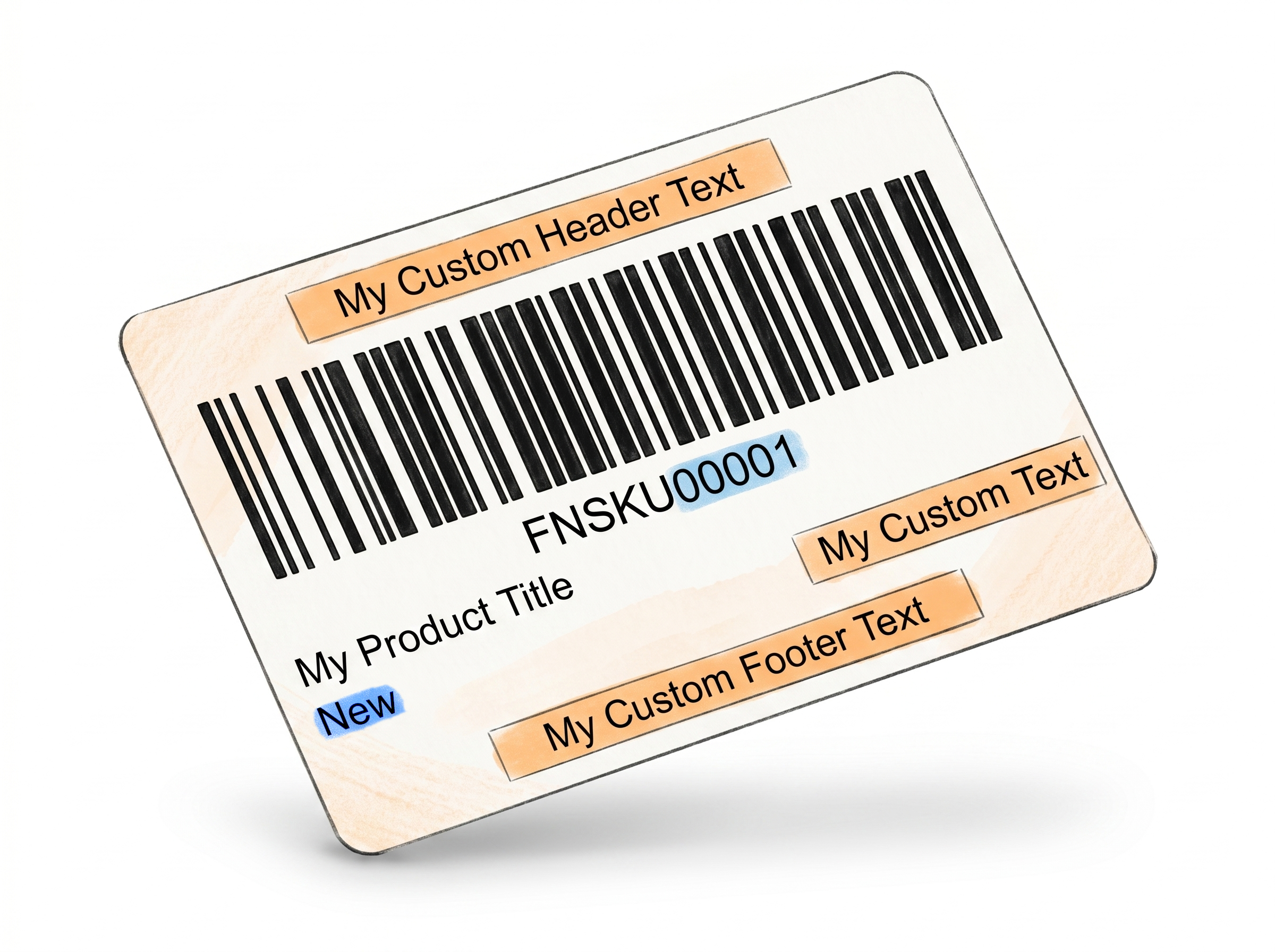
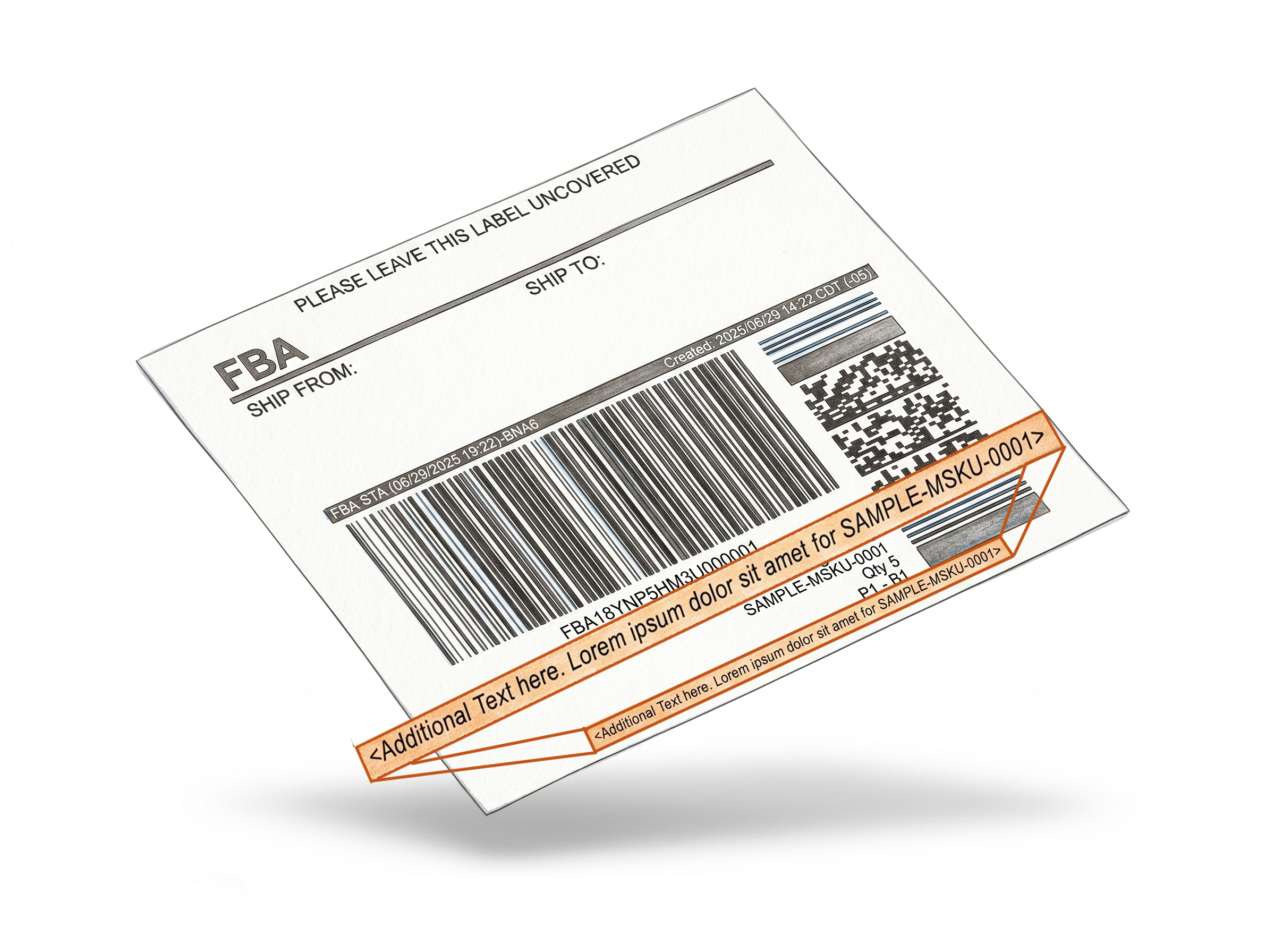
With our Free Text feature, you can put expiration dates, Made in info, or your brand name anywhere on the label. You have total flexibility to show exactly what is important for that specific product. Learn more about free text on product labels
Track Everything with Numbering
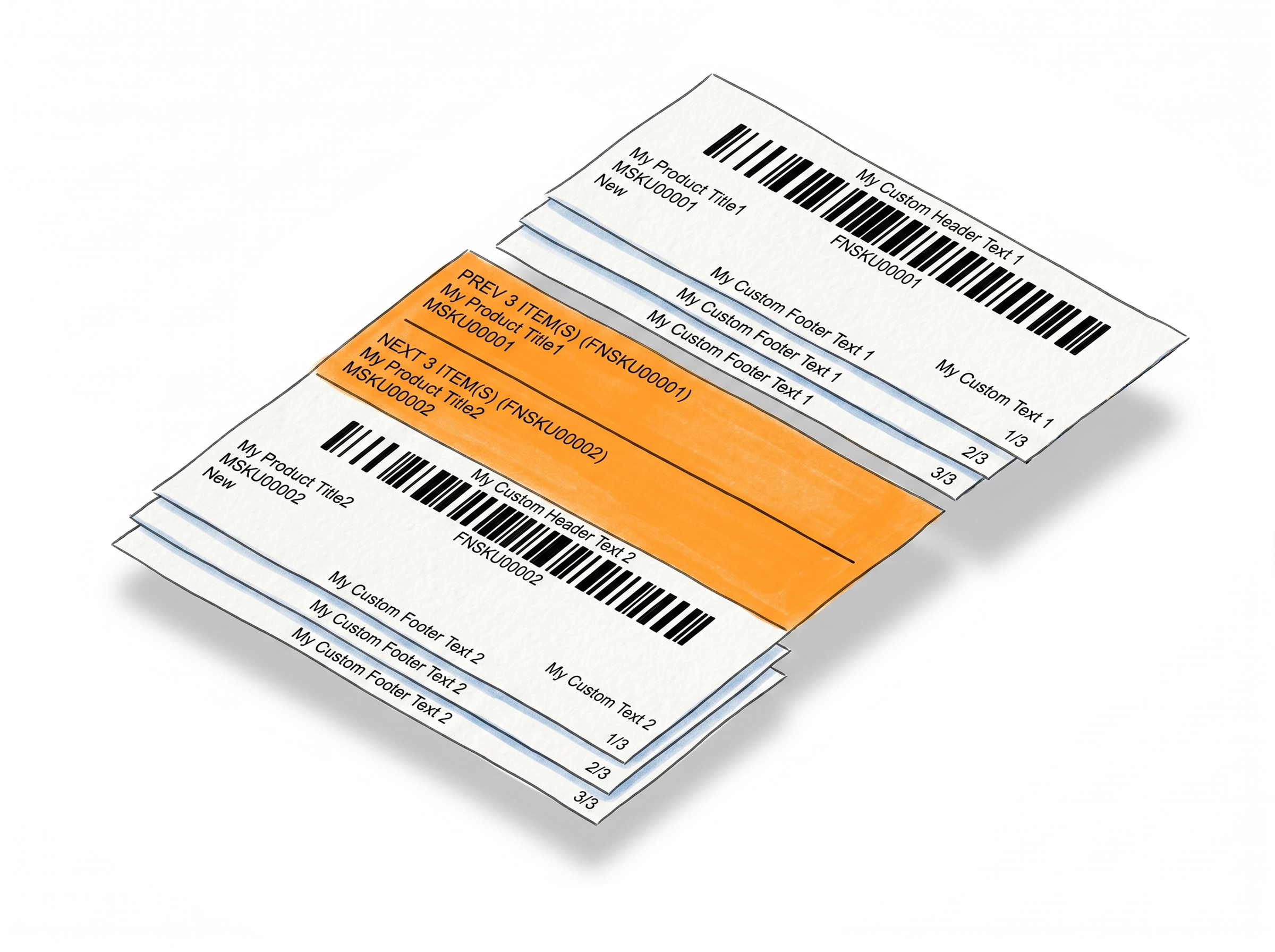
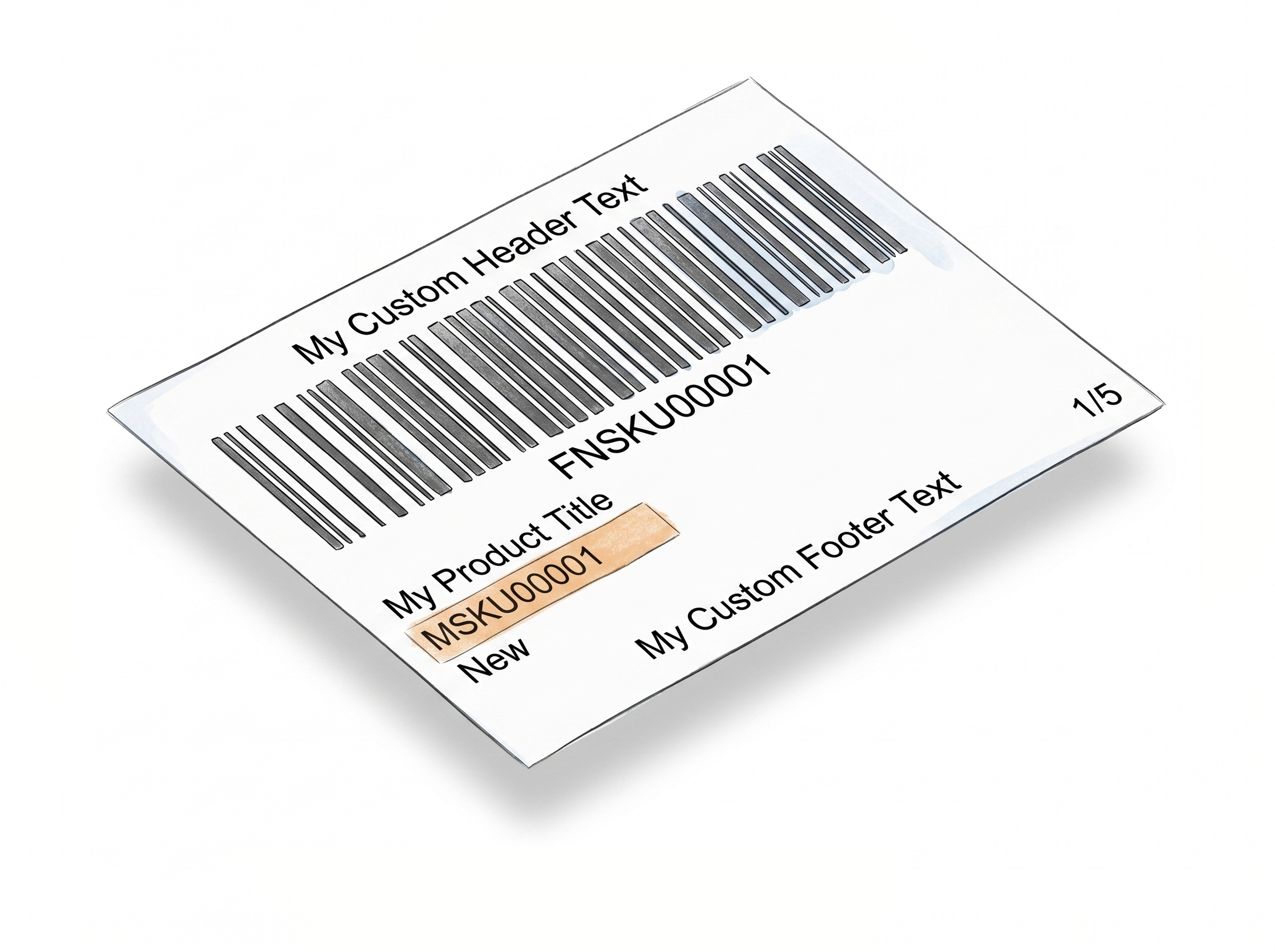
Never lose count again. You can add sequential numbers (1, 2, 3...) or total counts (1/100, 2/100) to your product labels. This makes it easy to verify your labels and ensure every single item is accounted for. Learn more about sequential product label numbering
SKUs & Separators
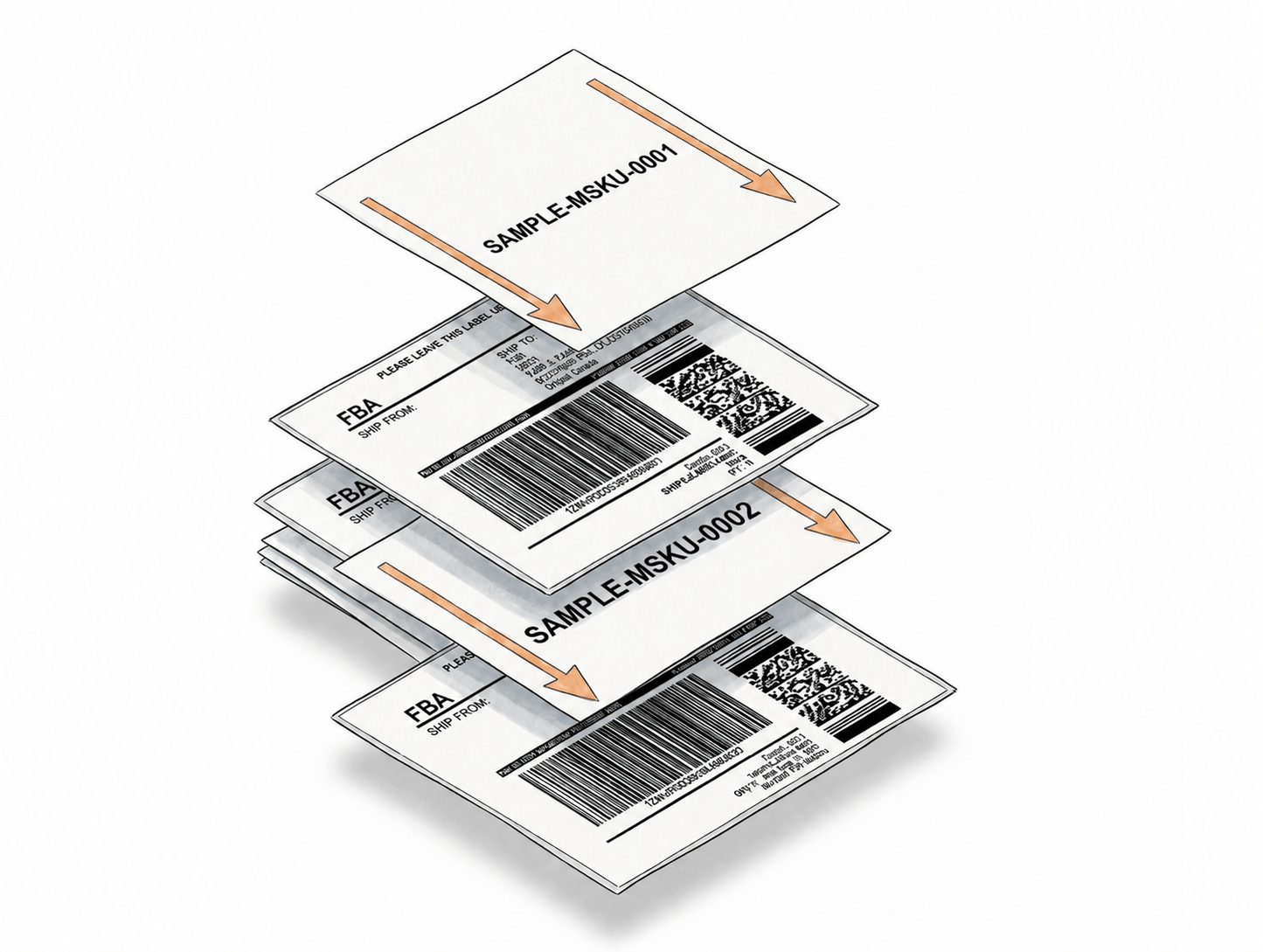
We add your Merchant SKU to your labels so you can find the right products fast. You can also insert "Separator Labels" between different product groups to keep your printouts organized and easy to handle. Learn more about separator product labels
Fewer Labeling Errors
When your labels carry the right information - expiration dates, SKUs, lot numbers, sequence counts - your team spends less time cross-referencing, scanning, and correcting mistakes.
Generate & Resize Labels Without Leaving Your Platform
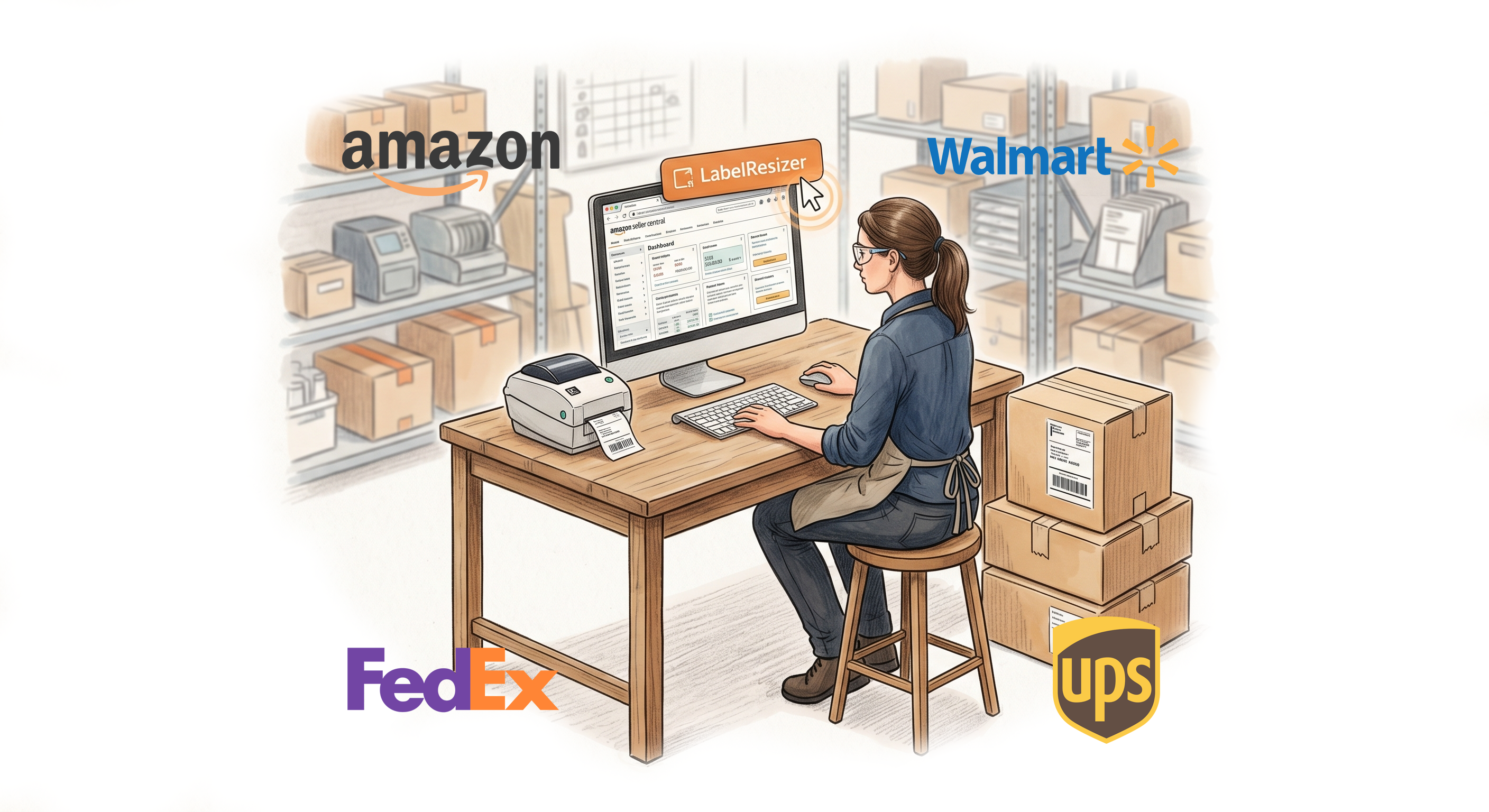
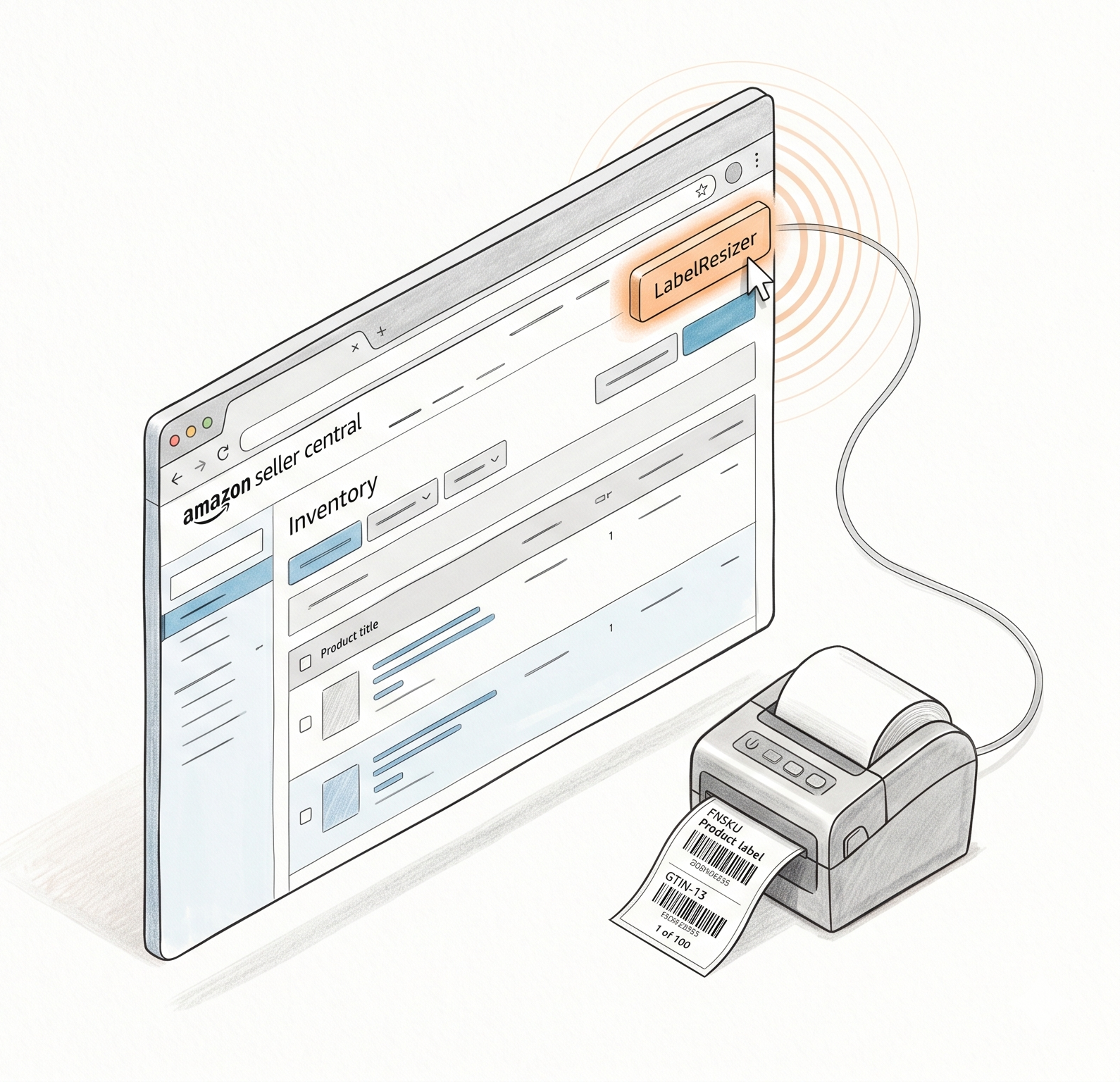
The Label Resizer extension adds a powerful formatting button directly into your existing workflow, so you spend less time switching between tools and more time shipping. 100% account-safe with zero API or store credentials required.Amazon Seller Central
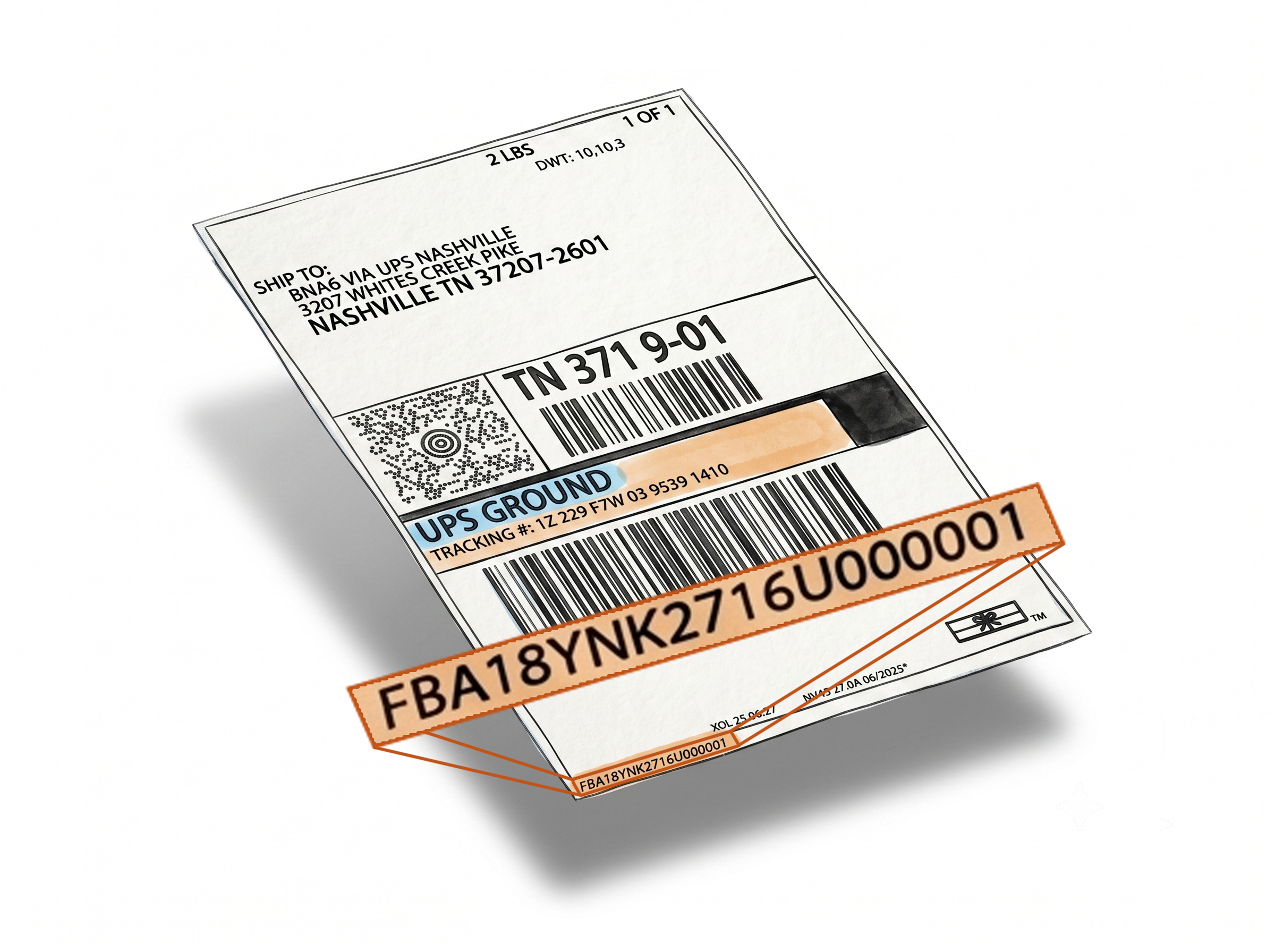
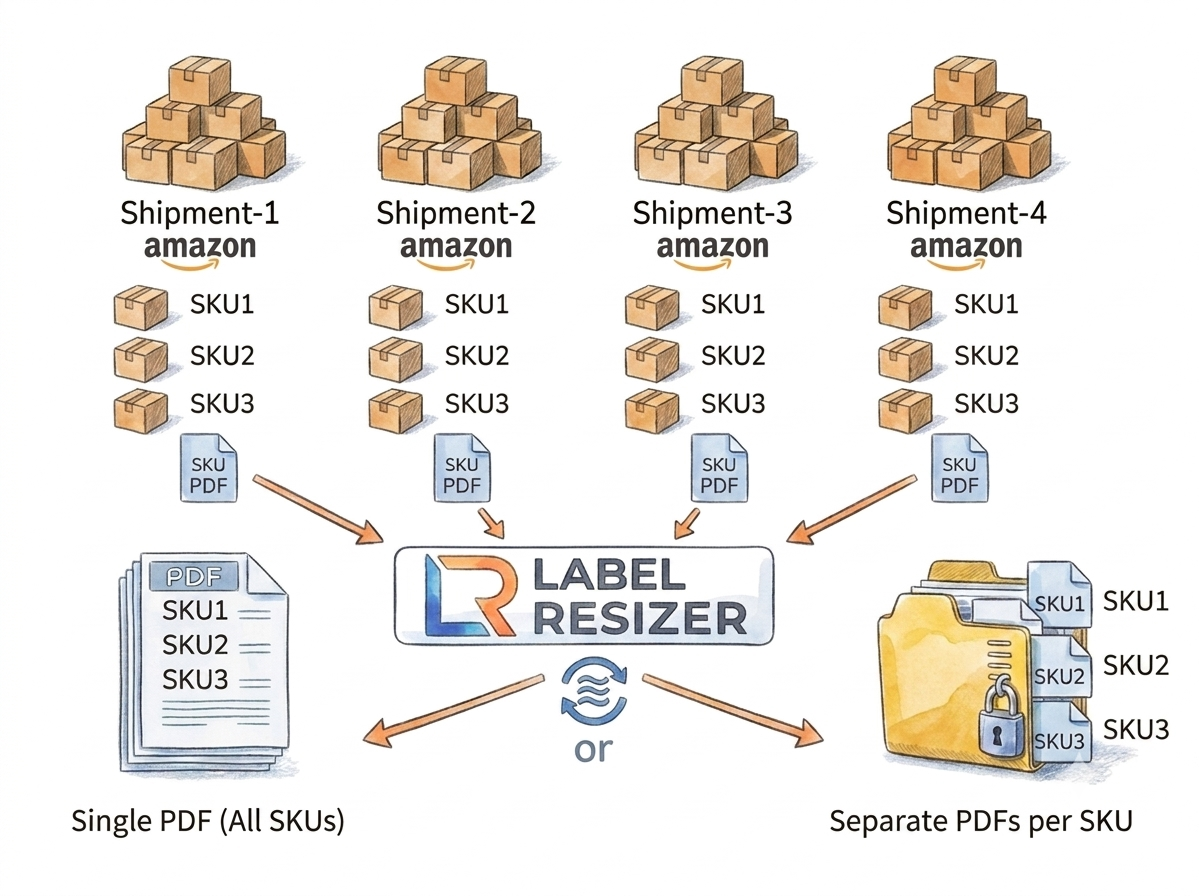
Enhance your entire FBA workflow. Customize product, box, and shipping labels, merge split shipments by SKU, and generate packing slips with one click. Learn more about the browser extension
Walmart Seller Center
Instantly generate WFS product and shipping labels on Manage Inventory and Inbound pages with your saved presets. Learn more about the browser extension
FedEx, UPS, and More
The button appears automatically on your favorite fulfillment platforms. Click once to get thermal-printer-ready labels with no downloading or re-uploading. Learn more about the browser extension
Flexible Label Sizes for Your Workflow
Label Resizer gives you flexible label sizing options for Amazon, Walmart, and other marketplace labels. Whether you use a thermal printer, standard sheet labels, or multi-up thermal label layouts, you can choose from popular preset sizes or create your own custom dimensions.Thermal Labels
Optimized for Zebra, DYMO, Rollo, Brother, and most standard thermal printers. Choose from popular presets (like 4x6) or set your own custom dimensions for a precise fit. Learn more about any size label support
Sheet Labels
Format your barcodes for Avery-style sheet labels using your existing inkjet or laser printer to help prevent costly misalignments. Learn more about any size label support
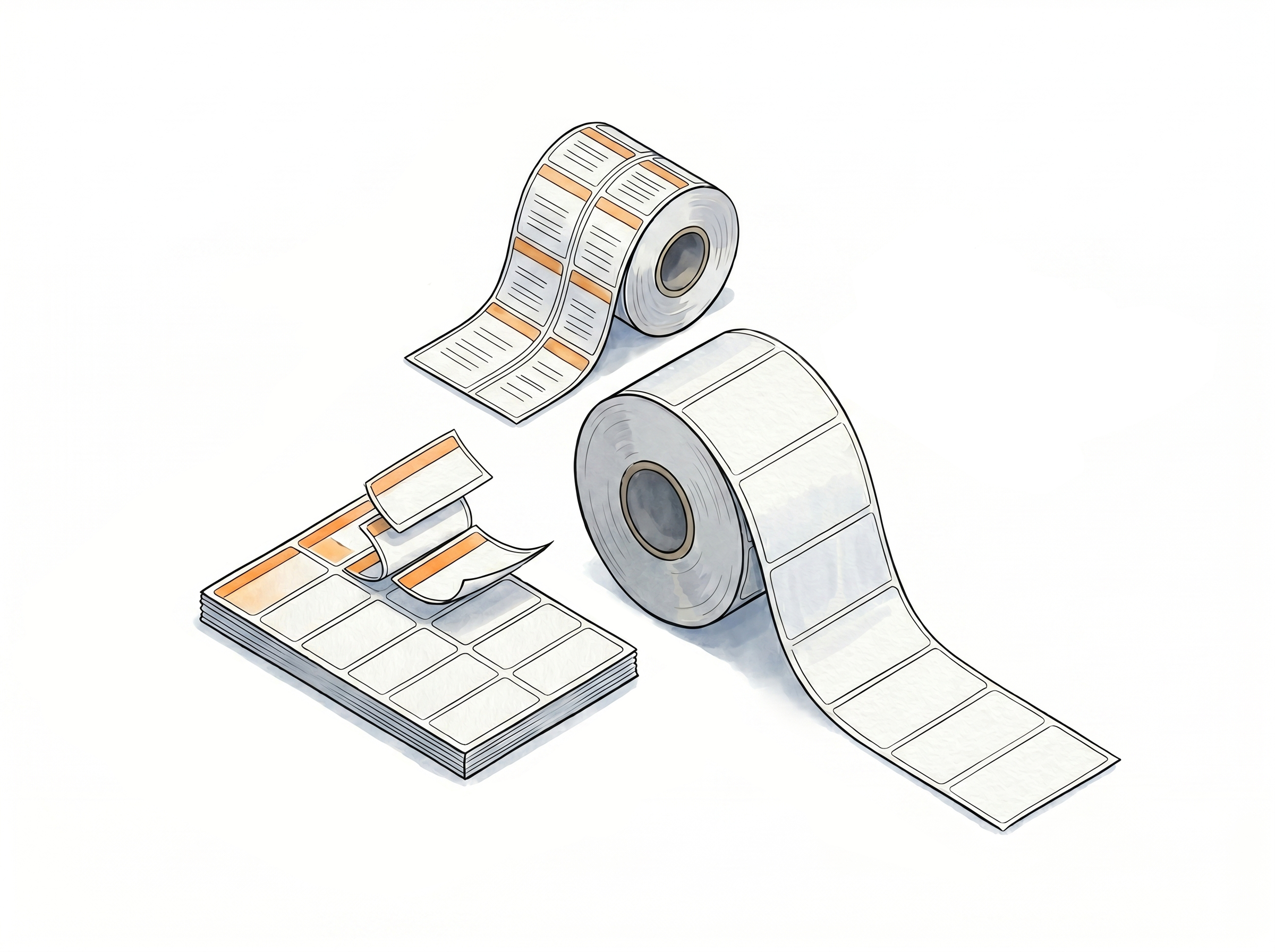
Up Thermal Labels
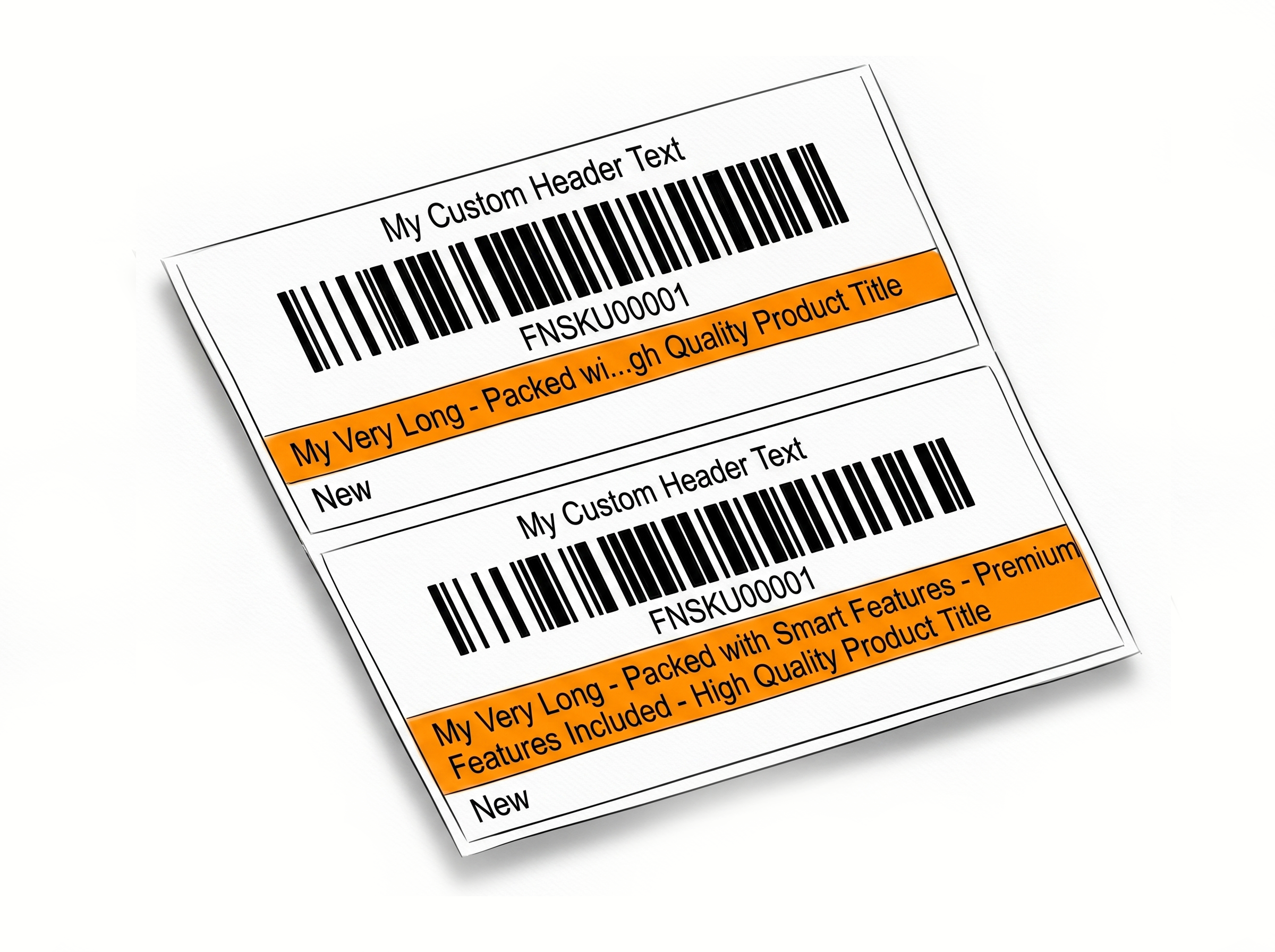
Place multiple labels on a single thermal label using 2-Up and 3-Up layouts. A simple way to reduce label waste, improve organization, and make better use of your thermal label rolls. Learn more about any size label support
Works Where You Already Work
Generate labels directly inside the marketplaces and shipping platforms you already use.








Everything You Need to Resize Labels
One platform for every label you need to resize, generate, or customize
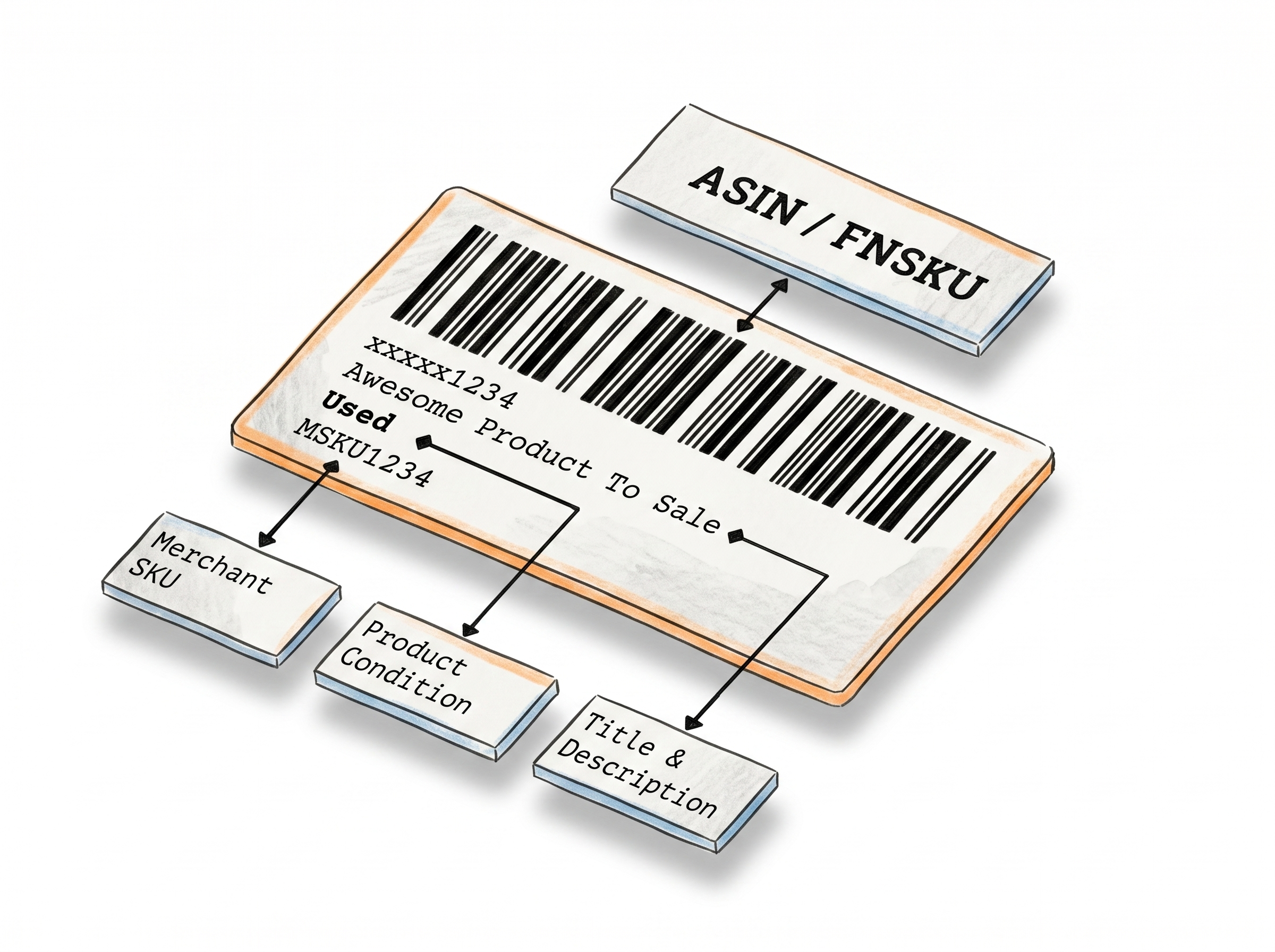
Product Label Customization
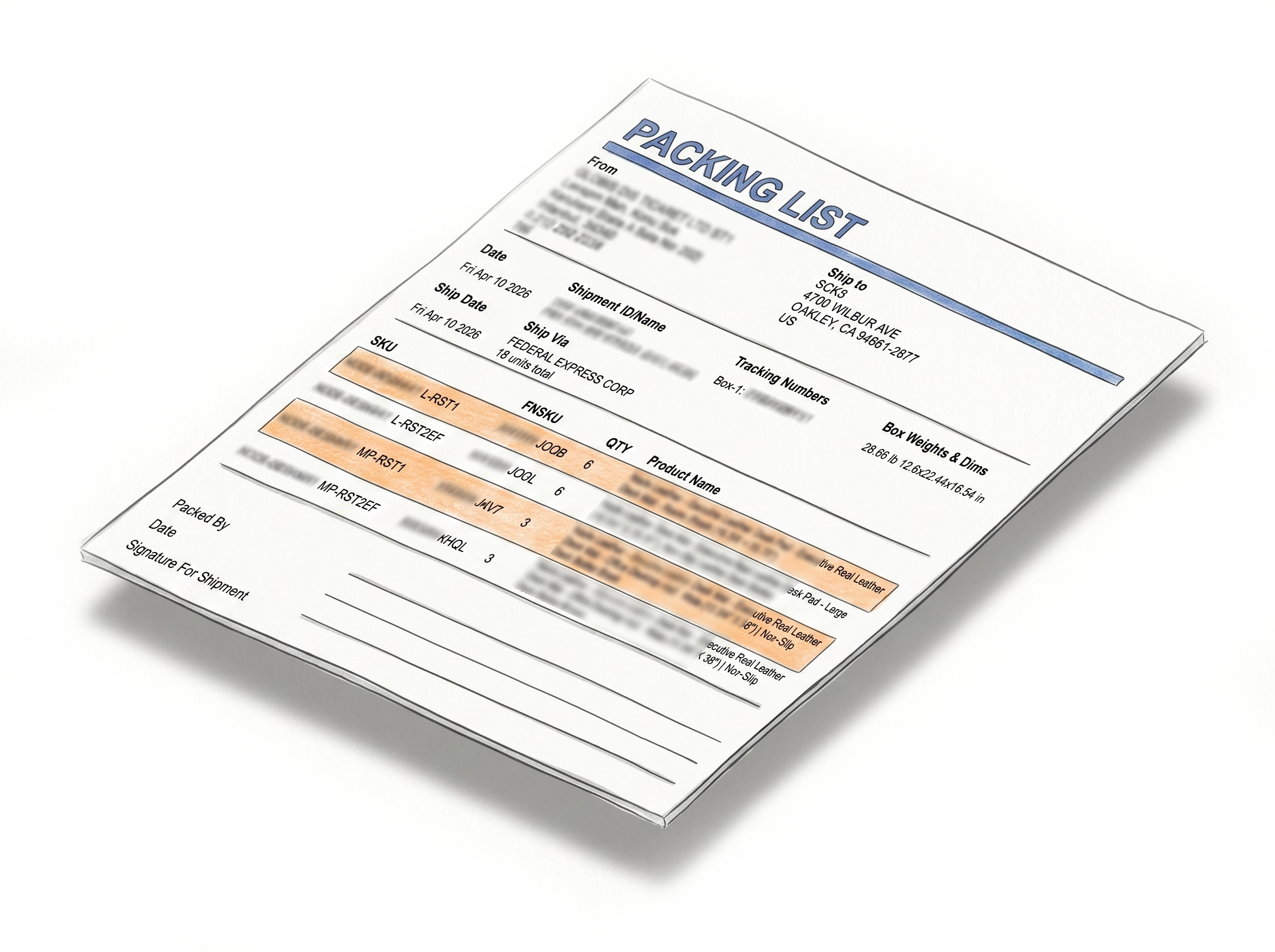
Shipping, Box Label AndPacking Slip Customization
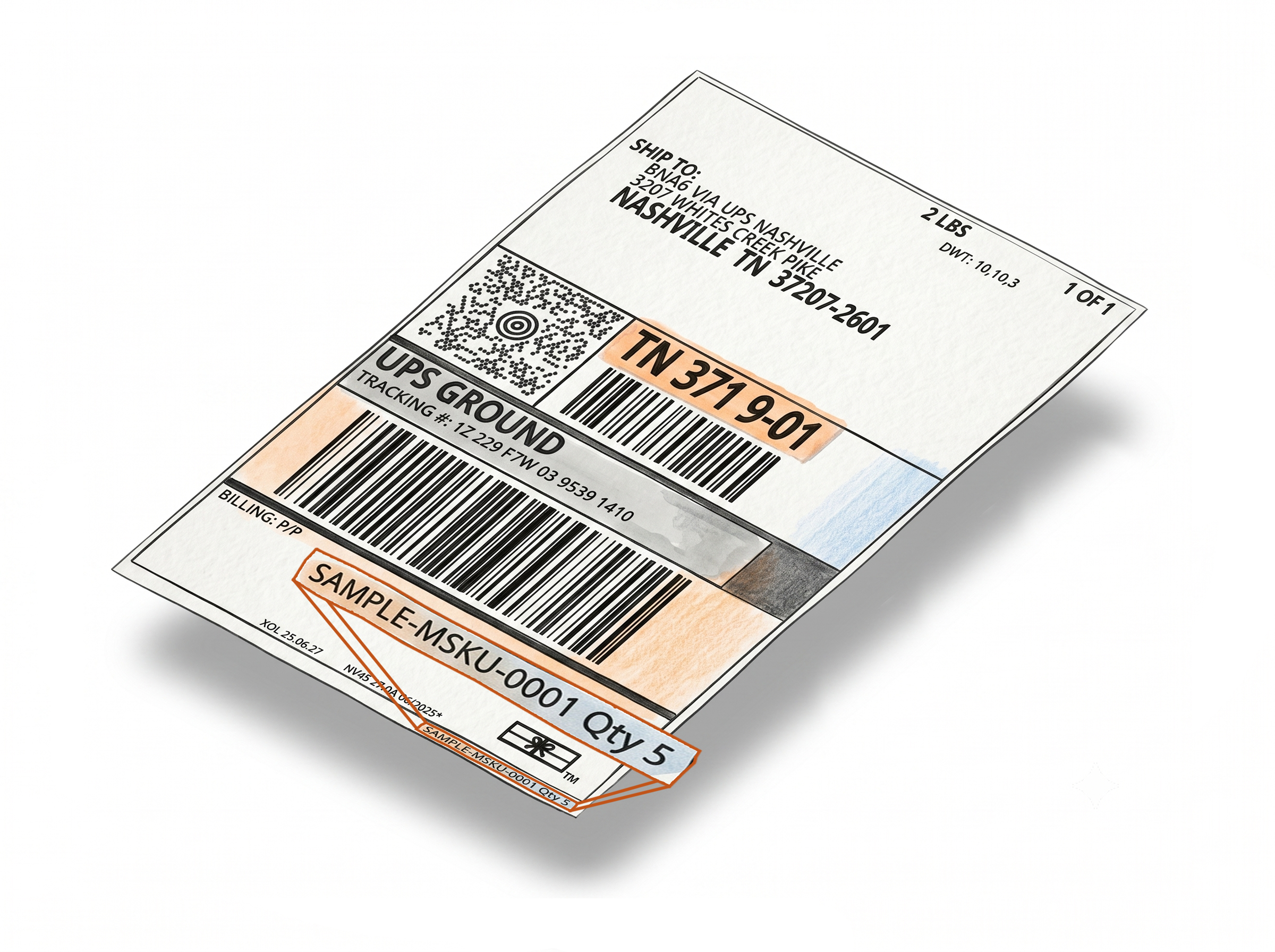
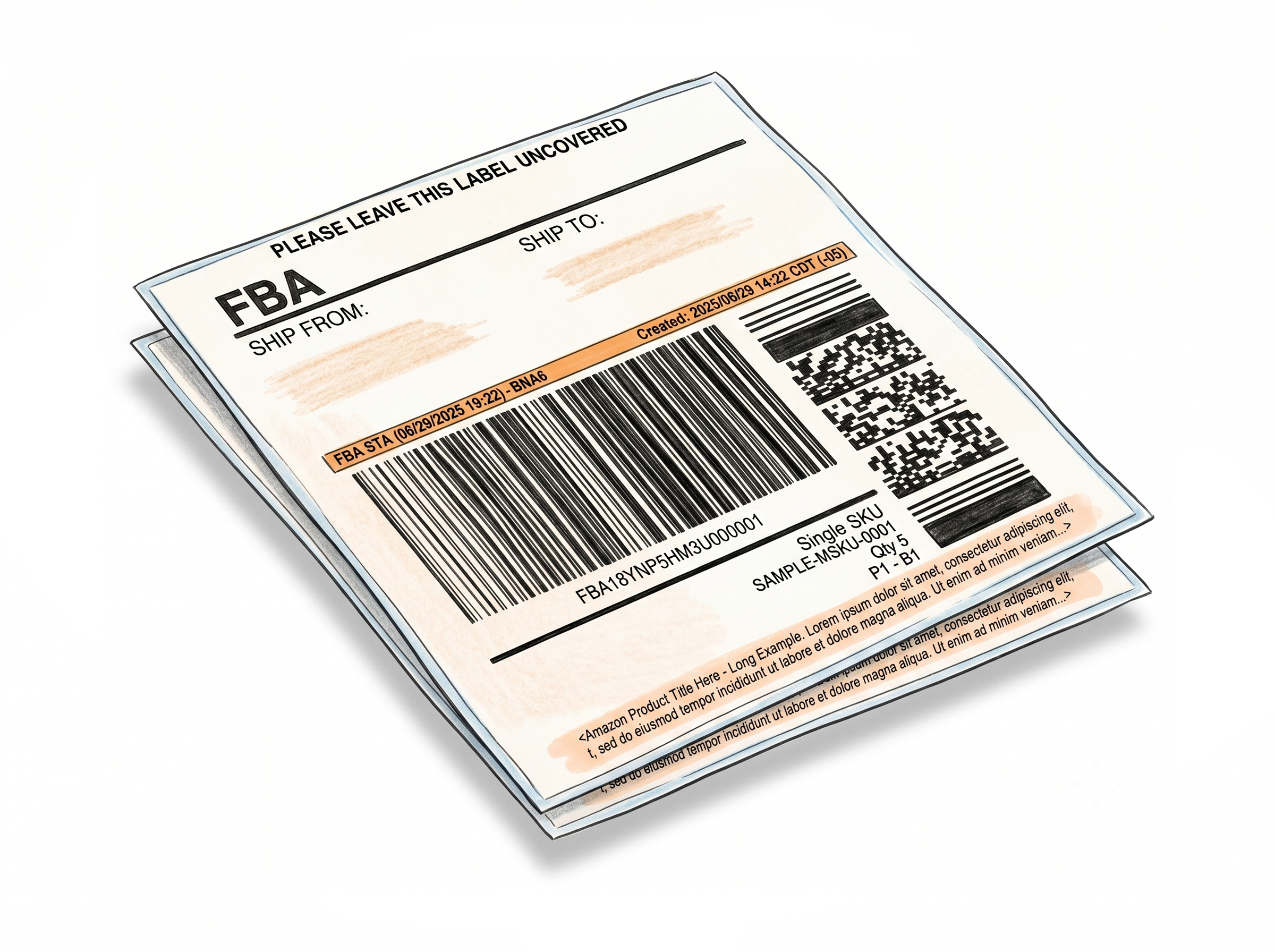
Label Makers
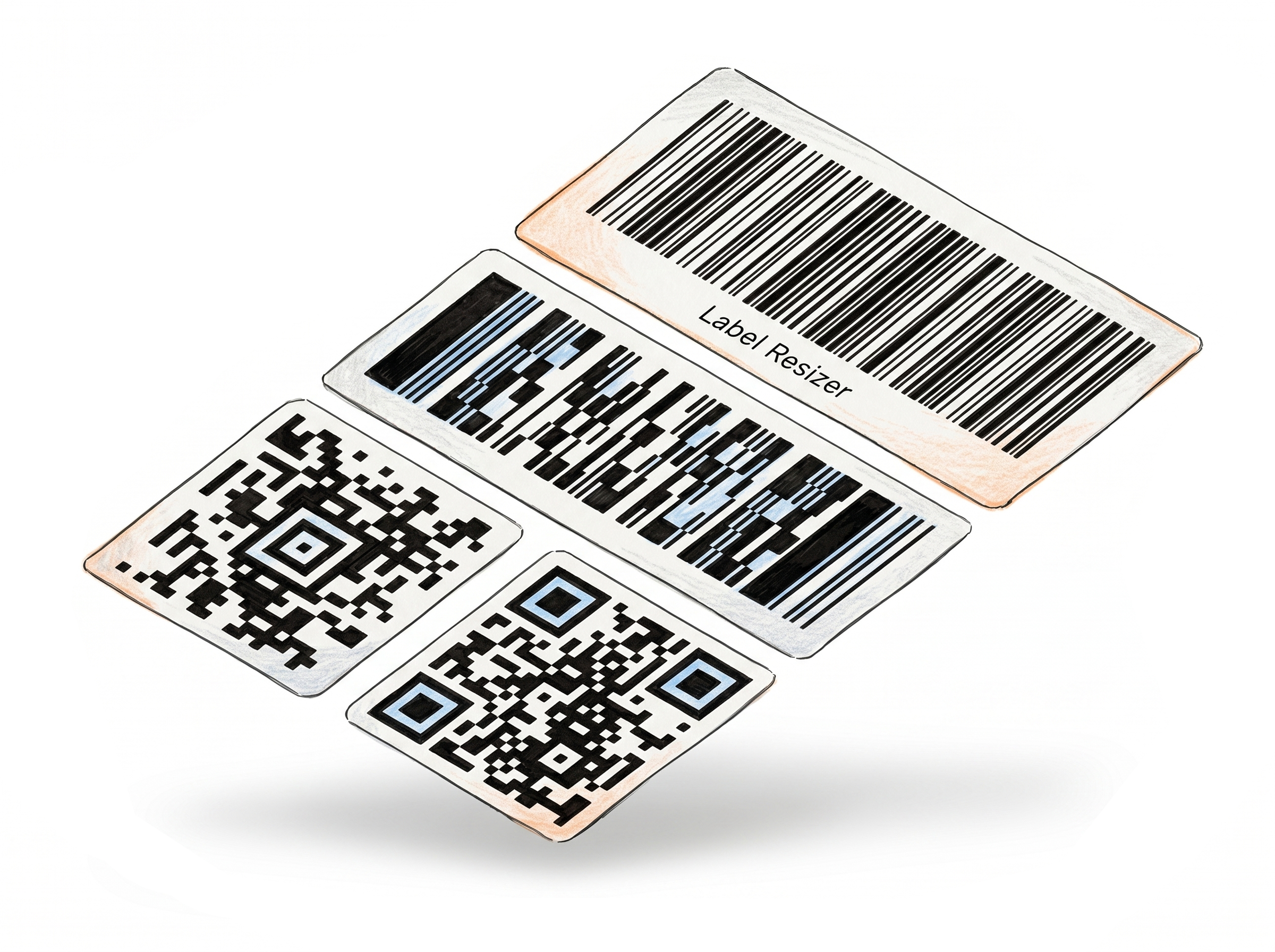
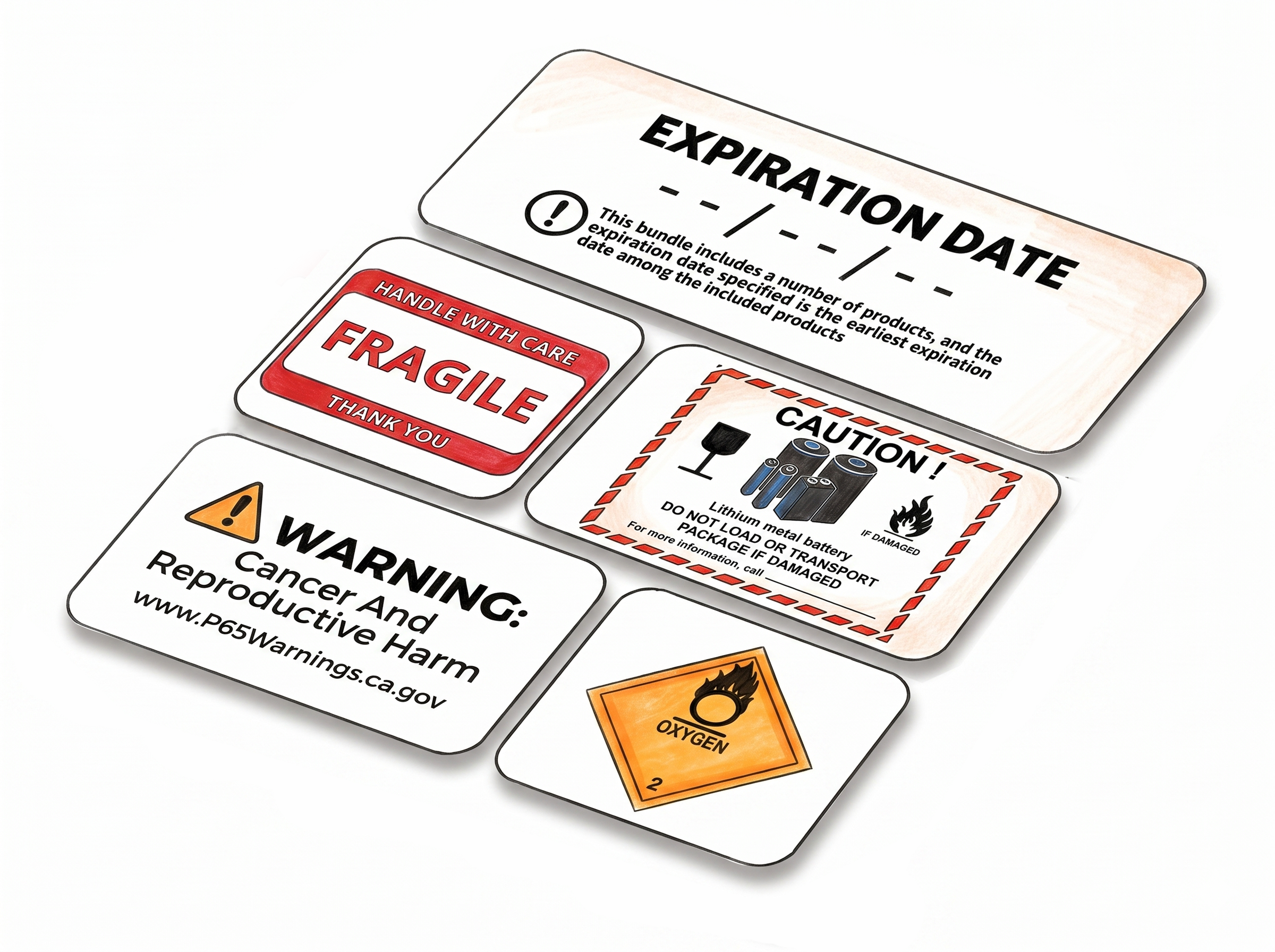
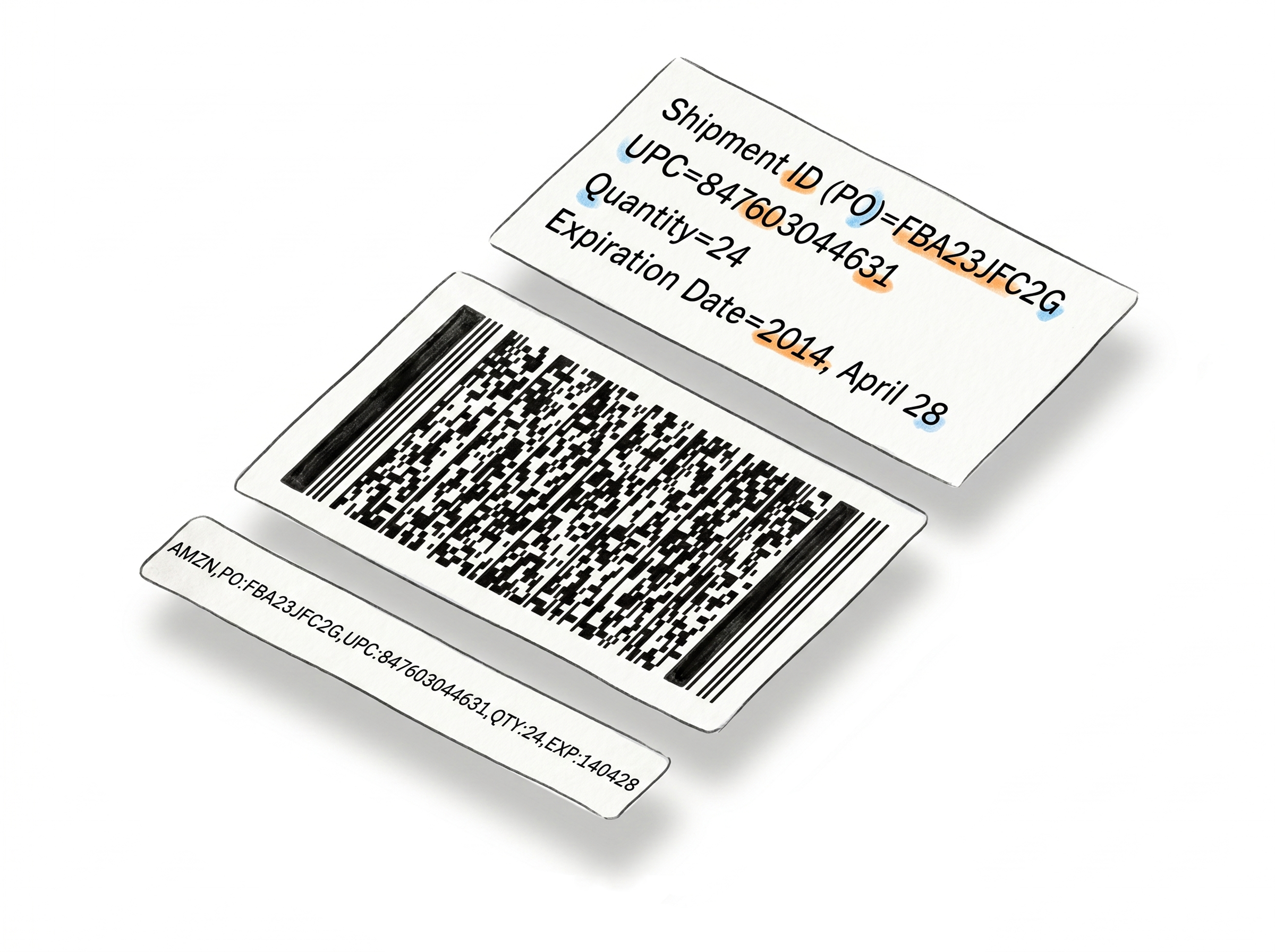
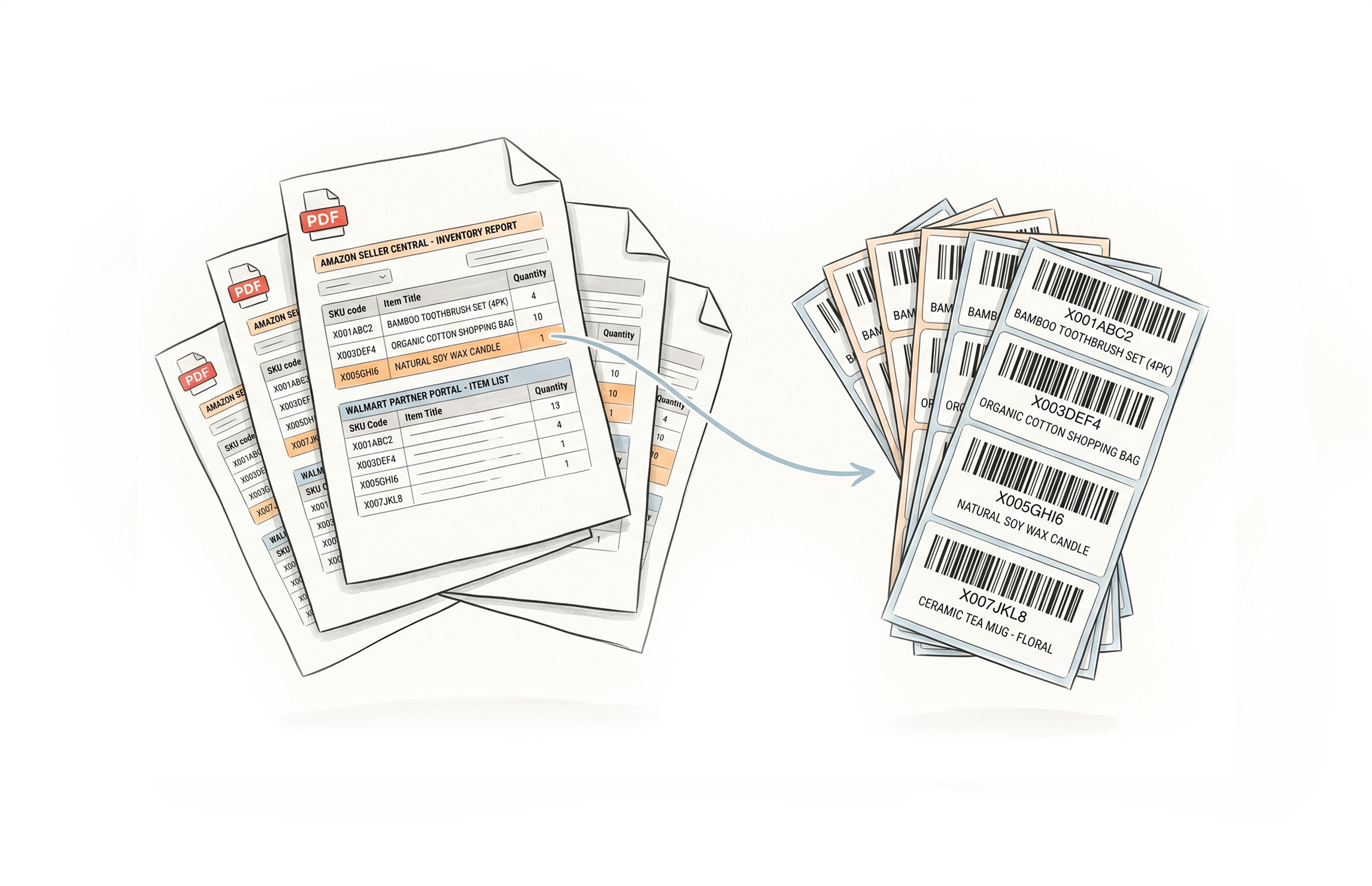
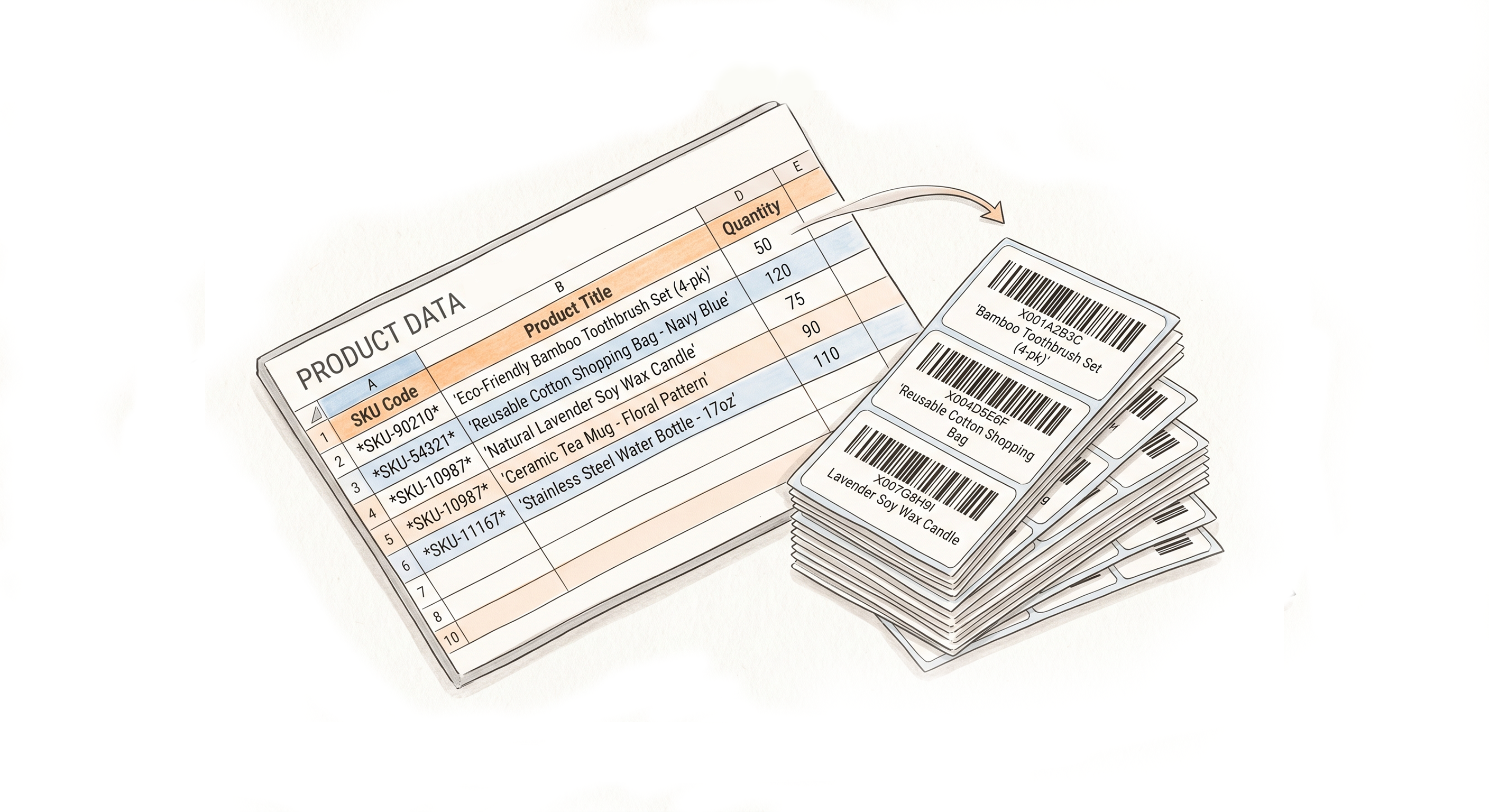
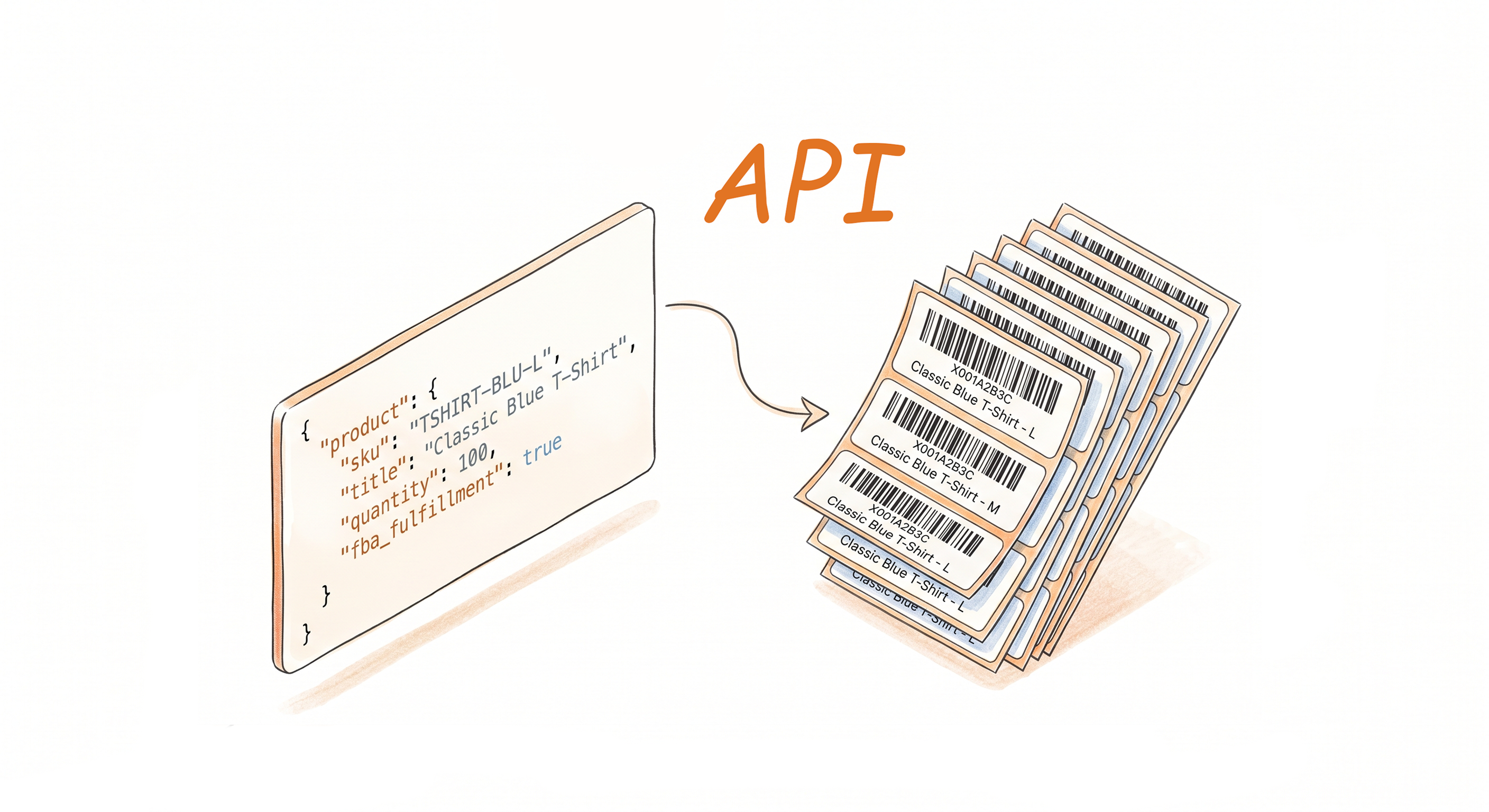
Multiple Ways to Generate
Label Editor
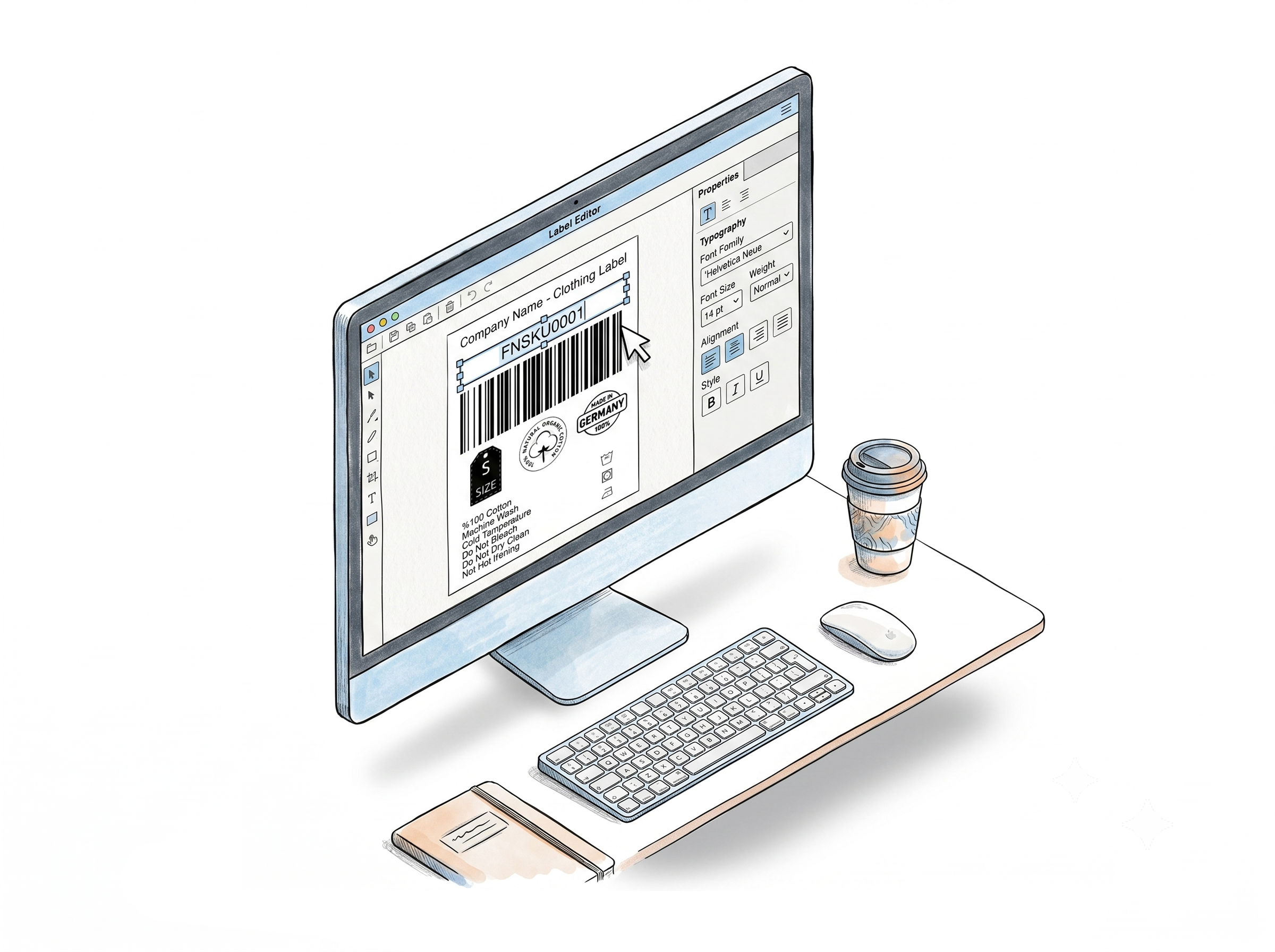
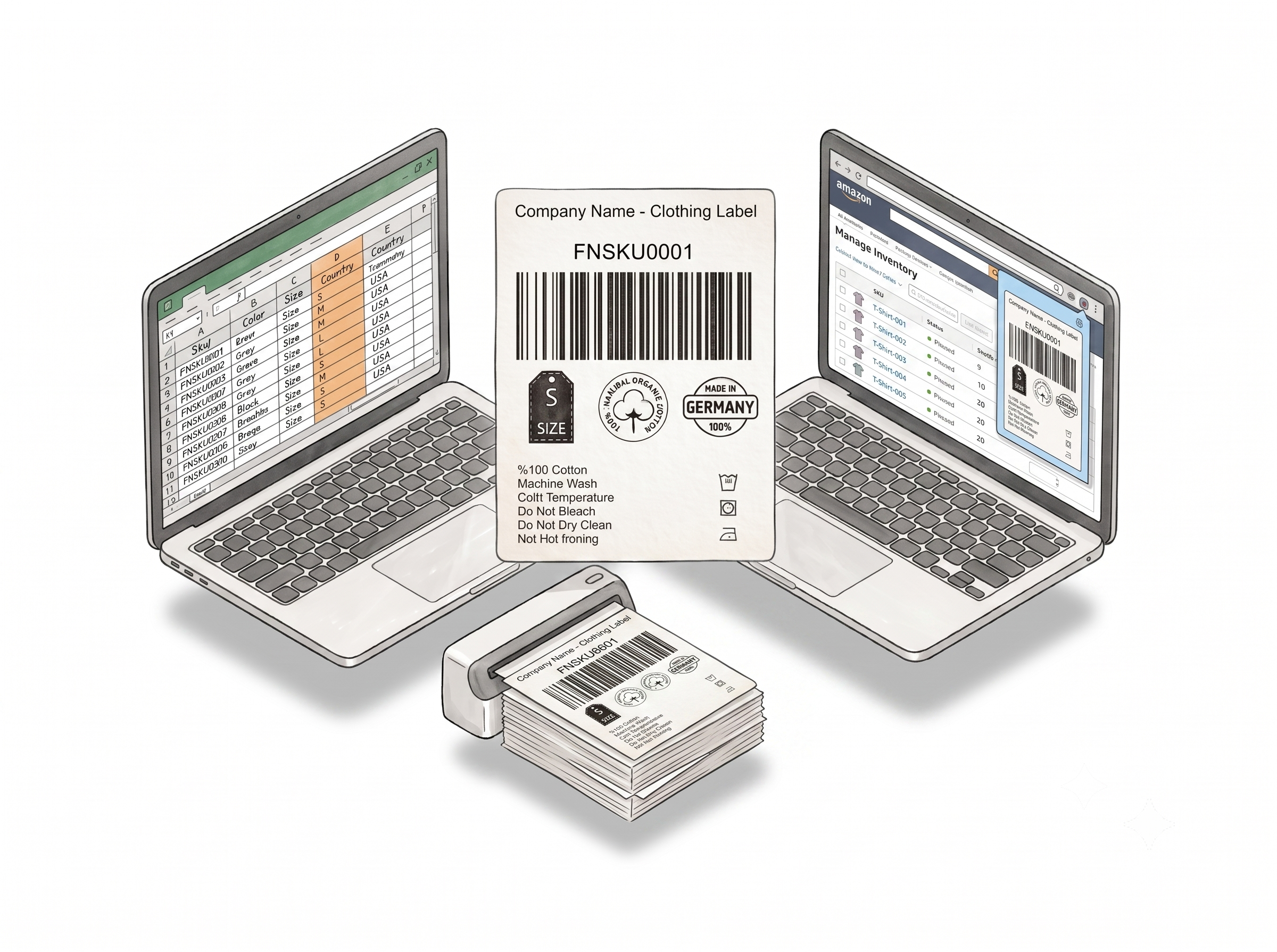
Use Your Designs Anywhere
Apply your Label Editor designs on Amazon, Walmart, or the web uploader - no extra setup needed.
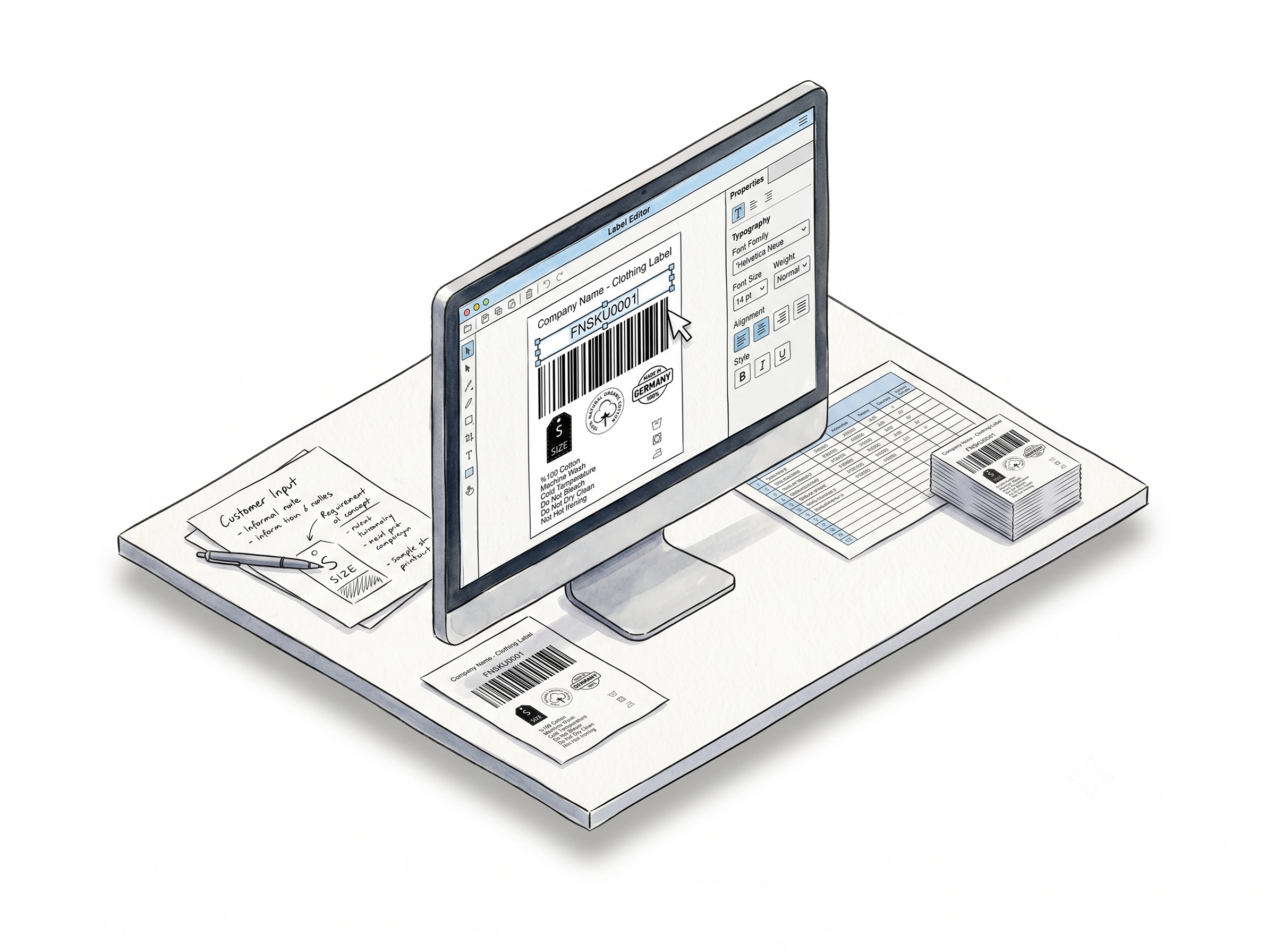
Design For Me
Share your requirements and our team will create a ready-to-use label design for you - free.
Choose A Plan
Get 100 Product Labels And 10 Shipping Labels Free Every Month - No Credit Card Needed
Monthly Yearly 2 months free
Words from real customers
" Like many Amazon FBA sellers I have struggled with barcode issues and printing readable, scan-able labels. All of that ended when I found your service. You guys are terrific and your service rocks!!! It worked the first time without any problems. Very pleased and I will upgrade to a paid plan very soon. No one should try selling on Amazon without using your valuable web service. The browser extension is also a great add-on for speed and efficiency. Thank you "

Roger Dougherty
ArDeeCo Technologies
" We were looking for a solution to put our company name and the shipment party number on the FBA product labels to distinguish our products from other sellers'. You would not believe how this unique feature helped us with our FBA returns. For extra, we were able to see and prove many more switch-bait returns with the Label Resizer. Your service is for sure a Game Changer!!. Thank you Label Resizer "

S.Salin
EyesOnHome
" I've been printing some shipping labels direct from Shopify.They print too small on my 4x6. I now use your software and it prints perfectly.I also love it when I get those emailed labels that never work right for my Zebra 450 label printer. With your label resizer, I get it perfect, makes it so easy and takes seconds. You've earned a spot on my bookmark bar! Thanks so much "

Brad Sorock
RidgeBack
Latest from Our Blog
Guides, tips, and updates for Amazon FBA sellers on labels, shipping, and fulfillment.


FBA Labeling Transparency Labels
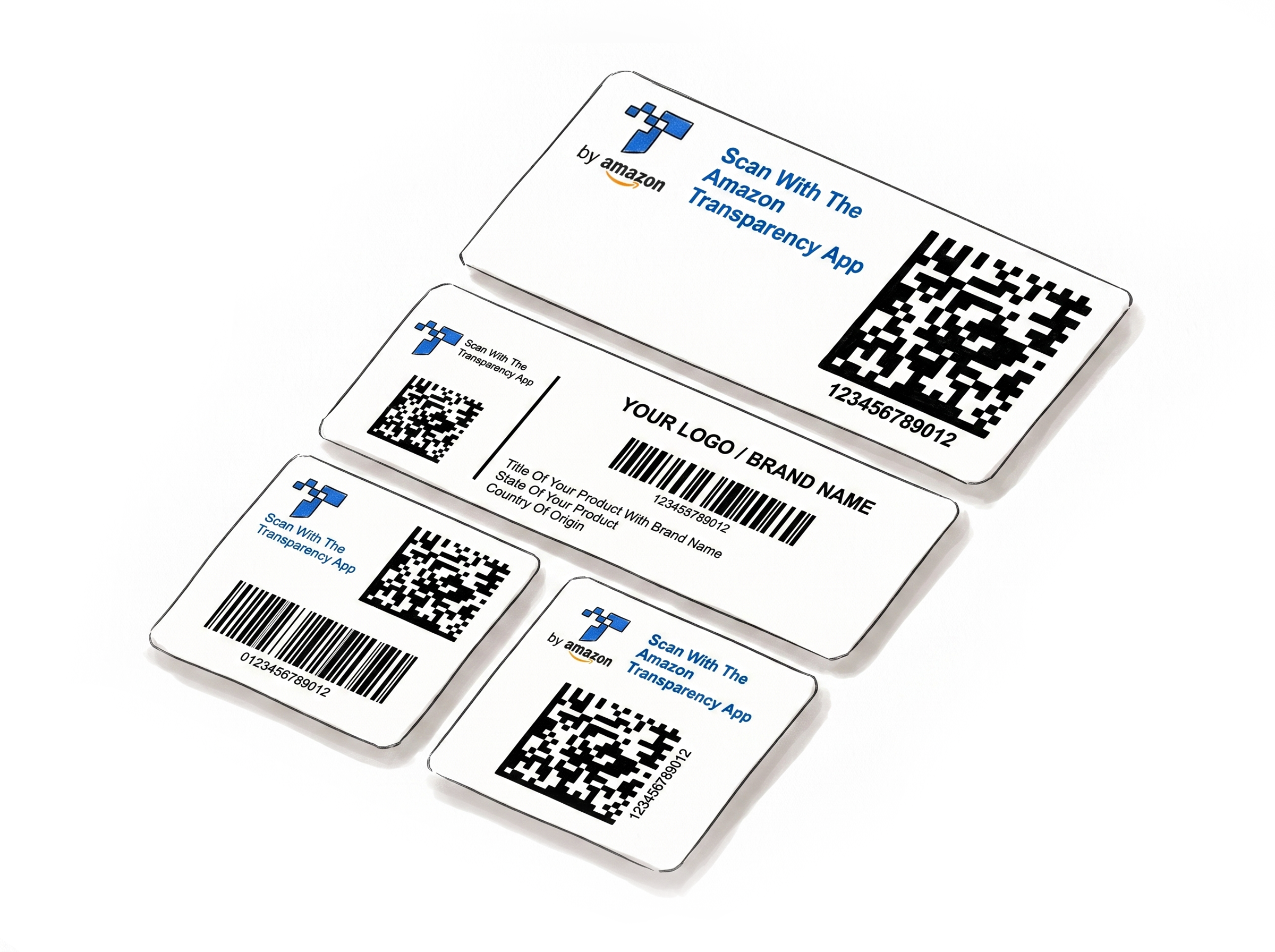
Print Amazon Transparency Labels for Multiple Products in One Upload
Label Resizer now lets sellers generate Amazon Transparency labels for multiple products from one upload. Keep each Transparency code paired with its Product ID and generate mixed-product label batches together.
6 min read

Amazon Trasnparency Label Amazon Brand Protection
Amazon Transparency vs. Brand Registry vs. Project Zero: What’s the Difference?
Understand how Amazon Brand Registry, Project Zero, and Transparency work together to protect your brand, and learn how to print your Transparency labels efficiently with Label Resizer.
9 min read
Frequently Asked Questions
Find answers to common questions about Label Resizer
What is Label Resizer and what does it do?
Label Resizer is a browser-based label management tool for Amazon FBA sellers, Walmart WFS sellers, and e-commerce businesses. It generates, resizes, and enriches product labels, box labels, and shipping labels - directly inside Amazon Seller Central and Walmart Seller Center via a Chrome and Firefox extension, or through PDF and spreadsheet upload on the web. Core capabilities include FNSKU product label generation, FBA box label customization, SKU-based split shipment merging, 2D box content barcodes, warning labels, barcode generation, Amazon Transparency labels, and a custom label design tool.
Which platforms and label types does Label Resizer support?
Label Resizer works with Amazon FBA (FNSKU product labels, box labels, shipment labels, 2D box content barcodes), Walmart WFS (product and shipment labels), and 15+ shipping carriers and marketplaces including FedEx, UPS, USPS, DHL, eBay, Etsy, Mercari, Shopify, Flipkart, ShipBob, and Mercado Libre. Over 100 label types are supported for resizing and generation across these platforms.
How does the Label Resizer browser extension work?
After installing the Label Resizer Chrome or Firefox extension, a Resize Labels button appears directly on label pages inside Amazon Seller Central, Walmart Seller Center, FedEx Ship Manager, UPS Shipping Manager, and Mercari. Click the button and your labels are generated or resized with your saved settings applied - without downloading files, switching tabs, or using a separate tool. Settings configured in your Label Resizer account - label size, complete title, custom text, numbering, separators - apply automatically every time.
Do I need to install software, or does Label Resizer work in the browser?
Label Resizer is entirely browser-based - no software installation required. The web tool runs in any modern browser at labelresizer.com. The Chrome and Firefox extensions add functionality directly inside supported platforms like Seller Central and FedEx Ship Manager, and are installed from the Chrome Web Store or Firefox Add-ons in seconds.
What label sizes and printers does Label Resizer support?
Label Resizer supports thermal label printers (4x6, 4x3, 2x1, 2x2, 2x3, and more), Avery sheet labels for inkjet and laser printers (21-up, 24-up, 30-up, 40-up, and other standard formats), and fully custom dimensions in inches or millimeters. You set your preferred size once and it applies to every label you generate.
Is there a free trial, and what is included?
Yes. Label Resizer offers a 14-day free trial with no credit card required - you can sign up instantly with your Google, Amazon, or email account. During the trial, you get up to 1,000 product labels and 100 shipping labels per month.
What happens when my free trial ends?
After 14 days, your account automatically switches to the free plan - which includes 100 product labels and 10 shipping labels per month - with no action needed and no surprise charges. You can continue using the free features indefinitely at no cost. If you need higher label limits and full access to all features, you can upgrade to a paid plan at any time on the pricing page.