
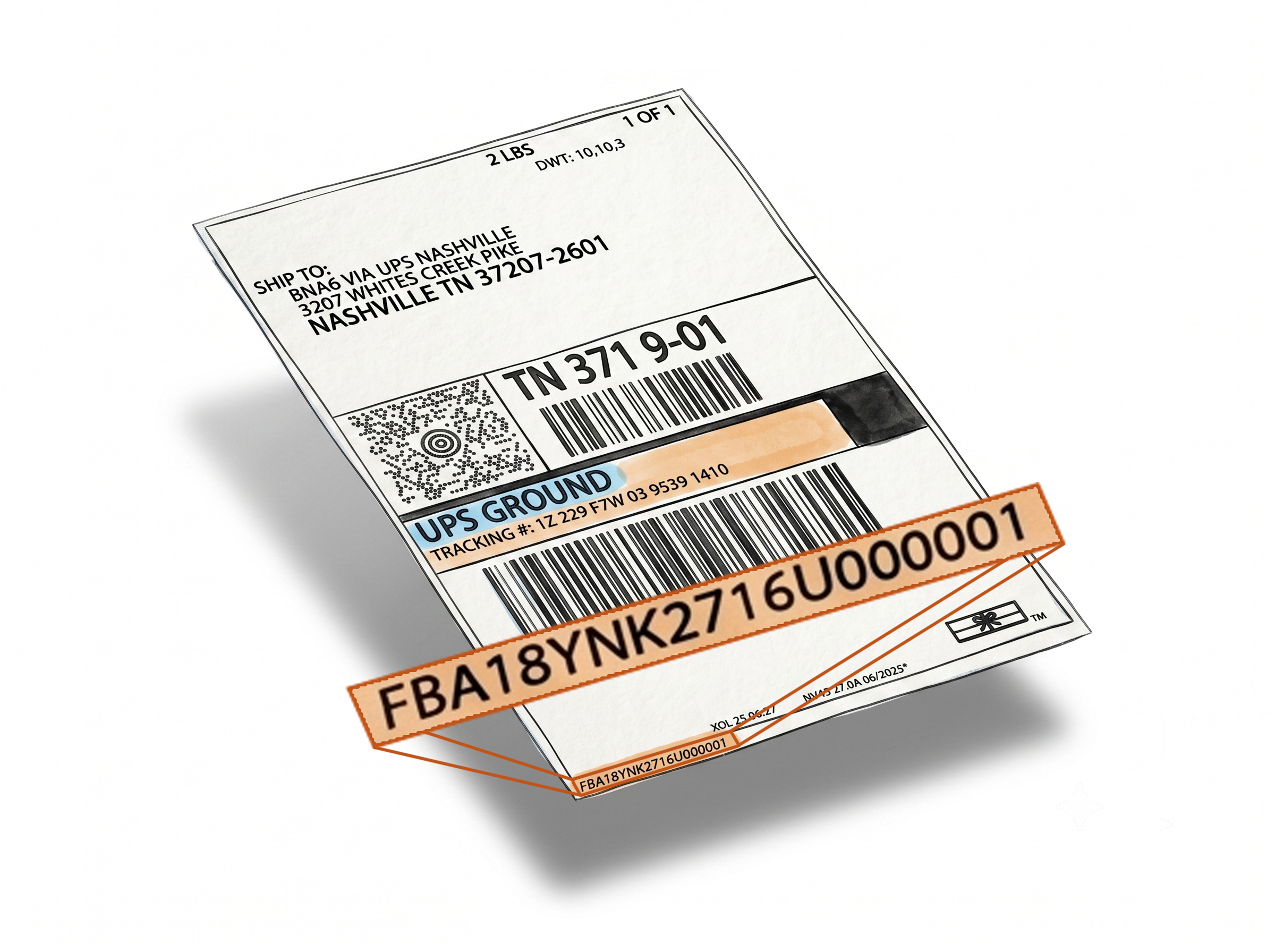
Print the Full Product Name on Your Amazon FBA Box Labels
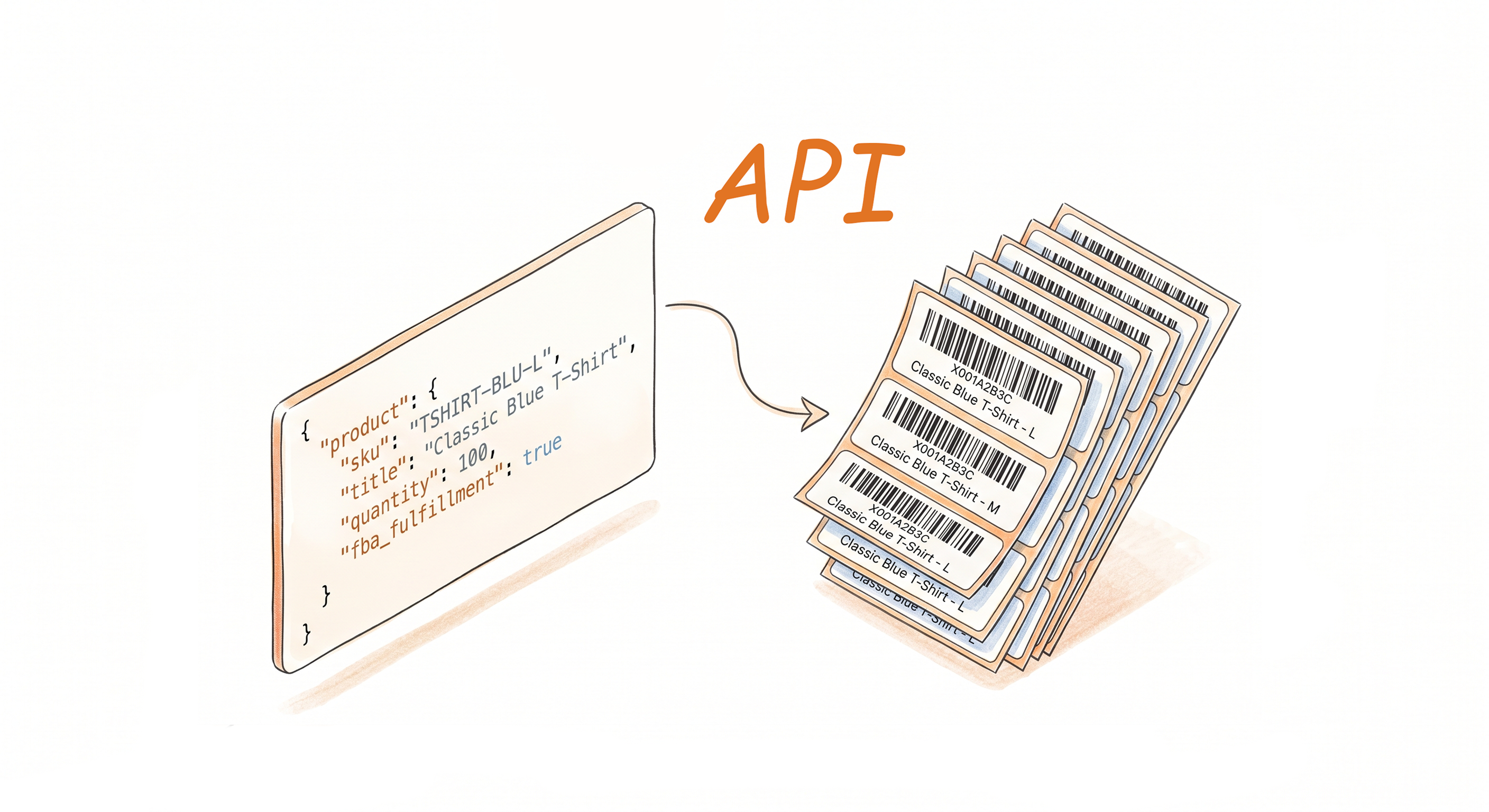
The Add Product Title feature prints the complete product name beneath Single SKU Box Labels when generating Amazon FBA shipment labels through the Label Resizer extension. It works with both SPD and LTL shipment types, and is compatible with Send to Amazon and Amazon Warehousing & Distribution (AWD) workflows. Instead of relying solely on the barcode or FNSKU to identify a box's contents, warehouse staff can read the product name directly off the label - reducing scanning time and identification errors.
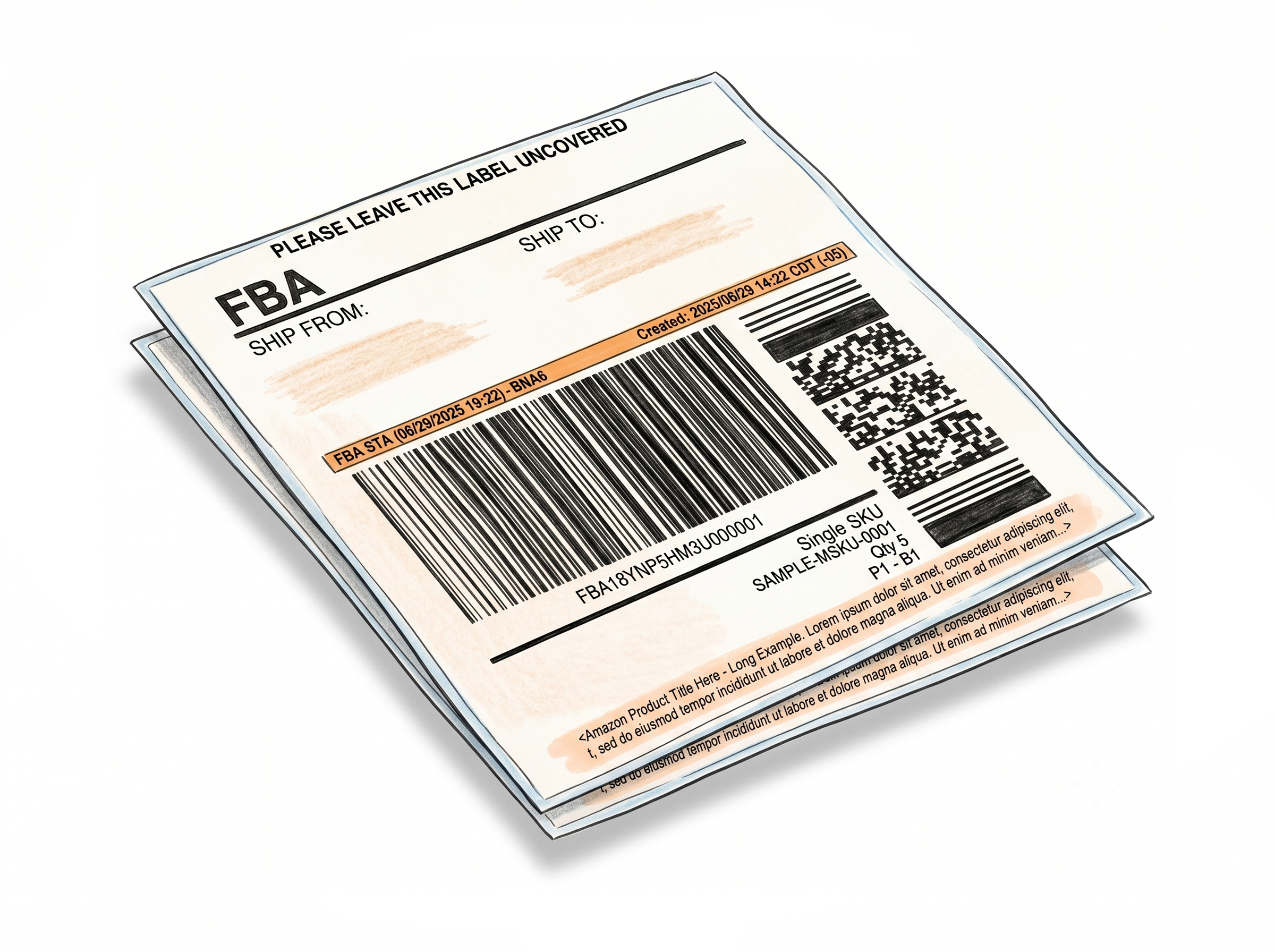
Product Name, Clearly Visible
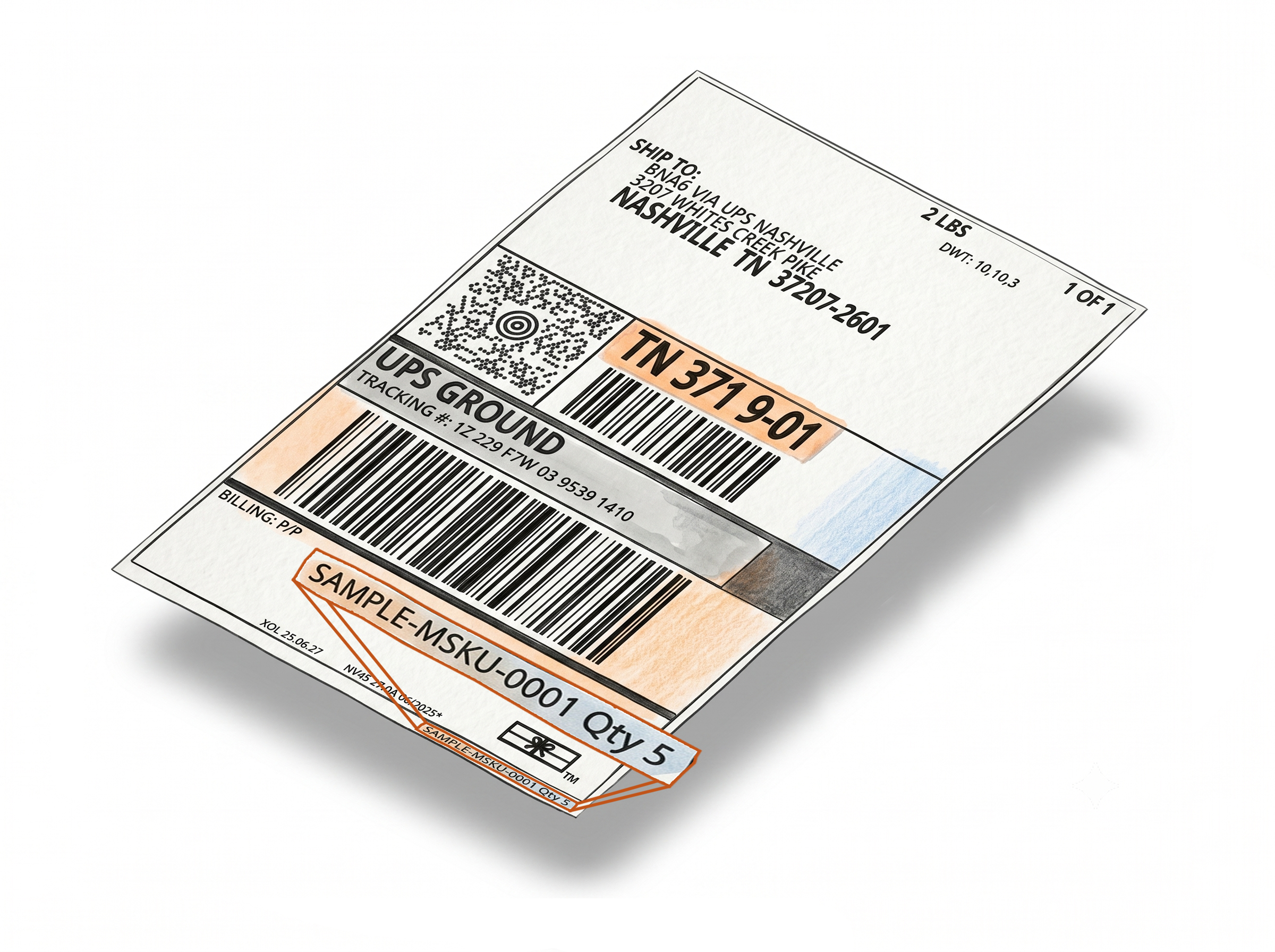
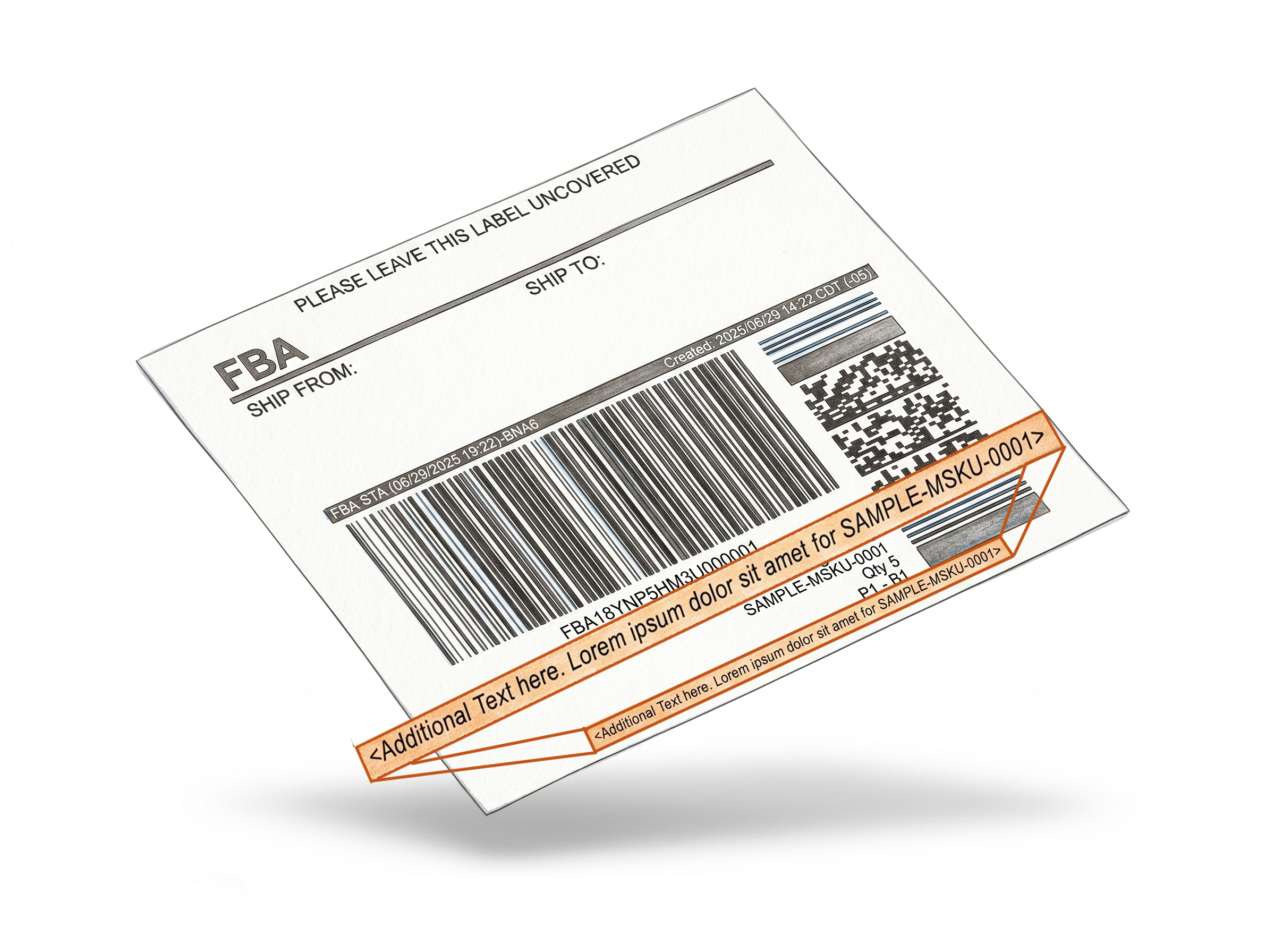
Product name on the label - no scanning needed to identify the box
The complete title prints automatically during label generation. Nothing to type, nothing to configure per shipment.Complete title, not truncated
The full product name prints beneath the box label - not a shortened version. For products with long titles or similar names, this makes a significant difference during picking and sorting.
Works with SPD and LTL shipments - and both Send to Amazon and AWD
The feature is built specifically for Amazon FBA Single SKU Box Labels and applies automatically during label generation via the extension. It works with both Small Parcel Delivery (SPD) and Less Than Truckload (LTL) shipment types, and is fully compatible with Send to Amazon and Amazon Warehousing & Distribution (AWD) workflows. No manual label editing required regardless of your shipping method.
Reduces repeat scanning
When the product name is readable on the label, warehouse staff don't need to scan the barcode every time they need to confirm what's in the box - especially useful in high-volume prep environments.
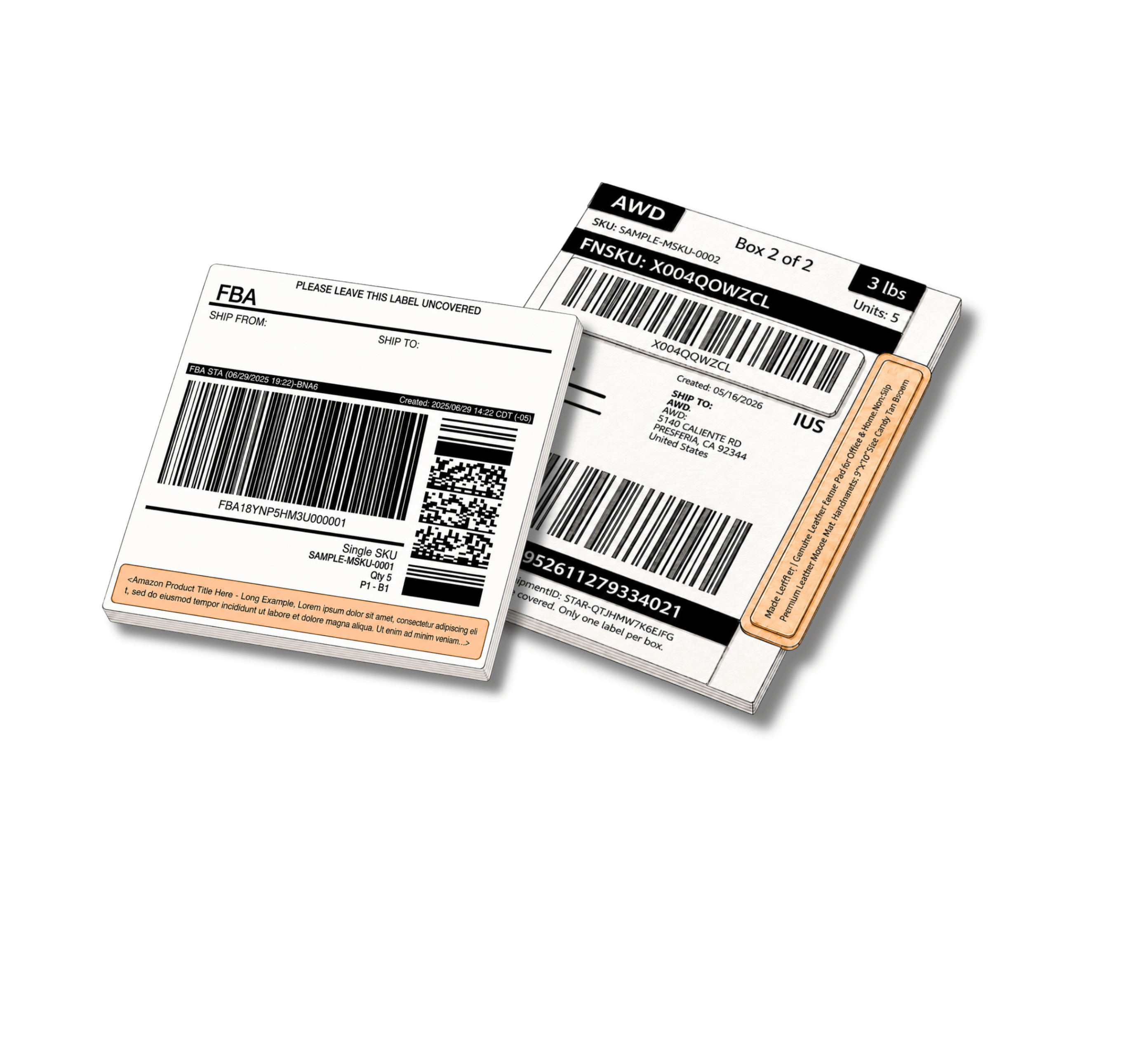
Better Identification, Fewer Mistakes
Enable once - every box label printed after that carries the full product name.
Prevents mix-ups between similar products
Products with similar FNSKUs or barcodes are easy to confuse without a readable title. Printing the full product name makes visual verification fast and reliable.
Improves warehouse and inventory management
Labeled boxes with human-readable product names are easier to sort, stack, and locate - whether you're running your own warehouse or working with a 3PL.
Covers every Amazon inbound workflow
Whether you ship via Send to Amazon or Amazon Warehousing & Distribution (AWD), and whether your delivery method is SPD or LTL, the product title feature works the same way across all workflows. Enable it once and it applies universally.
One setting, persistent across sessions
Enable the feature once in Shipping Label Settings. It applies to every label printing session through the extension until you turn it off.
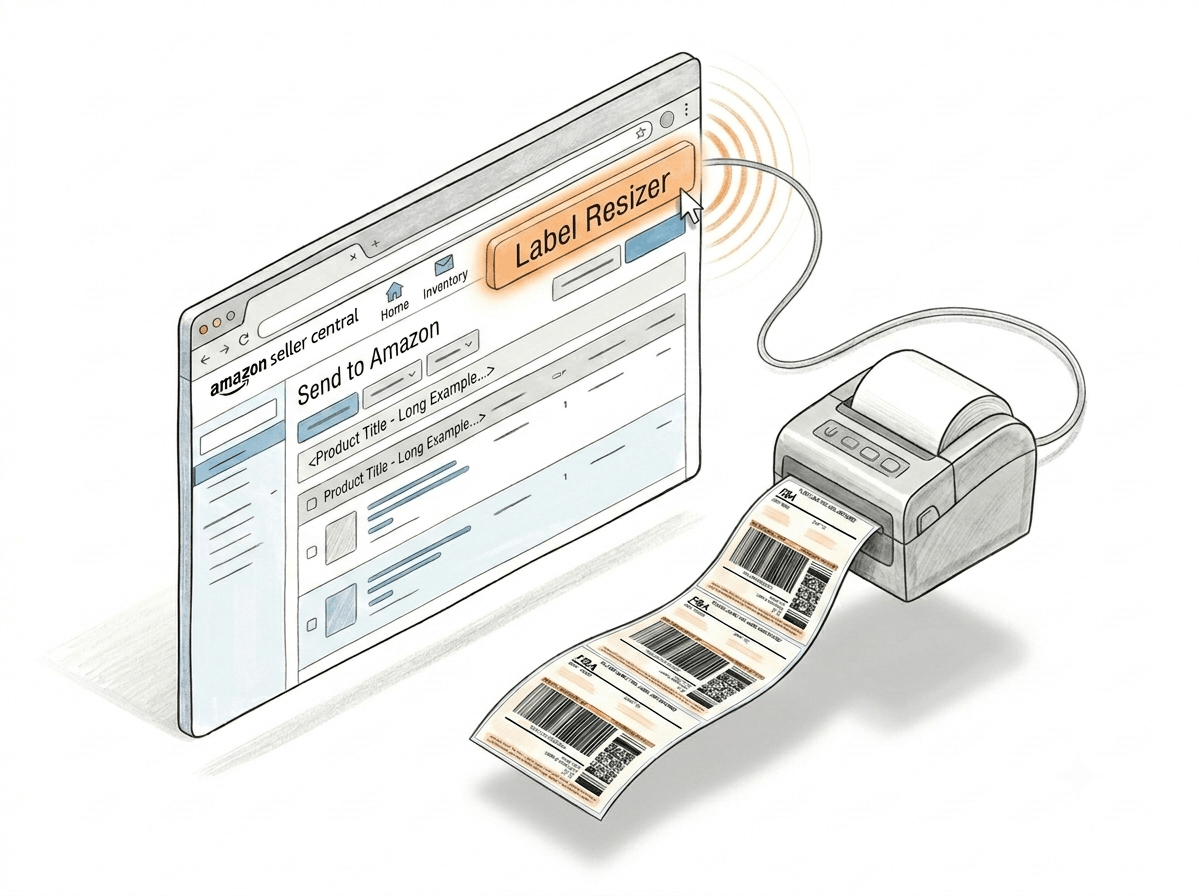
How It Works
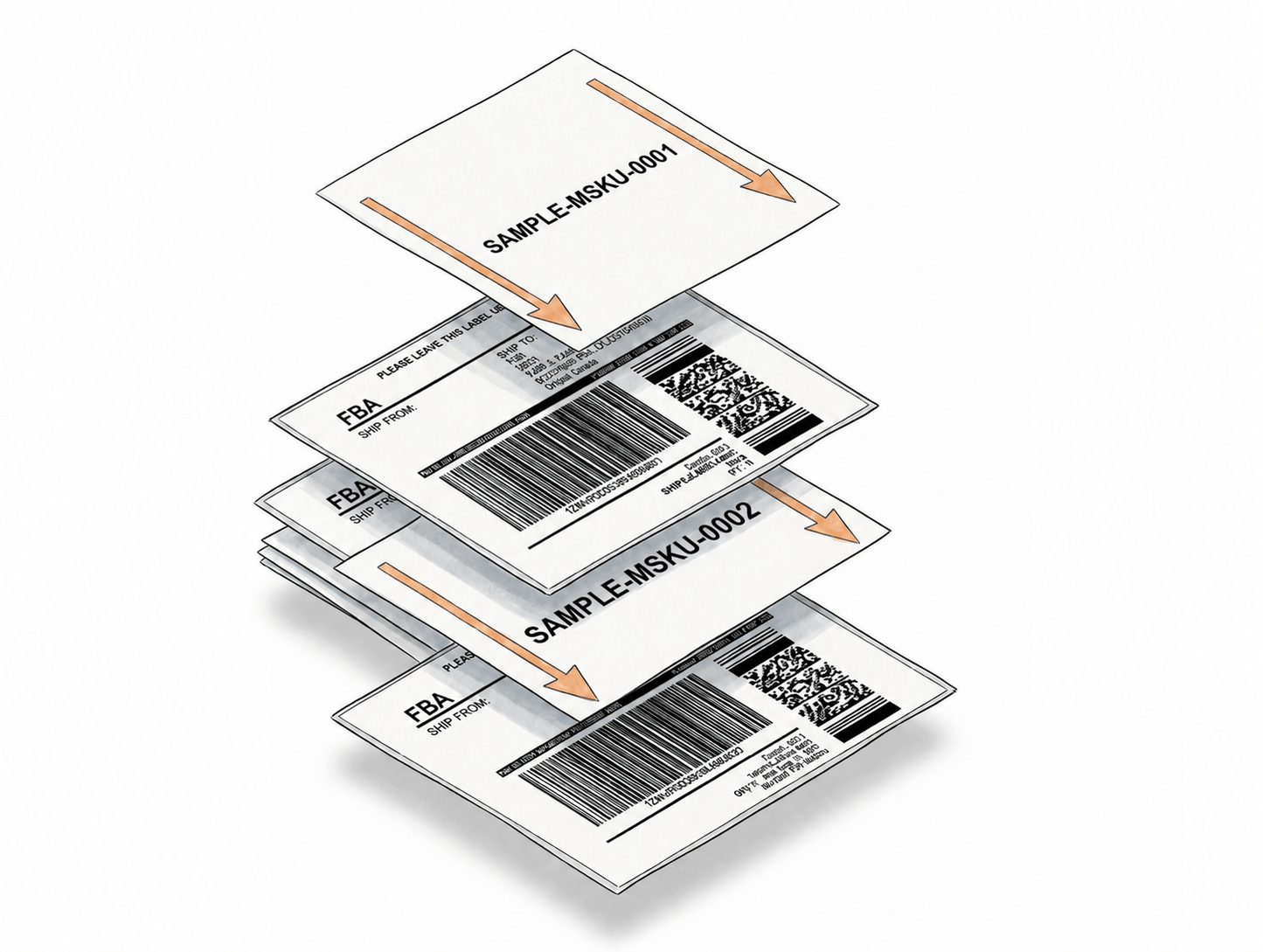
Enable once, print as usual - the full product title appears on every box label automatically.
Step 1: Enable Add Product Title
Log into Label Resizer, go to Shipping → Shipping Label Settings, enable the Add Product Title feature, and click Save.
Step 2: Print Through the Extension
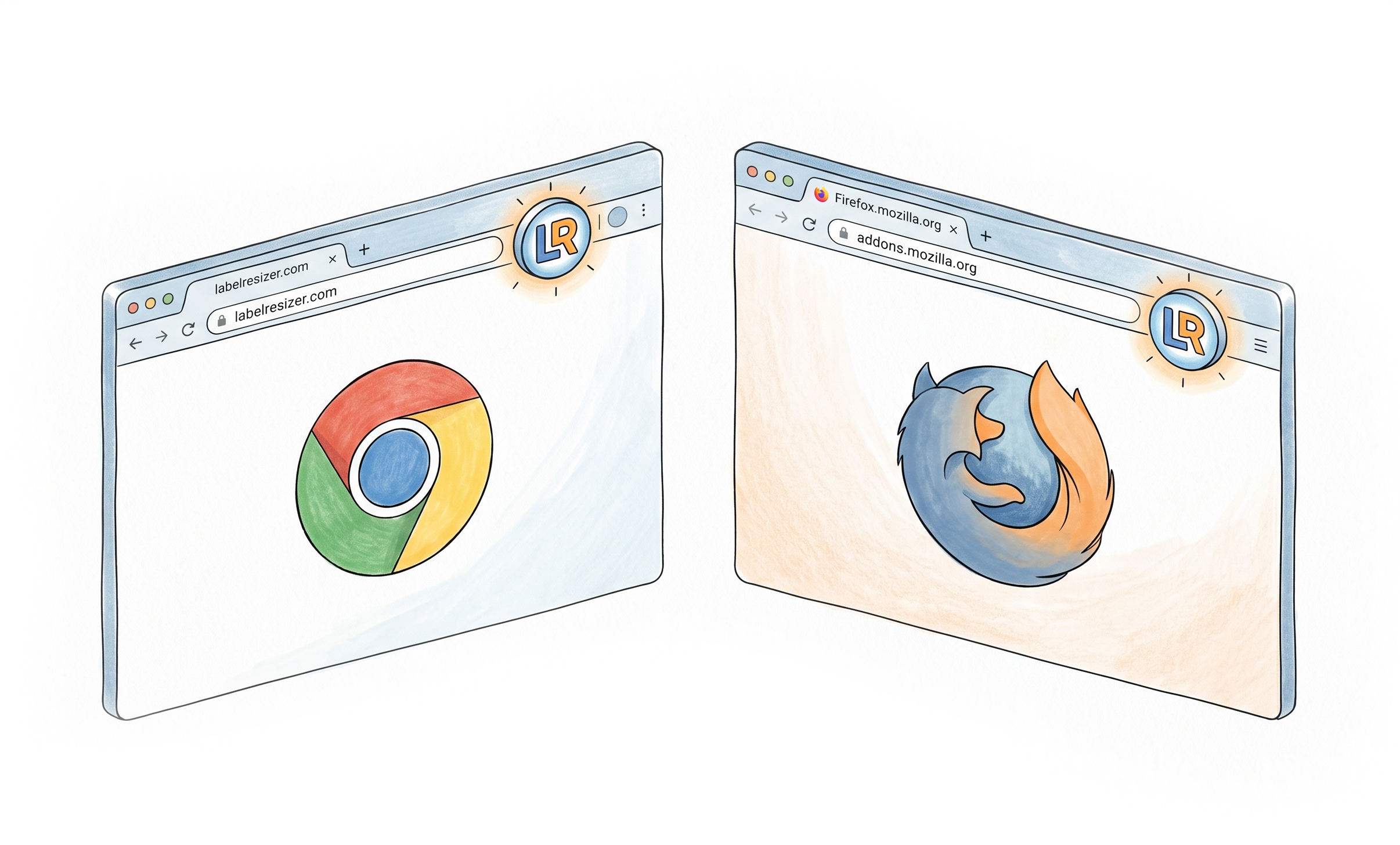
Open Amazon Seller Central and print your FBA box labels using the Label Resizer Chrome or Firefox extension as usual - whether you are using Send to Amazon or an AWD workflow. No extra steps are needed during printing.
Step 3: Full Title on Every Label
The complete product name appears beneath each Single SKU Box Label in the generated PDF - for both SPD and LTL shipment types, across Send to Amazon and AWD workflows. Ready to print and apply to your boxes.
Done!
How to Add Product Title to Amazon FBA Box Labels with Label Resizer
Everything You Need for Smarter Shipments
Every tool you need to label, pack, and ship your FBA inventory with confidence.
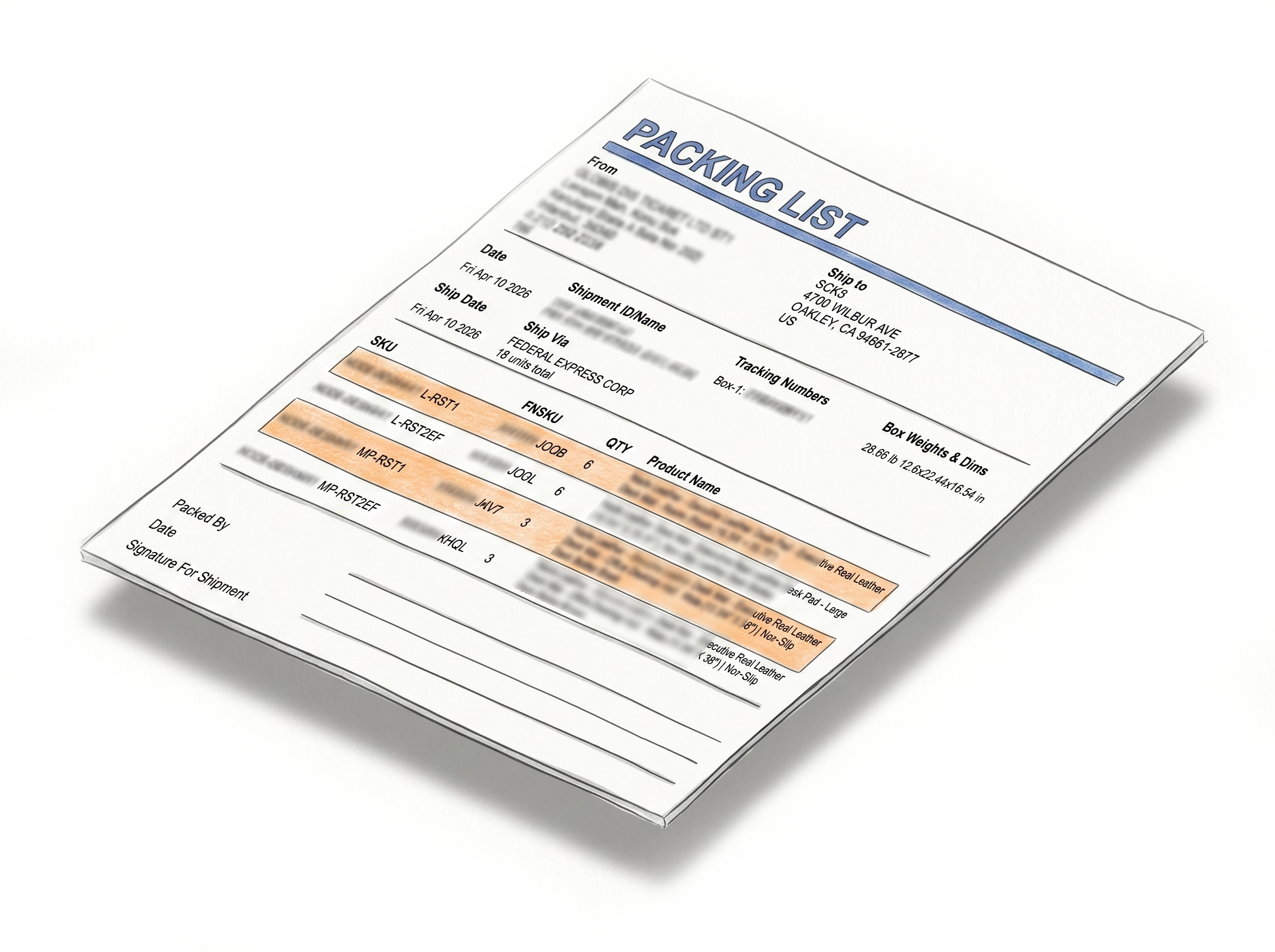
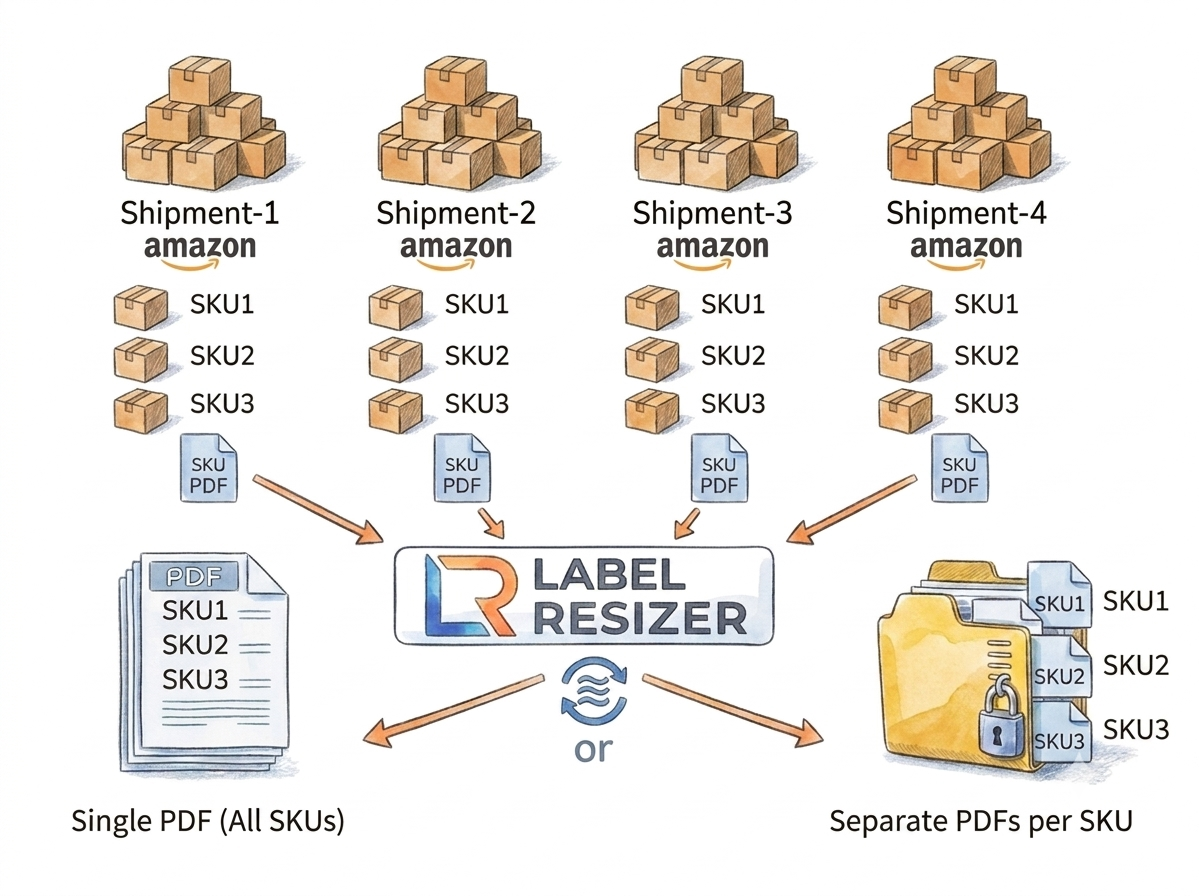
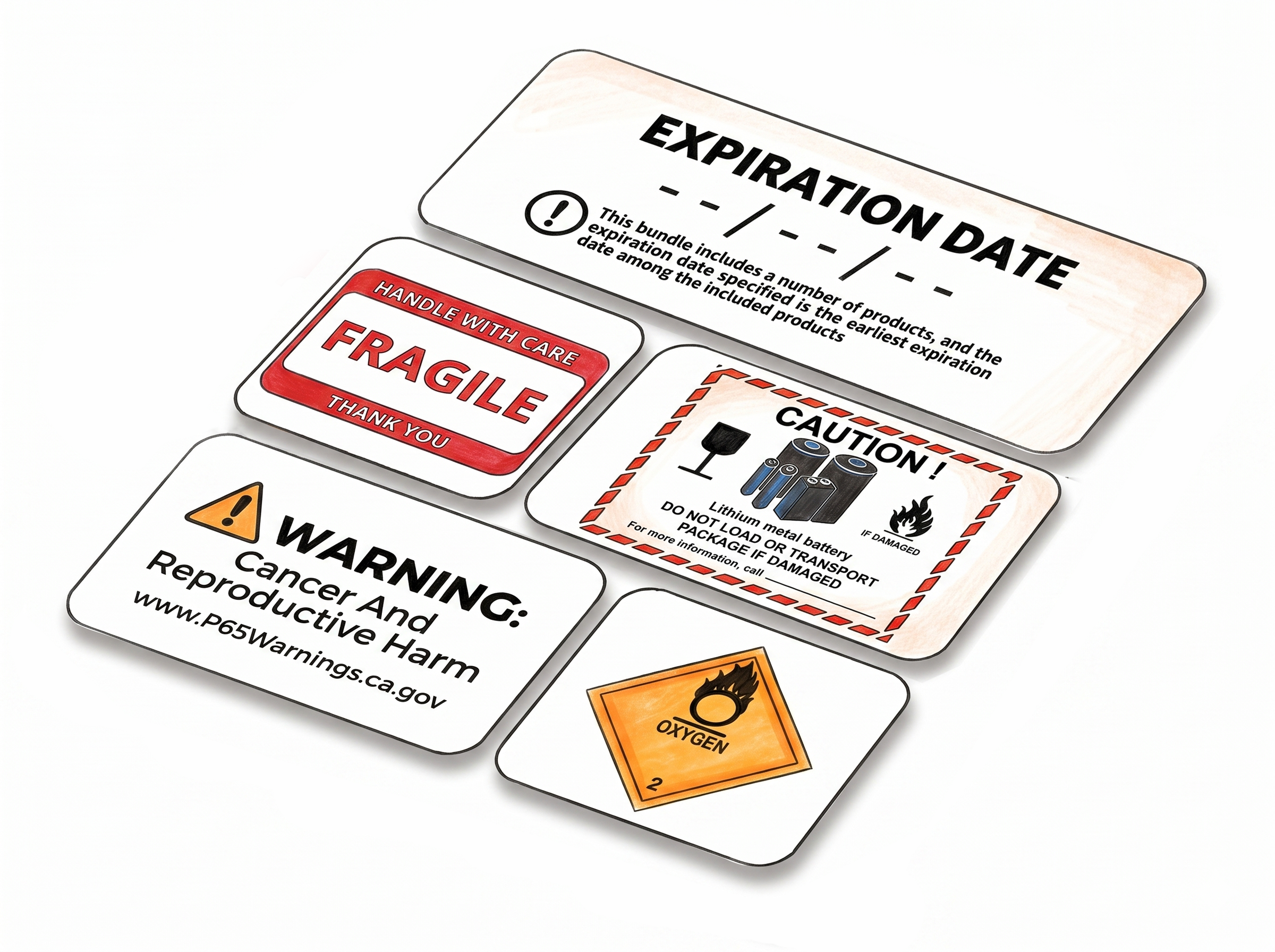
Shipping, Box Label AndPacking Slip Customization
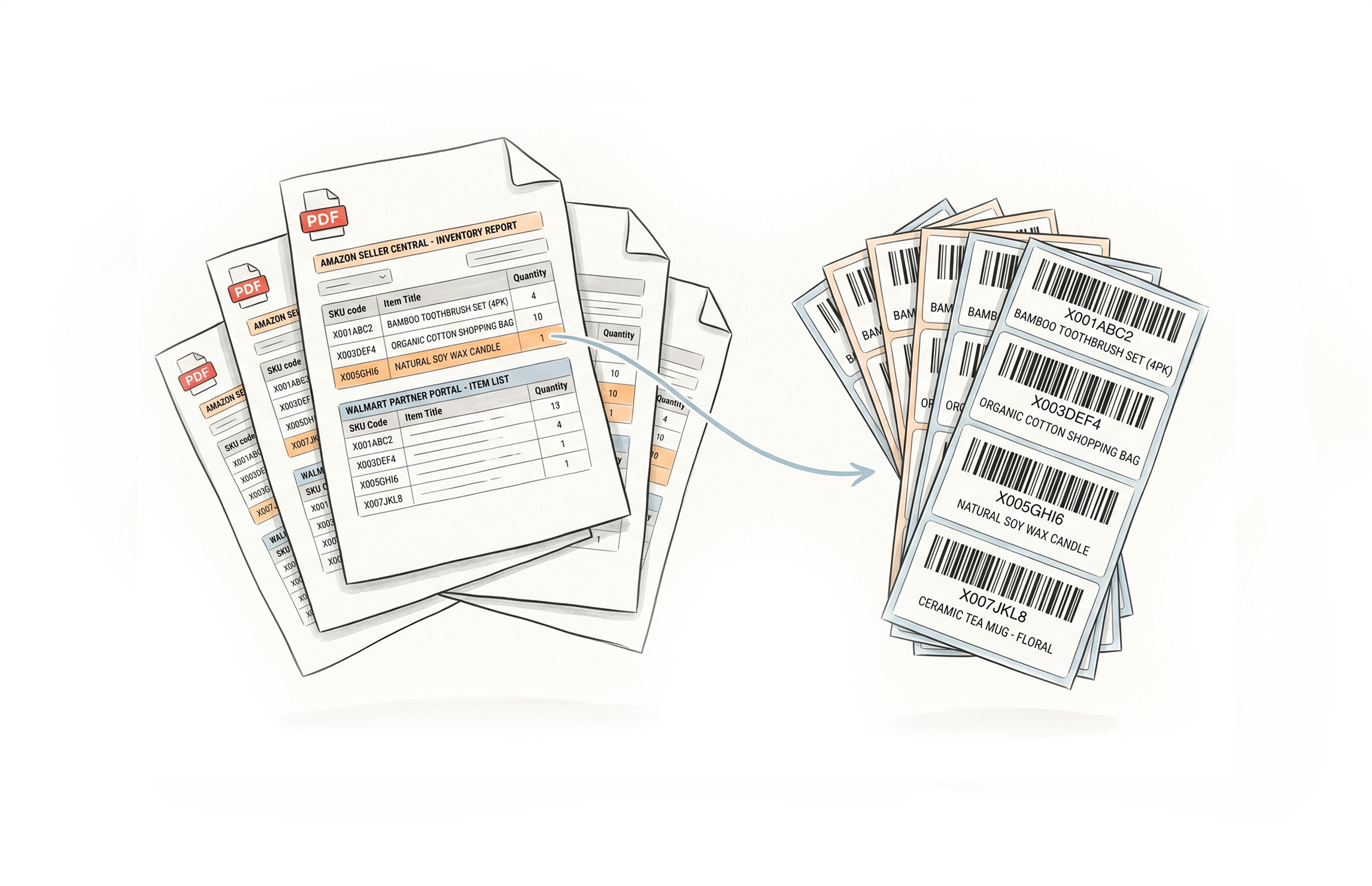
Multiple Ways to Generate
Choose A Plan
Get 100 Product Labels And 10 Shipping Labels Free Every Month - No Credit Card Needed
Monthly Yearly 2 months free
Frequently Asked Questions
Everything you need to know about printing full product titles on Amazon FBA box labels.
Where does the product title appear on the box label?
The full product name is printed beneath the Single SKU Box Label, below the barcode and FNSKU string. It appears on every box label for that SKU in the shipment.
Is the title truncated or does the full name print?
The full product title prints - it is not shortened or truncated. This is the main purpose of the feature, particularly useful for products with long or similar-sounding names.
Does this feature work with the web uploader?
No. The Add Product Title feature works only through the Label Resizer Chrome and Firefox extension when printing FBA box labels inside Amazon Seller Central.
Does this feature work with both SPD and LTL shipments?
Yes. The Add Product Title feature works with both SPD (Small Parcel Delivery) and LTL (Less Than Truckload) shipment types. The full product name is printed on Single SKU Box Labels regardless of the shipping method you select.
Does the Add Product Title feature support Send to Amazon and AWD workflows?
Yes. The feature is compatible with both Send to Amazon and Amazon Warehousing & Distribution (AWD) shipment workflows. Whenever you print Single SKU Box Labels through the Label Resizer extension in either workflow, the full product title is included automatically.
Do I need to enable this feature for every shipment?
No. Once enabled in Shipping Label Settings, it stays active and applies to all subsequent printing sessions through the extension until you disable it.
Do I need a Label Resizer account to use this feature?
Yes. A logged-in Label Resizer account and the Chrome or Firefox extension are required. You can start a free trial with no credit card needed.