
Every Label You Need for Amazon FBA - In One Place
Label Resizer is built around the Amazon FBA workflow. From FNSKU product labels to box labels, shipping labels, Packing Slips, and 2D barcodes - generates labels directly inside Amazon Seller Central through the browser extension, or via PDF and spreadsheet upload on the web.
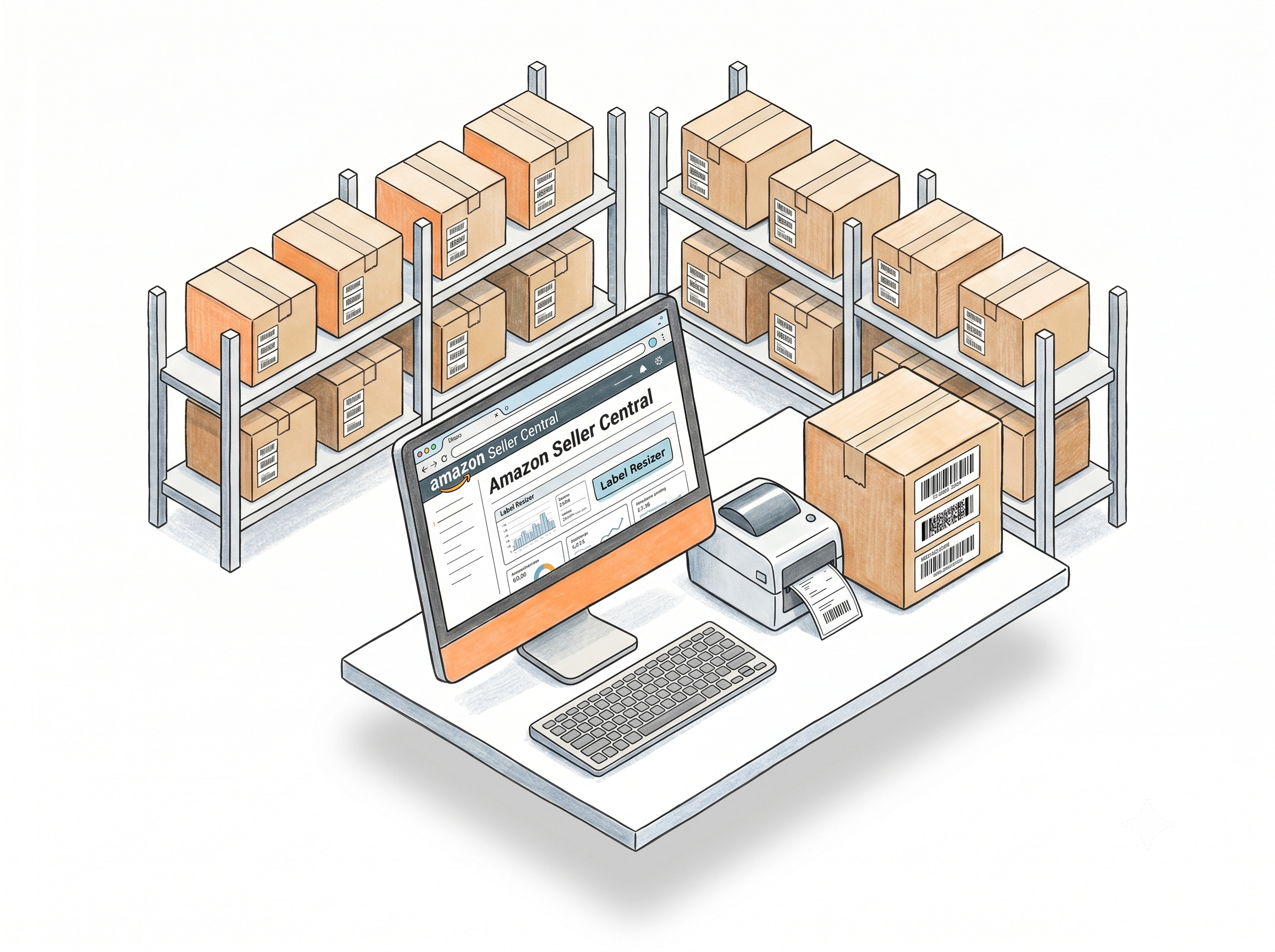
Generate and Customize FBA Labels Without Leaving Seller Central
One-click label generation inside Seller Central
The Label Resizer Chrome and Firefox extension adds a Resize Labels button directly onto FBA Inventory print pages, Send to Amazon workflow steps, and shipping label pages - covering SPD, LTL, and AWD shipment types. Click it and your labels are generated with your saved settings applied - without switching tabs or downloading files manually. Learn more about the browser extension
FNSKU labels that meet Amazon's specs by default
Generate Amazon-compliant FNSKU labels with the correct barcode format, required fields, and optional extras - full product title, merchant SKU, header, footer, and side text. Preview before printing. Learn more about FNSKU labels
Full product title and merchant SKU on every label
Amazon's default labels often truncate long product titles. Label Resizer overrides that - printing the complete product name and your MSKU directly on each label. Making it easier for warehouse staff to identify products without scanning barcodes. Learn more about printing complete product titles on product labels
Custom text for compliance and branding
Add expiration dates, country of origin, lot numbers, or your brand name to the header, footer, or side of every product label. Enter once per FNSKU or apply the same text across the whole batch. Learn more about free text product labels
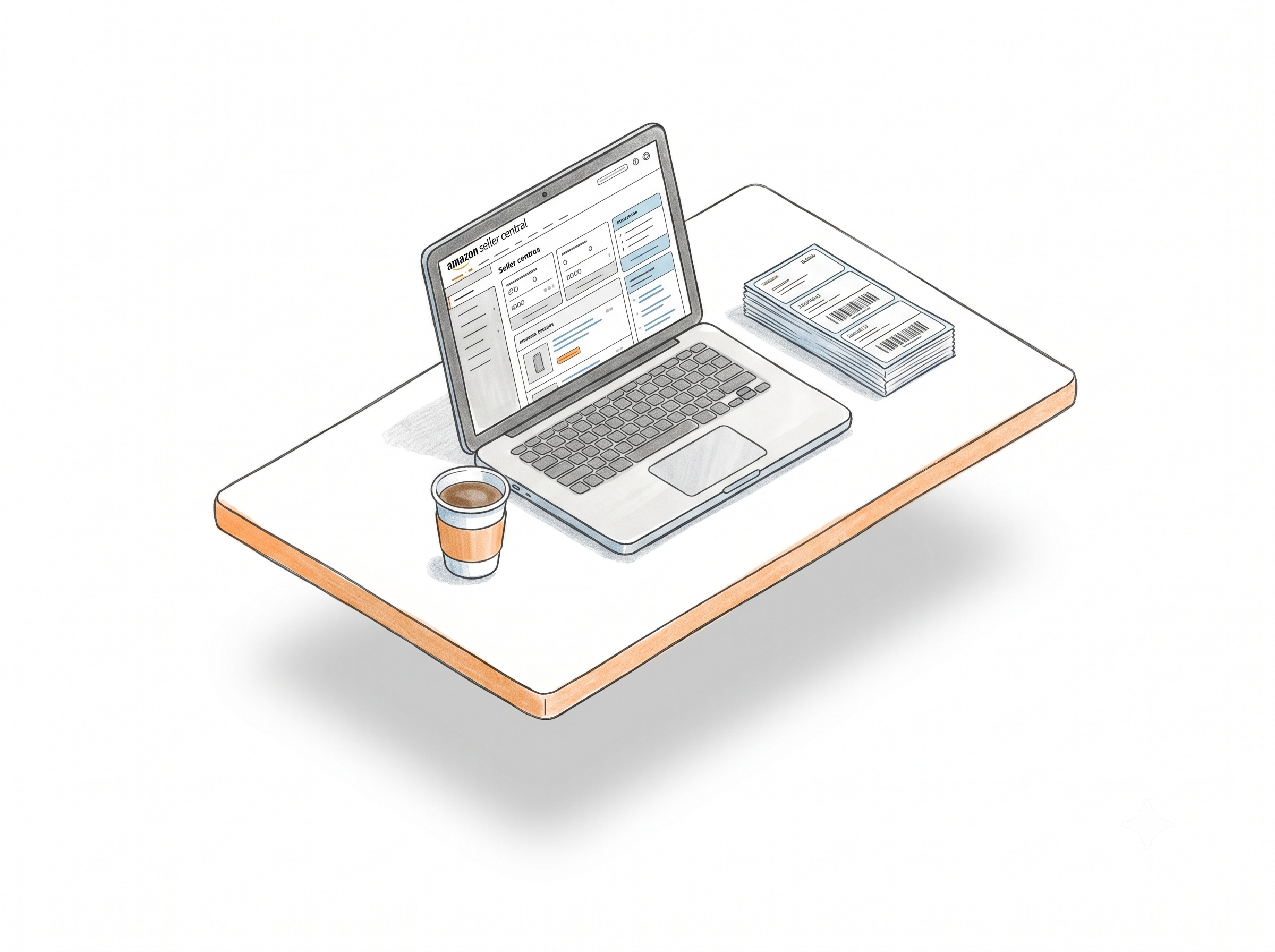
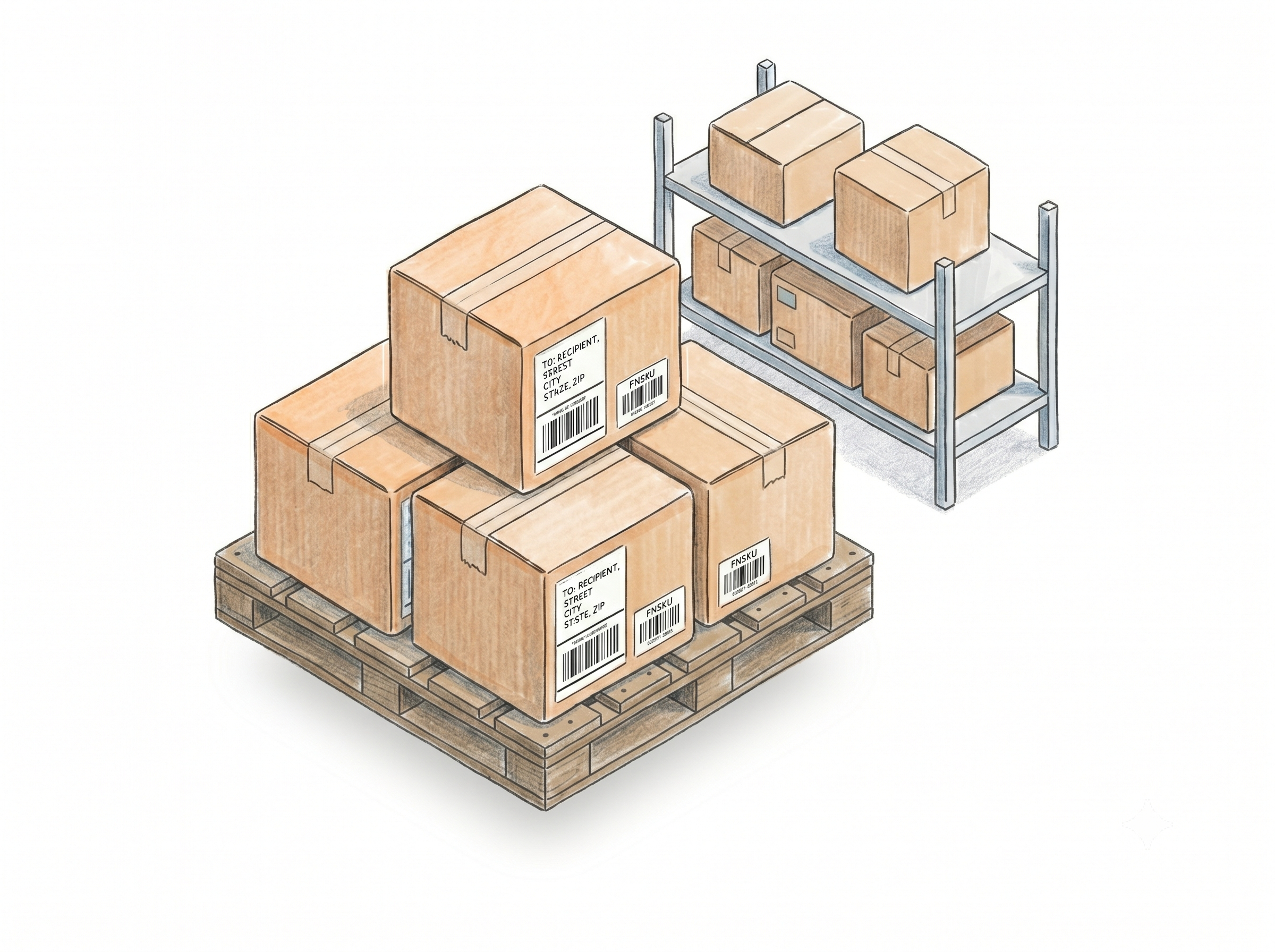
FBA Box Labels and Shipment Organization
Merge split shipment box labels by SKU
Combines all box label PDFs from split Send to Amazon shipments - grouped by SKU, sorted alphabetically, with separators between groups. Covers SPD and LTL. No downloading, no manual sorting. Learn more about merging split shipment box labels by SKU
Box ID and SKU/QTY on shipment labels
Print the Box ID, SKU, and quantity from each box label onto its matching shipment label - linking boxes to shipments visually for faster warehouse verification. Covers SPD and LTL. Learn more about adding box ID to shipment labels
Pallet labels for LTL and AWD shipments
Generate pallet labels for LTL and Amazon Warehousing & Distribution (AWD) inbound shipments - sized and formatted to Amazon requirements, directly through the extension or web uploader.
Amazon FBA 2D box content barcodes
Generate PDF417, Data Matrix, or QR Code 2D barcodes encoding item IDs, quantities, and expiration dates - reducing manual box content entry for SPD, LTL, and AWD shipments. Works via manual entry or bulk CSV upload. Learn more about Amazon 2D box content barcodes
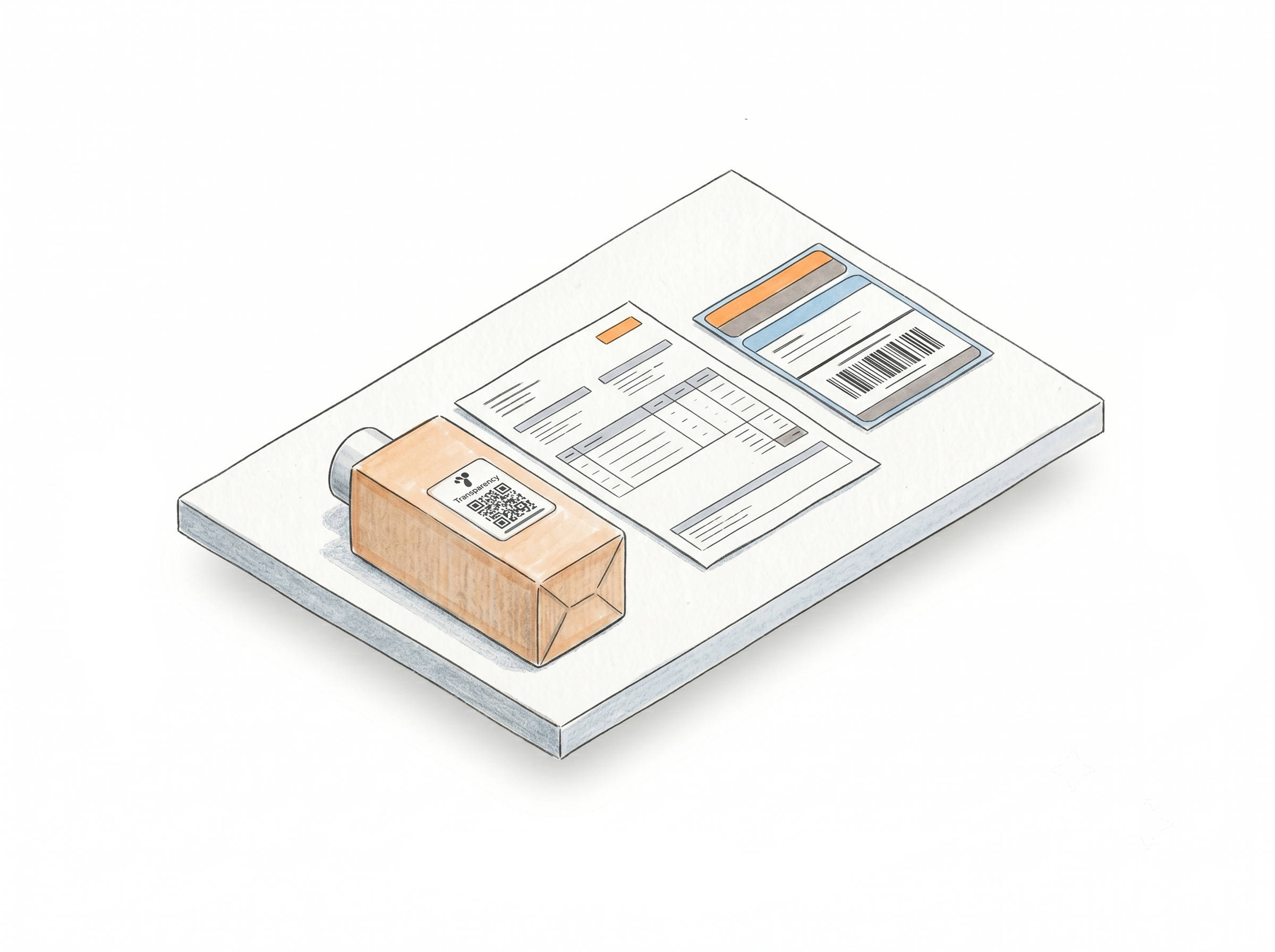
Brand Protection, Compliance, and Custom Labels
Transparency labels with your branding
Generate Amazon Transparency labels from your codes - manually or via bulk CSV upload. Choose from 4 layouts and 2 CTA options, add your brand name, and download a print-ready PDF. Helps protect your listings against counterfeit products. Learn more about Transparency labels
Packing slips for inbound discrepancy cases
When Amazon receives fewer units than you shipped, the Packing Slip Generator pulls your shipment details and creates a PDF in one click, helping you provide supporting documentation when opening reimbursement or discrepancy cases. Available on Professional and Unlimited plans. Learn more about the packing slip generator
Label Editor with Smart Fields for custom designs
Design custom label templates in the Label Editor. Use Smart Fields - FNSKU, Product Title, Condition, Merchant SKU, Free Text - which automatically map to your Amazon product data through the extension or PDF upload. Product data is mapped automatically, eliminating manual copy-paste and reducing labeling errors. Learn more about the Label Editor
How It Works
Install once, configure your settings, generate labels inside Seller Central from that point on.
Step 1: Install the Extension and Configure Your Settings
Add Label Resizer to Chrome or Firefox. Set your label size, format preferences, and enable any features you need - Complete Title, Add SKU, Free Text, Separator, Numbering - in Product Label Settings and Shipping Label Settings. These apply automatically from that point on.
Step 2: Generate Labels Inside Seller Central
Open Amazon Seller Central and navigate to any label page - FBA Inventory, Send to Amazon, or shipment pages. Click the Label Resizer button. Labels generate with your saved settings and download immediately. For box label merging, click the SKU-Based Merge button inside the Send to Amazon workflow.
Step 3: Print, Apply, and Ship
Your labels come out correctly sized, enriched with the information your team needs, and ready to print on thermal or Avery stock. Packing slips, 2D barcodes, warning labels, and Transparency labels are all accessible from the same account.
Done!
Choose A Plan
Get 100 Product Labels And 10 Shipping Labels Free Every Month - No Credit Card Needed
Frequently Asked Questions
Everything you need to know about using Label Resizer for Amazon FBA.
What's the difference between the extension and the web uploader?
The extension pulls data directly from Seller Central, so it has access to complete label information - full product titles for product labels, SKU and quantity for shipment labels. The web uploader works from the data available in your PDF or spreadsheet, which may not always include everything. Some features - including complete product titles, SKU and quantity fields on shipment labels, and packing slip generation - are only available through the extension.
Can I use Label Resizer with Zebra, DYMO, and Rollo printers?
Yes. Label Resizer outputs standard PDF files sized to your chosen label stock - Avery, thermal, or custom dimensions. Any printer that accepts a PDF with the correct label size will work. Our users print across all major printer types including Zebra, DYMO, and Rollo.
Does Label Resizer work for EU and UK Amazon marketplaces?
Yes. Label Resizer supports all major Amazon marketplaces: US, Canada, Mexico, UK, Germany, France, Italy, Spain, Netherlands, Poland, Sweden, Belgium, Japan, UAE, Saudi Arabia, Australia, Singapore, India, and Brazil.
Do I need to share my Amazon credentials with Label Resizer?
No. Label Resizer never asks for, stores, or uses your Amazon login credentials in any way. The browser extension only activates on label-related pages inside Seller Central and operates entirely within Chrome and Firefox's security standards - the extension code is fully transparent and has passed the review process of both browser stores.
Can I create labels in bulk?
Yes. Upload a CSV file with your product data and Label Resizer generates all your labels in one batch - no manual entry per item. Bulk generation is supported for product labels, FNSKU labels, Transparency labels, barcode labels, and fully custom labels designed in the Label Editor.
Can I generate Amazon packing slips with Label Resizer?
Yes. The Packing Slip Generator is built into the extension and creates a PDF packing slip directly from your Amazon shipment details in one click. Shipment information is pulled automatically from Amazon, so there's no need to manually copy product or shipment details. Available on Professional and Unlimited plans.
What happens if Amazon changes its label format?
Our team monitors Amazon's label requirements continuously. If you notice a change or need a new label type added to the system, reach out via the contact page - we get back to you quickly.