
Label Resizer for E-Commerce Sellers
Whether you sell on Etsy, Mercari, Flipkart, or ship via FedEx and UPS, Label Resizer handles your labels from one place - resize, generate, and customize labels from 15+ platforms, all from your browser.
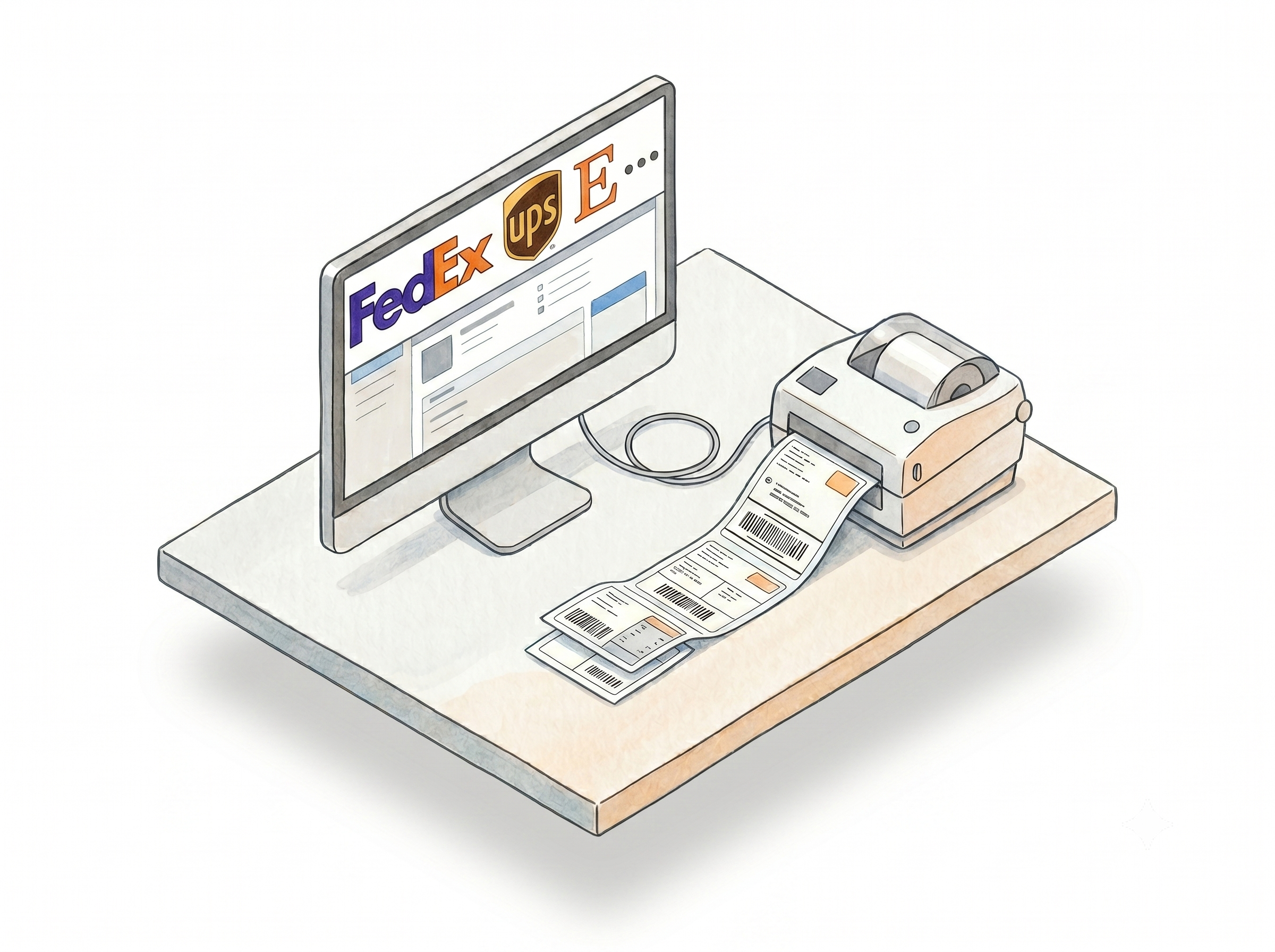
Resize and Customize Labels From the Most Popular Platforms
100+ label types from 15+ platforms
Upload product and shipping label PDFs from Amazon, Walmart, UPS, FedEx, USPS, DHL, DPD, eBay, Etsy, Mercari, Shopify, Flipkart, ShipBob, and Mercado Libre. Label Resizer identifies the label type automatically and resizes to your preferred format. Learn more about the PDF web uploader
Browser extension for platforms you already use
Install the Label Resizer extension and a Resize Labels button appears on FedEx Ship Manager, UPS Shipping Manager, Mercari's order pages, and more. Generate resized and customized labels without downloading the original file first. Learn more about the browser extension
Any size, any printer
Output labels in any custom dimension - inches or millimeters - or choose from standard Avery sheet presets for A4 and letter printing. Works with thermal printers, inkjet, and laser printers. Learn more about custom label sizes
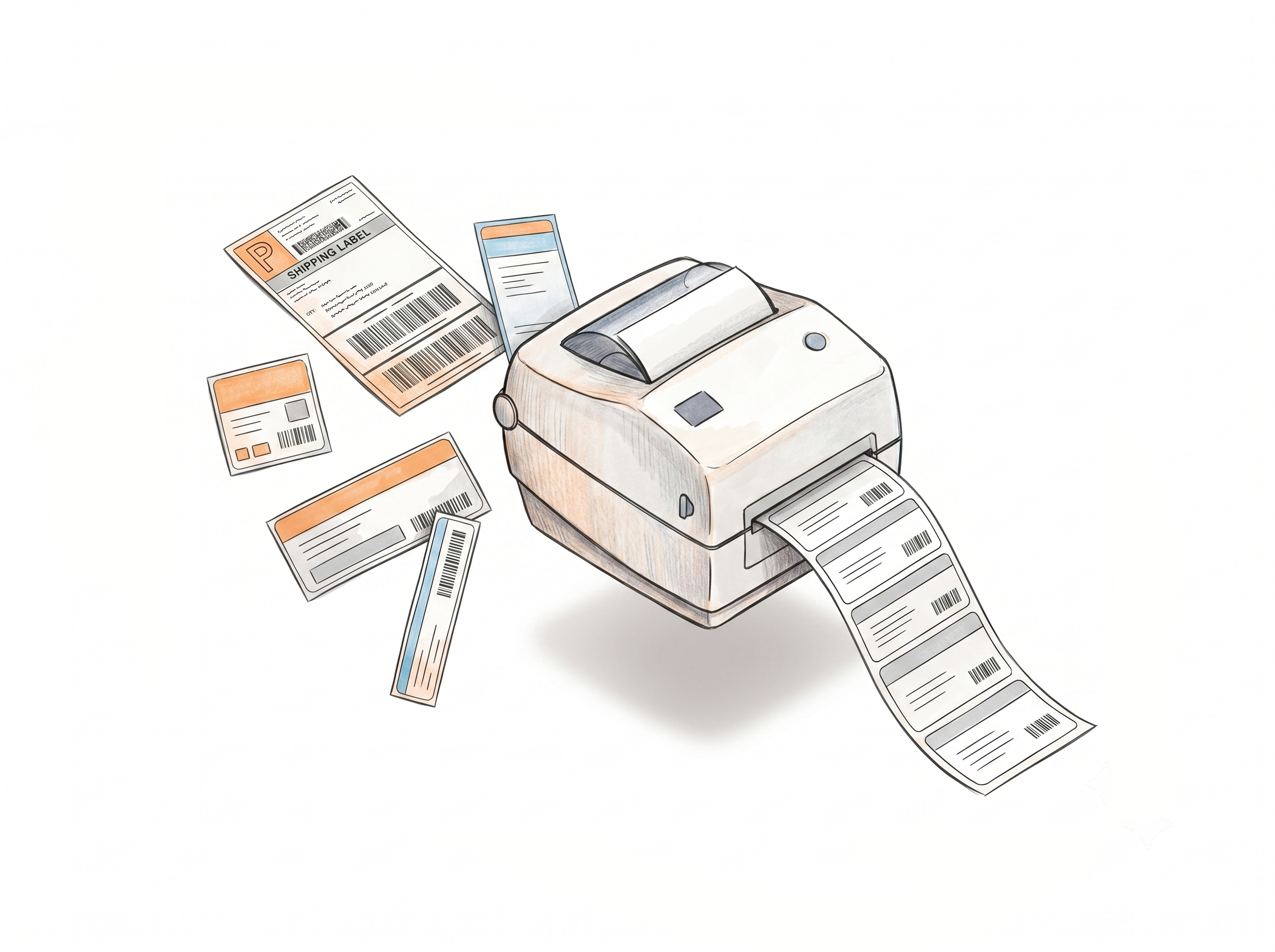
Custom Label Designs for Your Brand
Label Editor for fully custom layouts
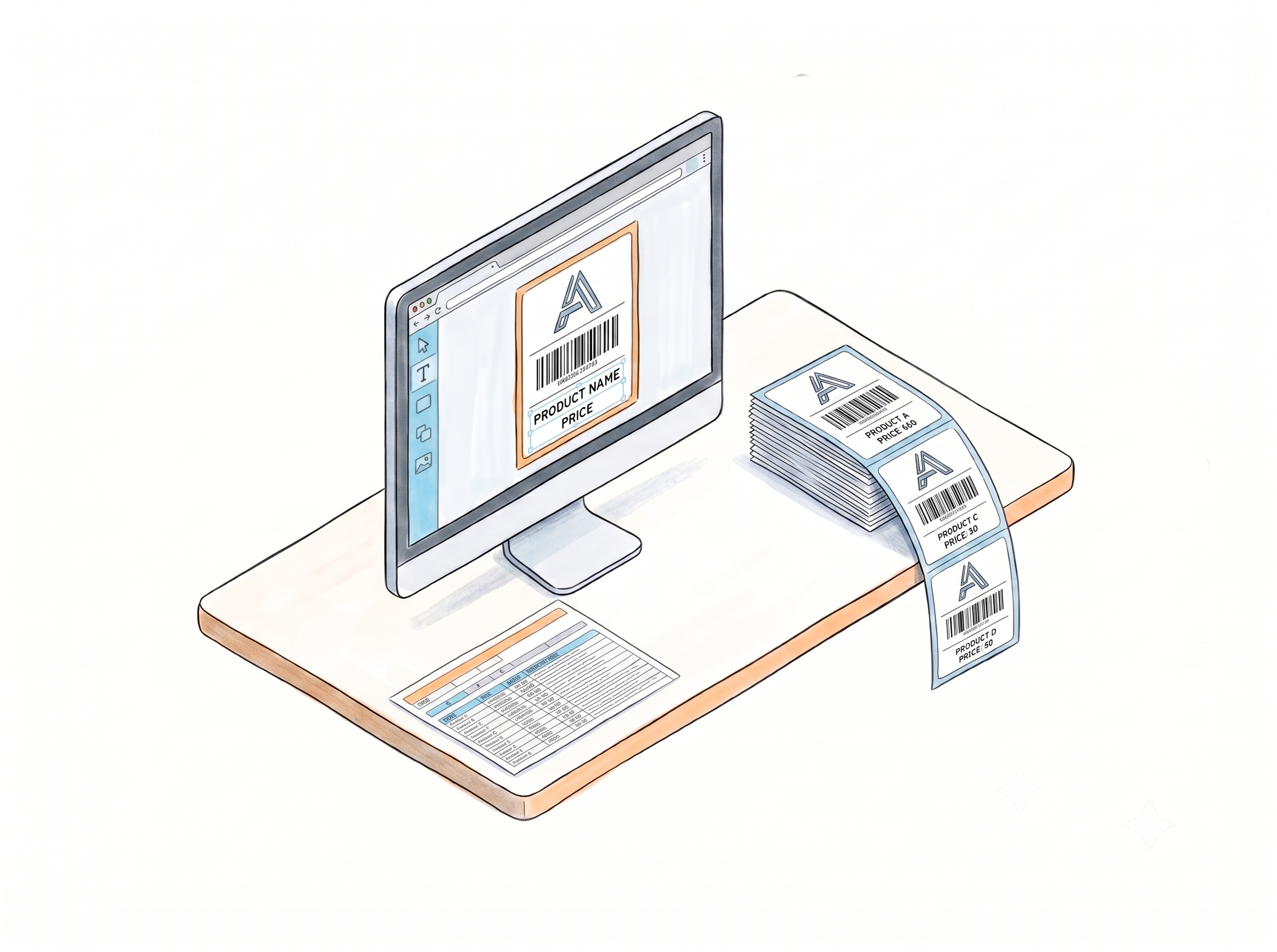
Design label templates from scratch in the browser - add your own text, images, logo, shapes, and barcodes. Use static elements for fixed branding and dynamic fields for variable content like product names, serial numbers, or SKUs pulled from your spreadsheet. Learn more about the Label Editor
Generate from your own spreadsheet data
Download the Label Resizer spreadsheet template, fill in your product data, and upload it to generate a full label batch - no platform PDF needed. Works with your custom Label Editor designs or standard label layouts. Learn more about generating labels from spreadsheet data
API for developers and operations teams
Integrate label generation directly into your own systems via the Label Resizer API. Send a request with your product data, get labels back - your account settings applied automatically. Available on Professional and Unlimited plans. Learn more about the API integration
More Tools to Support E-Commerce Workflow
Barcode maker for any format
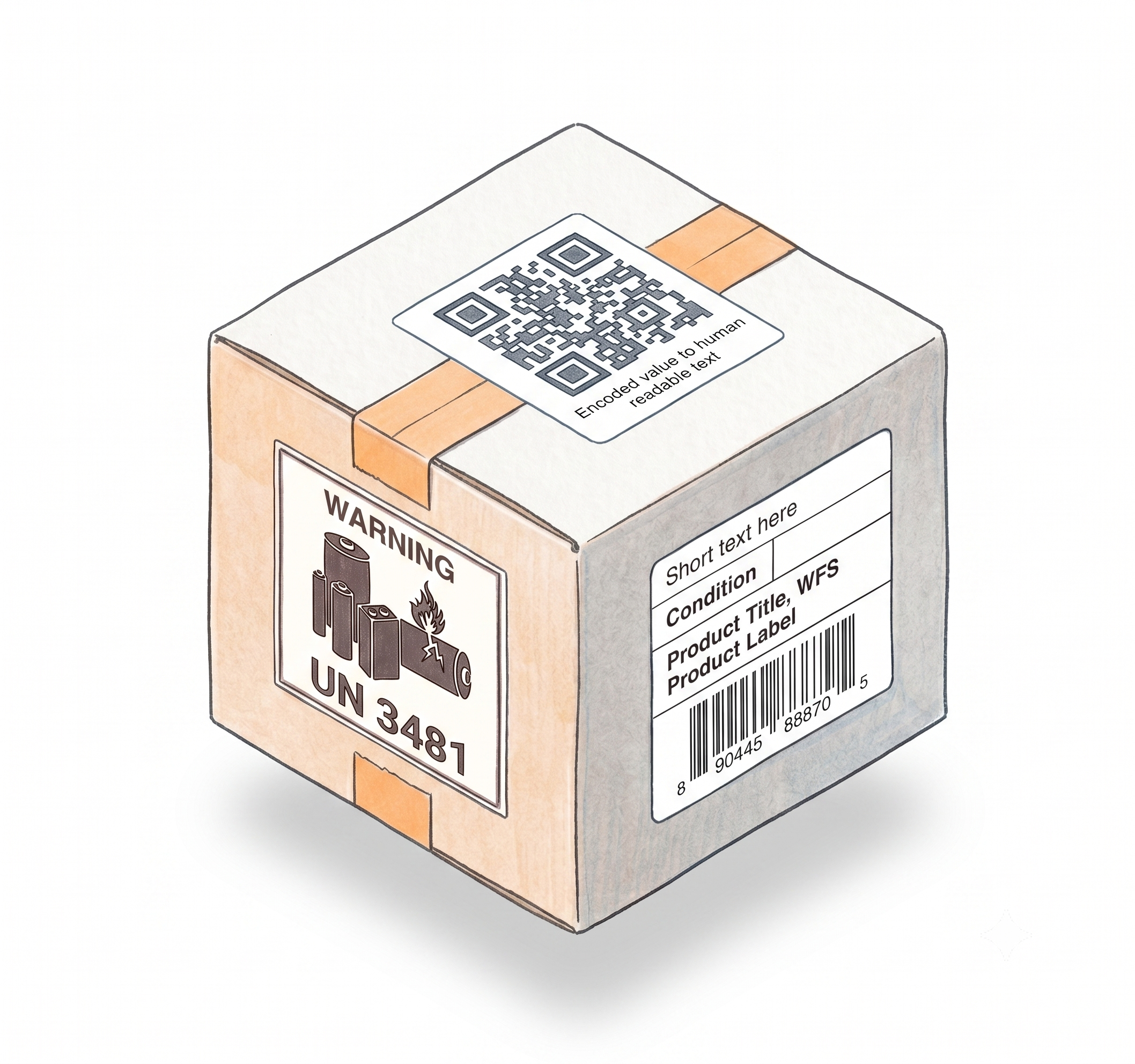
Generate barcode labels in 15 1D formats - Code 128, EAN-13, UPC-A, ITF-14, Code 39, and more - and 4 2D formats including QR Code, Data Matrix, and PDF417. Static or variable, any size, thermal or Avery. Free, no account needed to start. Learn more about the barcode maker
Warning and compliance labels for any product
Create 40+ industry-standard warning labels - Fragile, Suffocation Warning, Proposition 65, lithium battery UN codes, Team Lift, Heavy Package, and more - across 14 categories. Formatted to meet carrier and marketplace requirements. Free to try. Learn more about warning and compliance labels
Product Label Maker
Build custom product labels with your barcode, custom text, and layout - compatible with thermal printers and Avery stock, ready to apply before shipping. Learn more about the Product Label Maker
How It Works
Choose your method, configure your settings once, generate labels from any platform.
Step 1: Choose Your Method
Use the browser extension for platforms you work in daily. Use the web uploader to resize any label PDF from any platform. Use the spreadsheet method to generate labels entirely from your own data. Use the API to automate label generation inside your own systems.
Step 2: Configure Your Label Settings
Set your size preferences, enable any enrichment features you need - free text, numbering, separators - and save your settings. They apply automatically to every label you generate from that point on.
Step 3: Generate, Download, and Print
Labels download as a PDF, ready to print on thermal or Avery stock. For custom designs, use the Label Editor to build your template once and apply it across every generation method.
Done!
Choose A Plan
Get 100 Product Labels And 10 Shipping Labels Free Every Month - No Credit Card Needed
Frequently Asked Questions
Everything you need to know about using Label Resizer across multiple e-commerce platforms.
Which platforms does Label Resizer support?
Label Resizer supports Amazon, Walmart, UPS, FedEx, USPS, DHL, DPD, eBay, Etsy, Mercari, Shopify, Flipkart, ShipBob, and Mercado Libre for label upload and resizing - over 100 label types across these platforms. The browser extension also adds buttons directly inside FedEx Ship Manager, UPS Shipping Manager, and Mercari.
Do I need the browser extension or can I use the web uploader?
Both methods are available and produce the same output. The extension is faster if you're working inside a supported platform - it adds a button directly to the label page. The web uploader works for any PDF from any platform, with no extension required. Both support the same enrichment features.
Can I generate labels without downloading a PDF from a marketplace first?
Yes. The spreadsheet method generates labels entirely from your own data. Download the Label Resizer template, fill in your product information, and upload - no platform PDF needed. You can also use the Label Editor to design a custom template for the output.
Can I add my logo and brand name to every label?
Yes. In the Label Editor, add your logo or brand name as a static image or text element. It prints the same on every label that uses that design - regardless of the product or platform.
Does Label Resizer support Avery sheet labels for inkjet and laser printers?
Yes. Both Avery sheet presets and custom dimensions are available for all label types. Output PDFs are formatted for A4 or letter-size Avery sheets - compatible with any standard inkjet or laser printer.
Can I integrate label generation into my own system via API?
Yes. The Label Resizer API supports product label and shipping label generation via REST calls. Your account settings apply automatically to every request. API access requires a Professional or Unlimited membership.
What barcode formats can I generate?
The Barcode Label Maker supports 15 1D formats - including Code 128, EAN-13, UPC-A, ITF-14, and Code 39 - and 4 2D formats: QR Code, Data Matrix, PDF417, and Aztec. Labels output as PDF in any size, free to try without an account.