
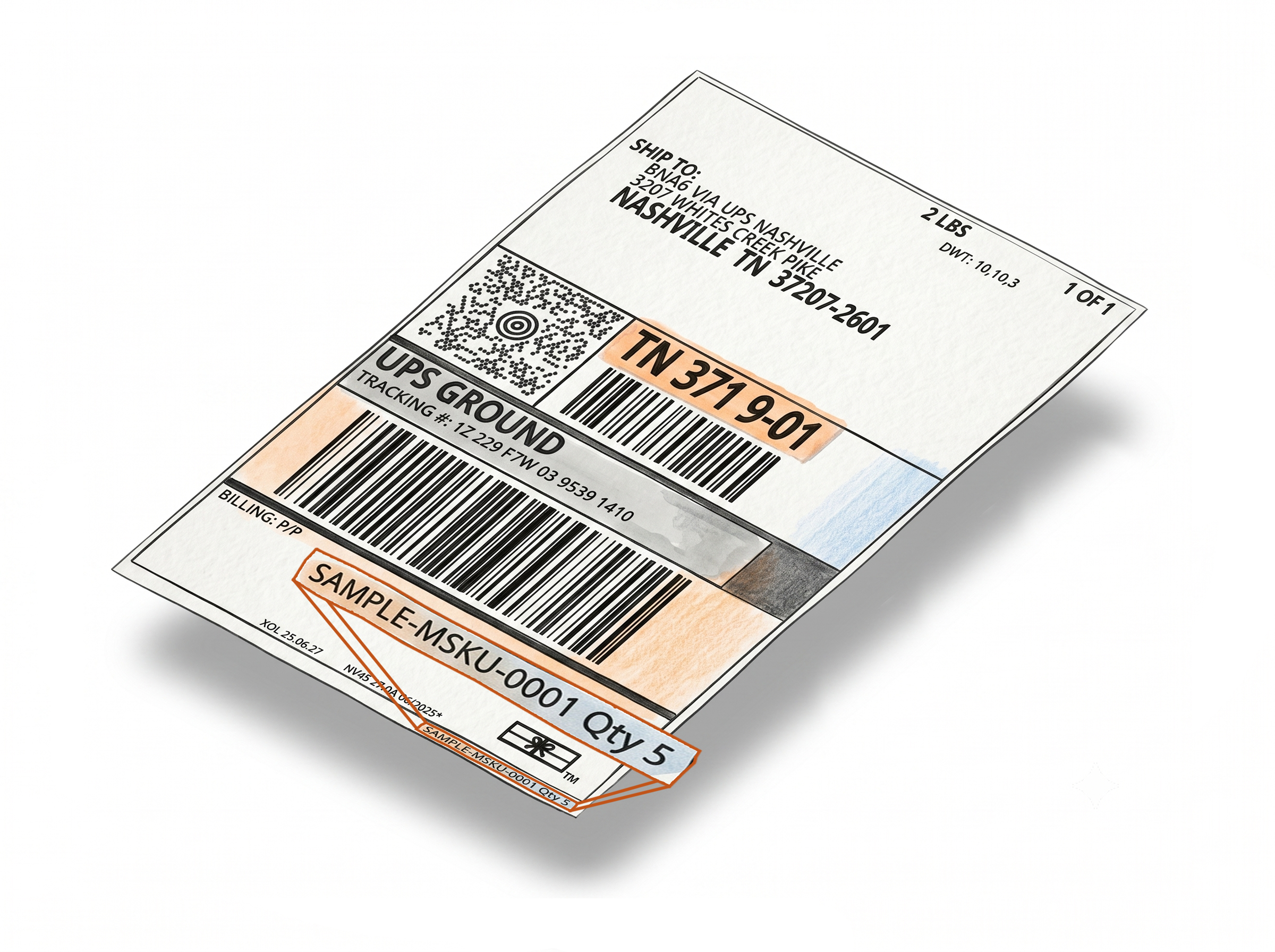
Print the Box ID on Amazon FBA Shipment Labels for Easier Tracking
The Add Box ID feature automatically prints the Box ID from each box label onto its matching FBA shipment label. Whether you're using the Label Resizer extension or the web uploader, every shipment label clearly shows which box it belongs to - making it much easier to organize, verify, and track boxes during fulfillment prep. Compatible with SPD (Small Parcel Delivery) shipments - including Send to Amazon and Amazon AWD workflows.
Every Shipment Label Linked to Its Box
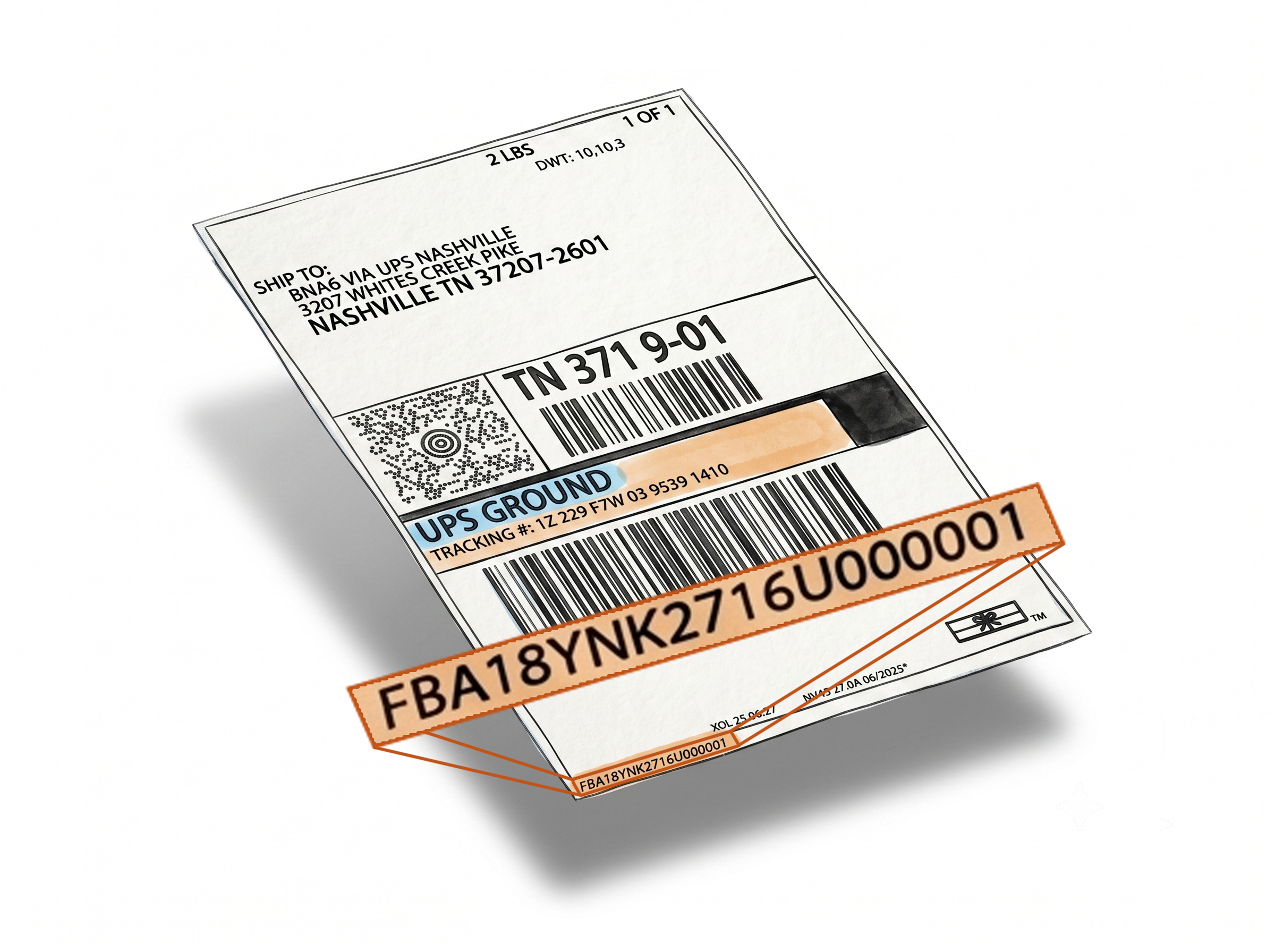
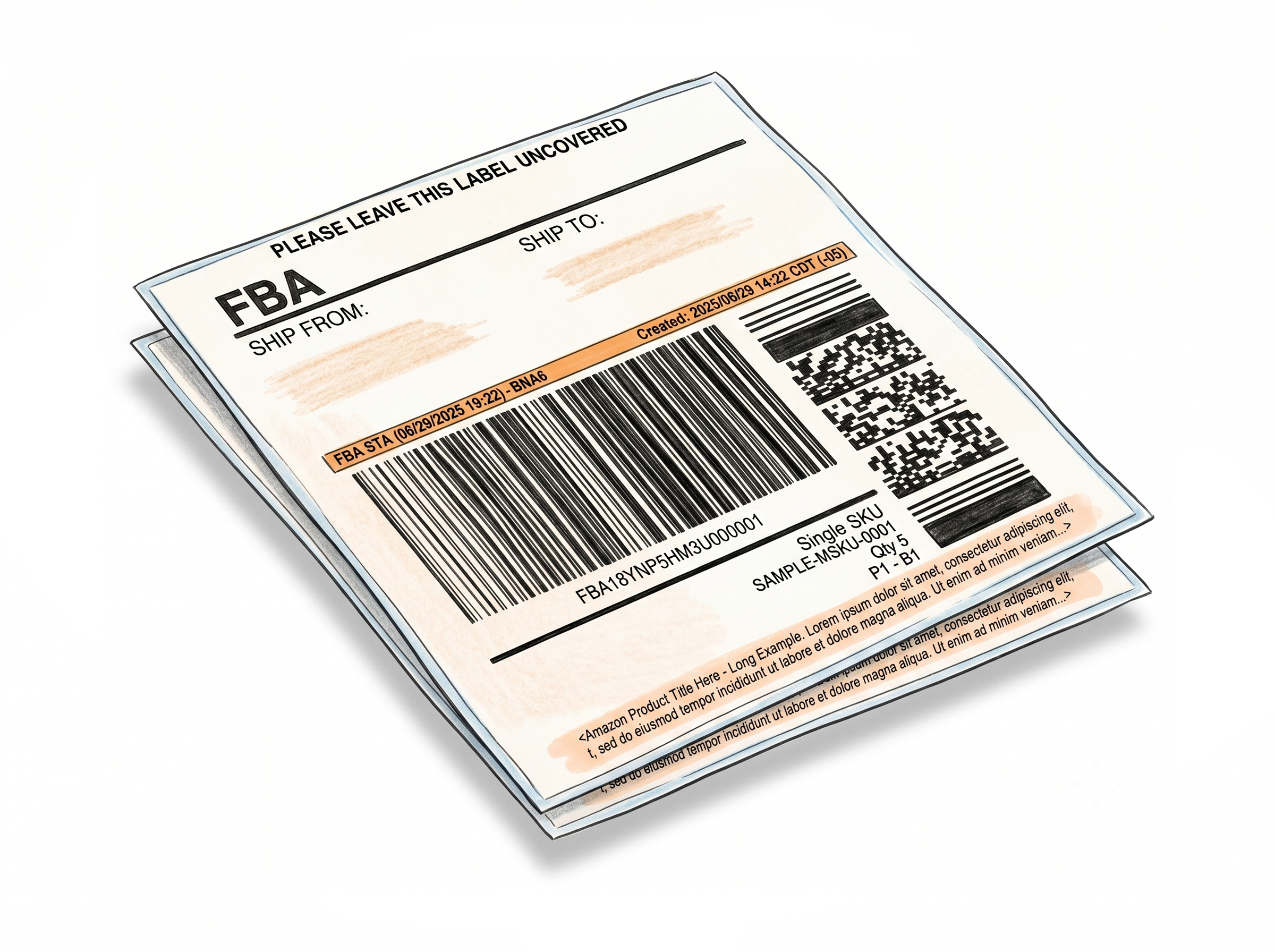
Each shipment label shows exactly which box it belongs to
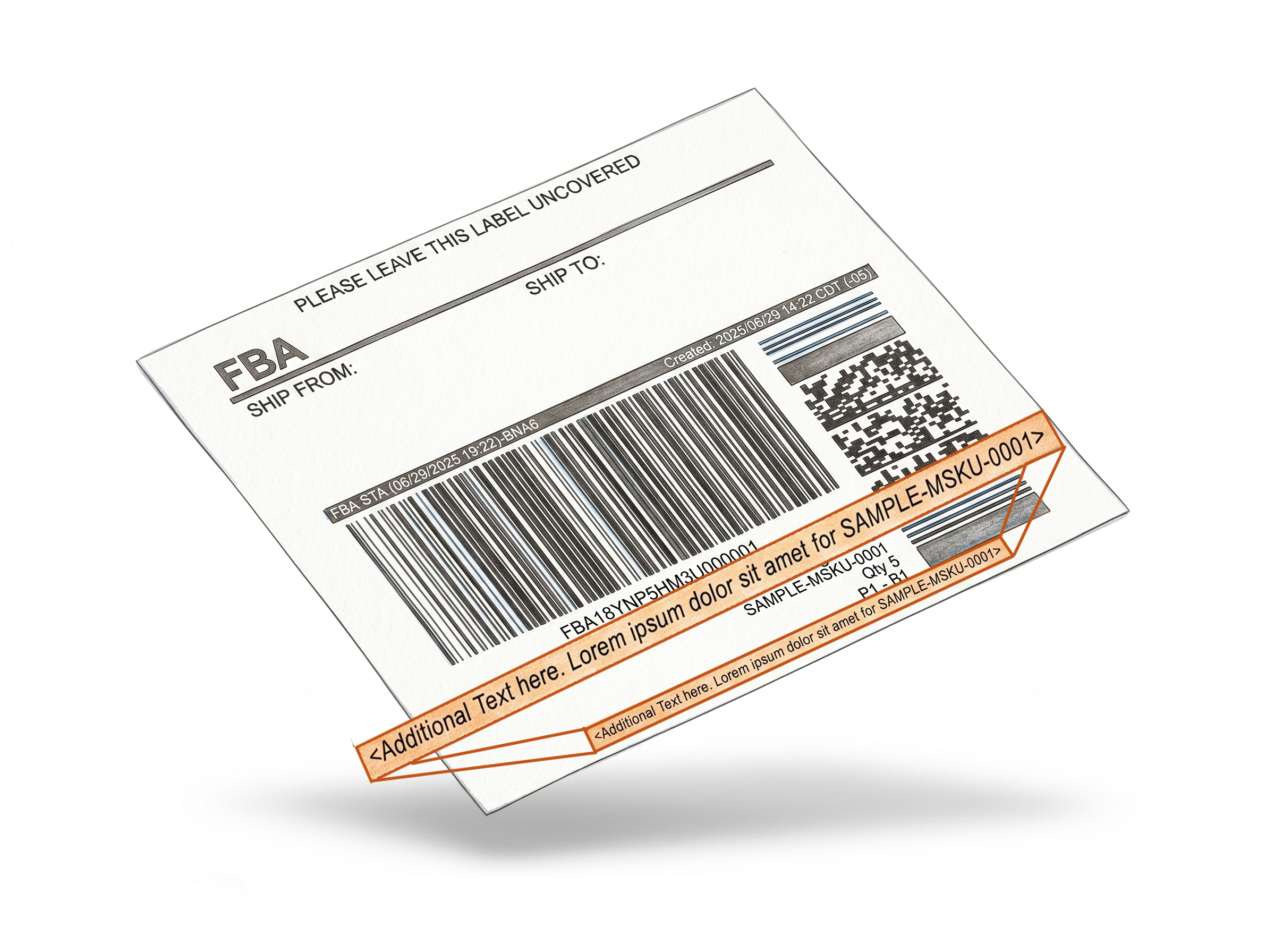
Box ID is added automatically during label generation - no extra steps, no manual lookup.Box ID printed automatically under the shipment label
When you generate FBA shipment labels, the Box ID from the corresponding box label appears beneath it. No manual cross-referencing between box and shipment label PDFs.
Works with both the extension and web uploader
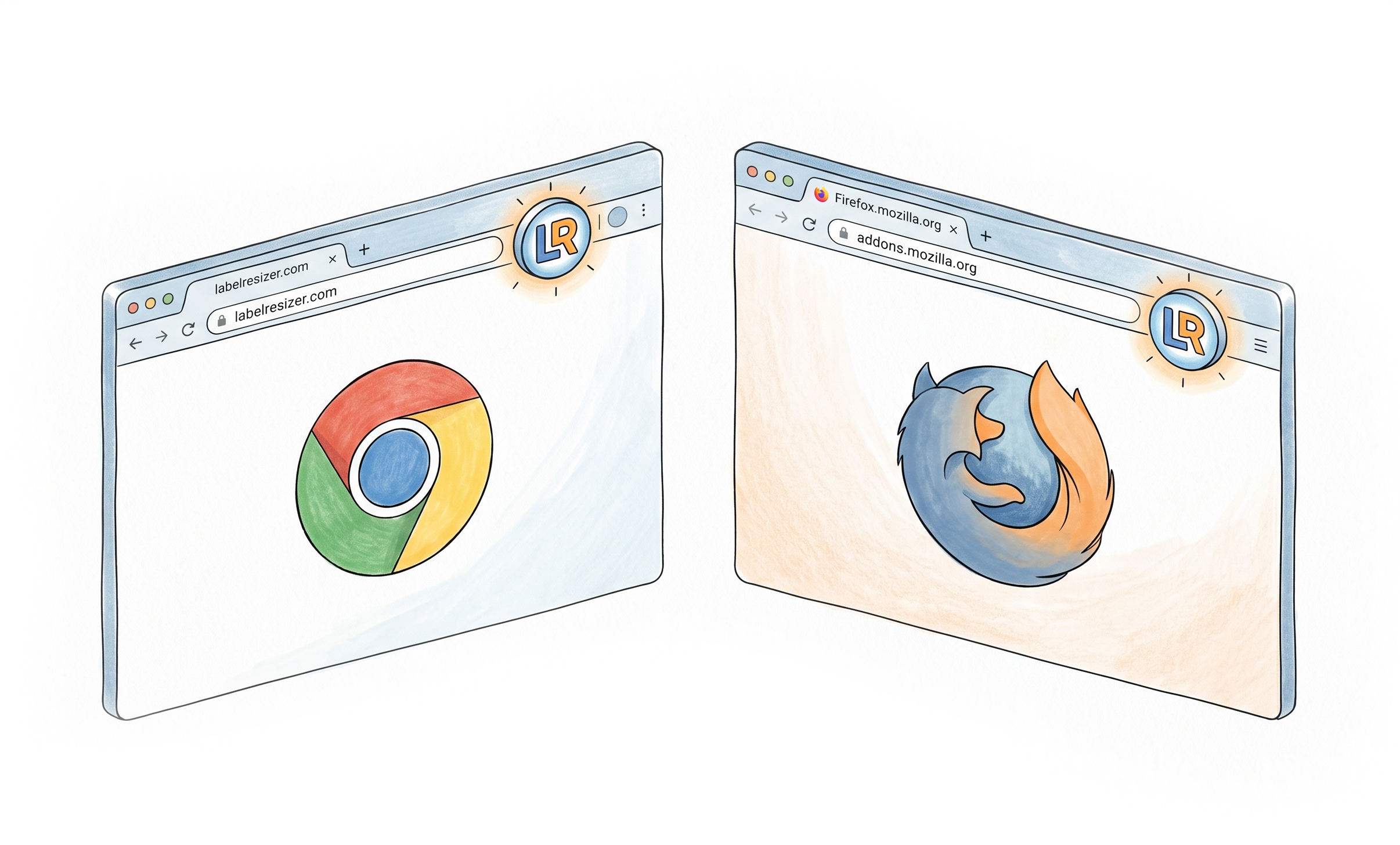
Unlike some features that are extension-only, Add Box ID works with both the Label Resizer Chrome/Firefox extension and the web uploader - giving you the same benefit regardless of your preferred workflow.
Reduces misplacement in large shipments
When every shipment label carries its Box ID, it's immediately clear which shipment label goes on which box - even when processing dozens of boxes across multiple SKUs.
Works with Send to Amazon and Amazon AWD
Add Box ID supports SPD (Small Parcel Delivery) shipments created through both the Send to Amazon workflow and Amazon AWD (Amazon Warehousing & Distribution) - covering the most common inbound shipping methods.
Better Organization at Every Stage
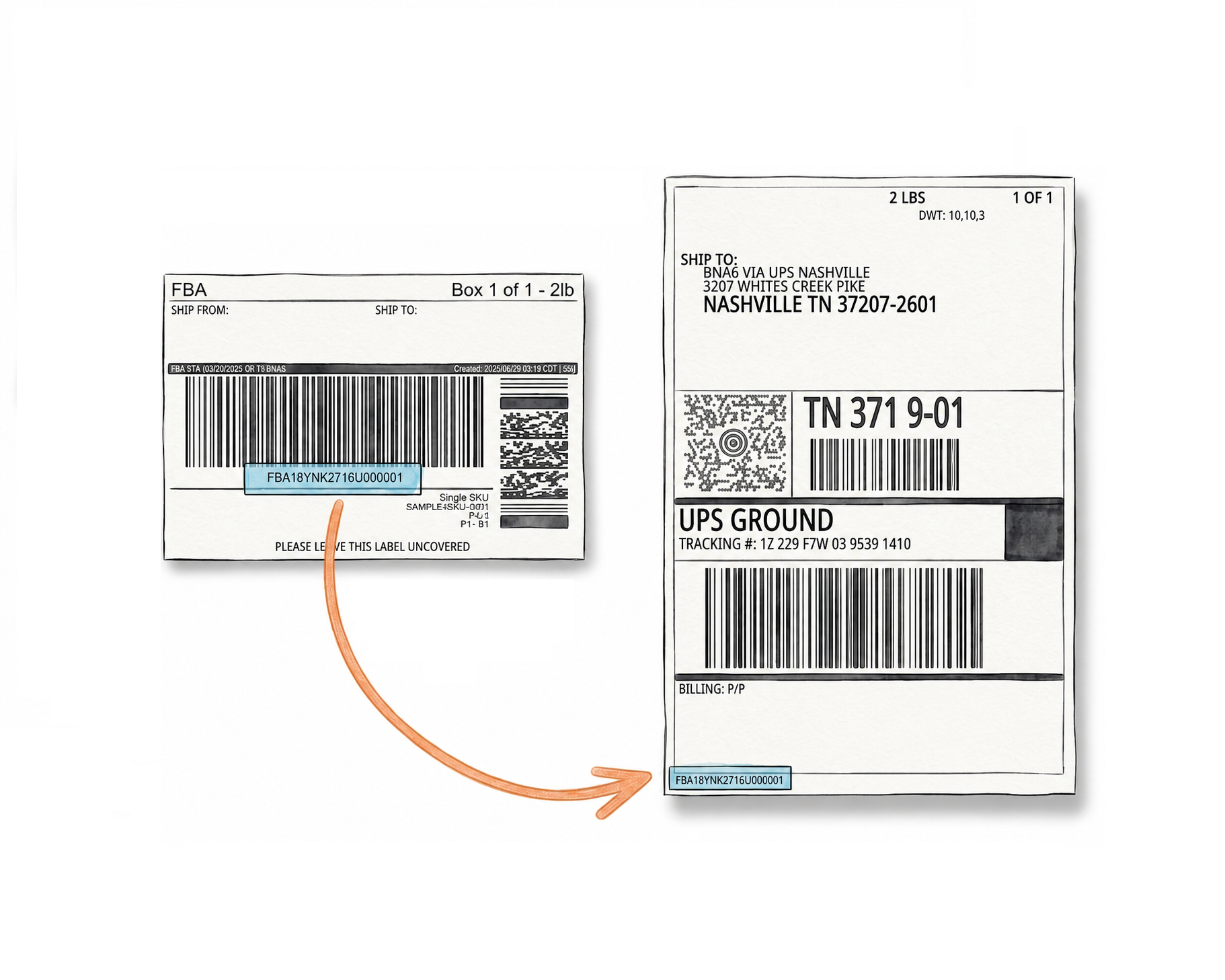
Set it once - every label generated after that carries the Box ID automatically.
Easier verification during packing
Warehouse staff can match shipment labels to boxes visually using the Box ID without scanning each label individually. This speeds up the final labeling step before handoff to the carrier.
Improved tracking across the fulfillment chain
When shipment labels carry Box IDs, it's easier to trace where a specific box is in the fulfillment process - from warehouse prep all the way to the Amazon fulfillment center intake.
One-time setup, always on
Enable the feature in Shipping Label Settings once and it applies to every label generation session going forward - via extension or web uploader.
How It Works
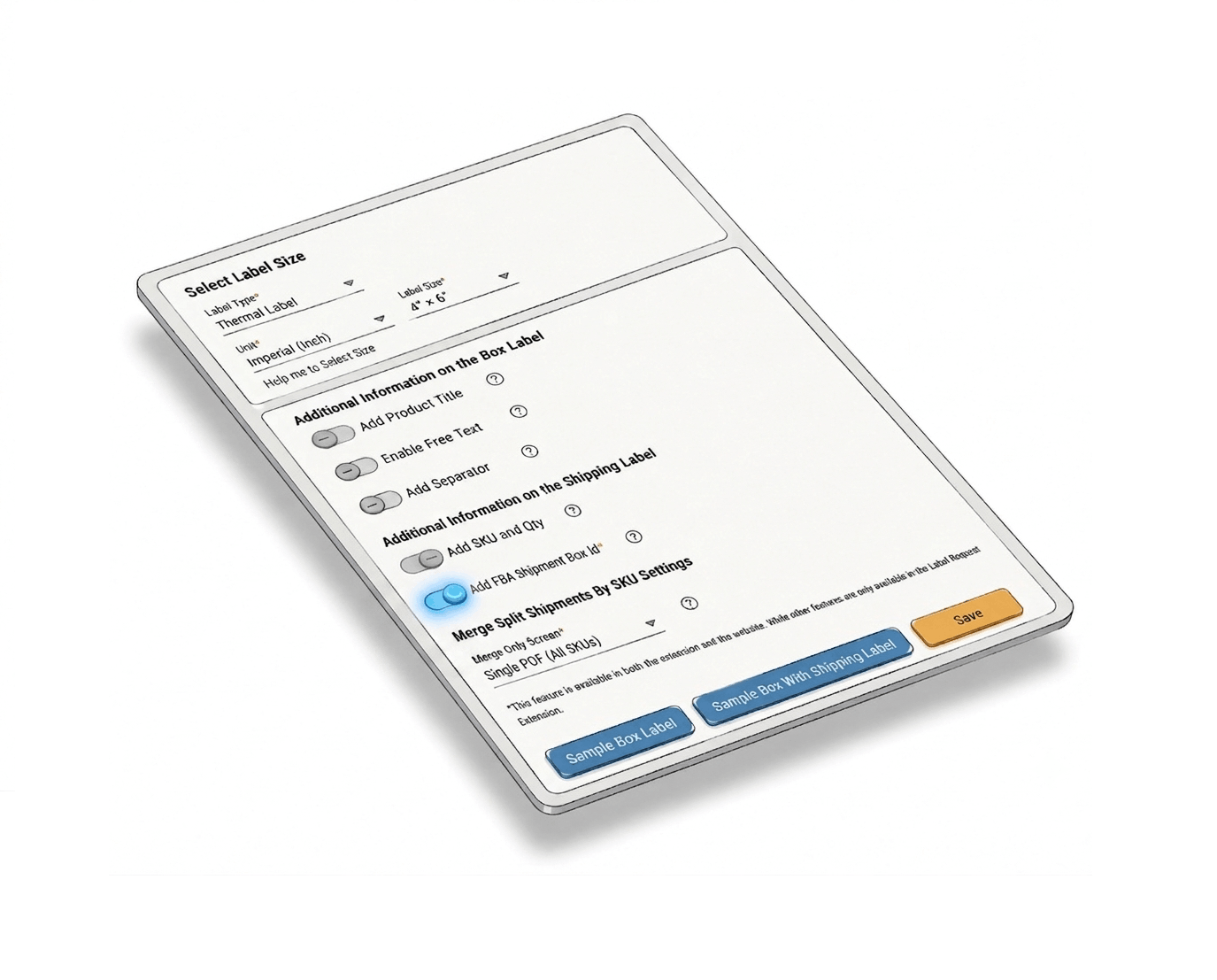
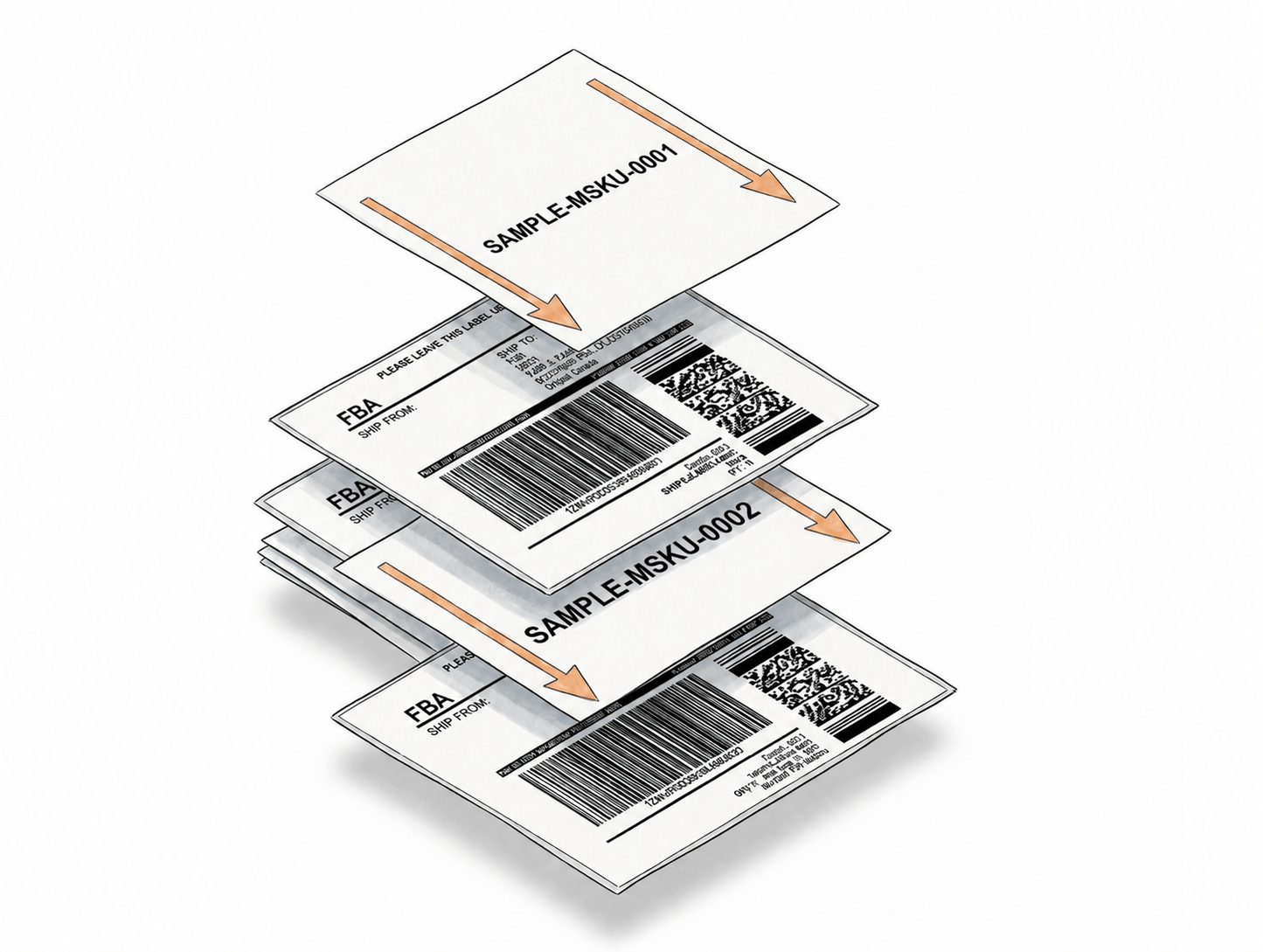
Enable once, generate as usual - Box ID appears on every shipment label automatically.
Step 1: Enable Add Box ID
Log into Label Resizer, go to Shipping → Shipping Label Settings, enable the Add FBA Shipment Box ID feature, and click Save.
Step 2: Generate Shipment Labels
Print or download your FBA shipment labels using the Label Resizer extension inside Seller Central, or via the web uploader. No additional input is needed.
Step 3: Box ID Appears Automatically
The Box ID from each box label is automatically printed beneath the corresponding shipment label in the output PDF - clearly linking each label to its box.
Done!
Everything You Need for Smarter Shipments
Every tool you need to label, pack, and ship your FBA inventory with confidence.
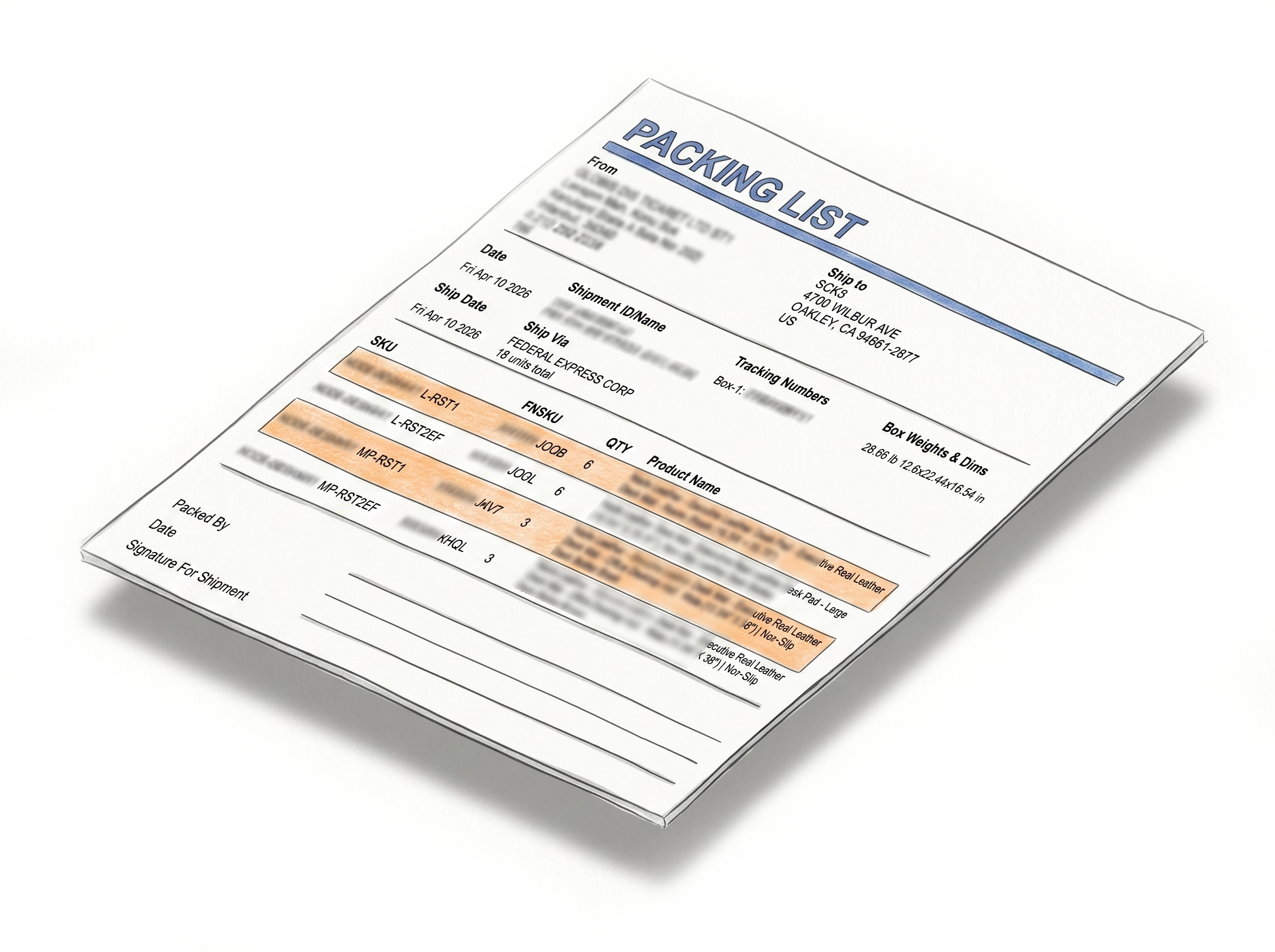
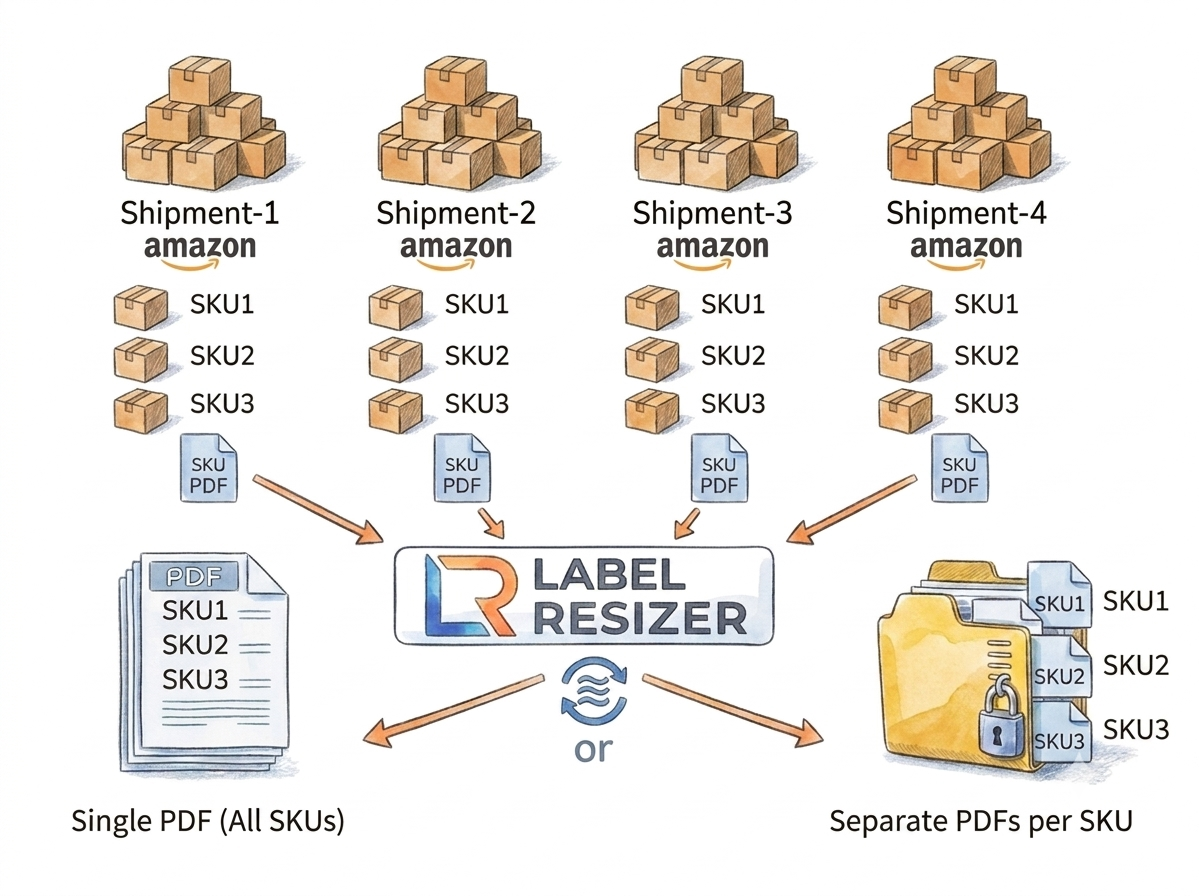
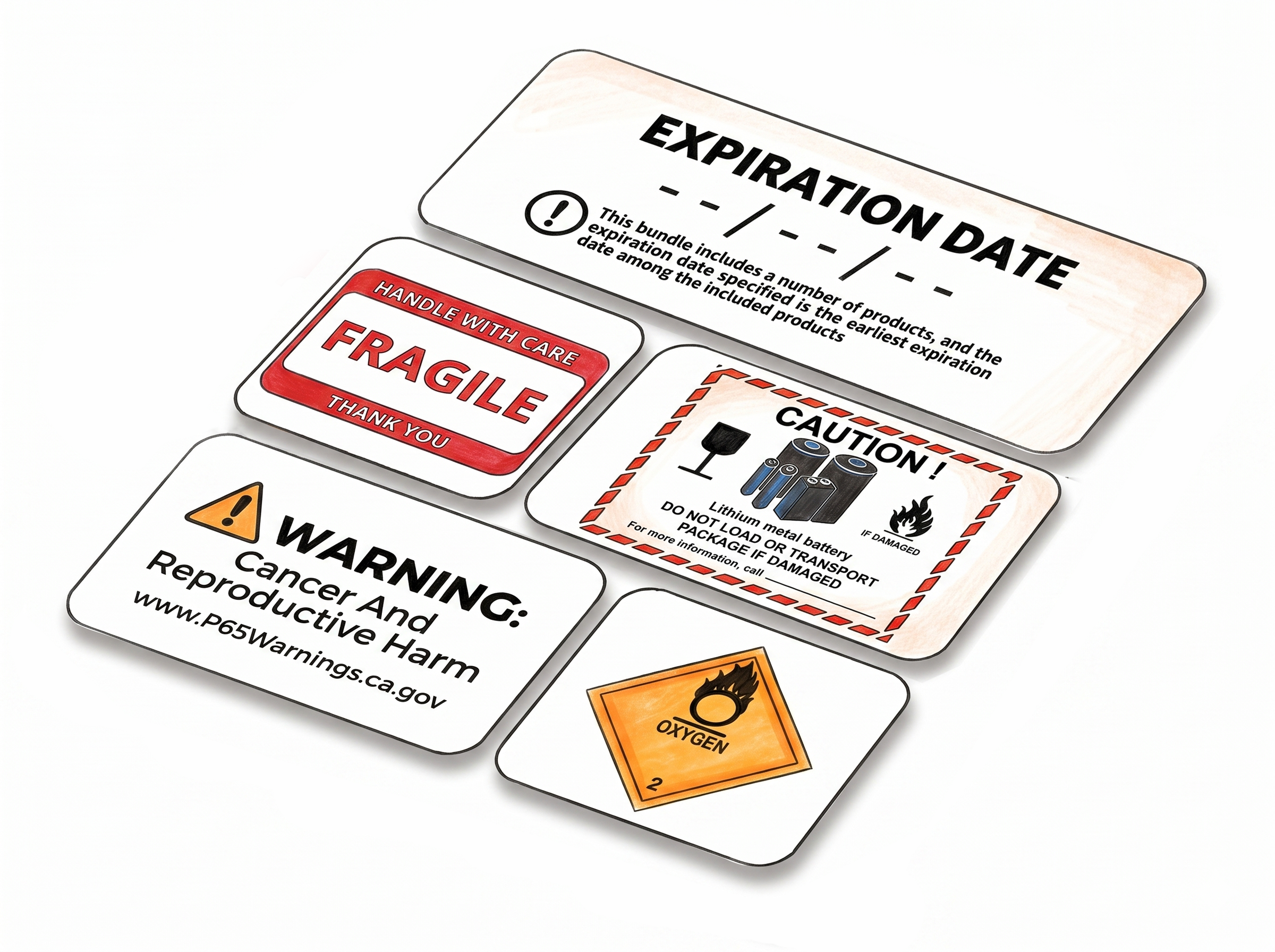
Shipping, Box Label AndPacking Slip Customization
Multiple Ways to Generate
Choose A Plan
Get 100 Product Labels And 10 Shipping Labels Free Every Month - No Credit Card Needed
Monthly Yearly 2 months free
Frequently Asked Questions
Everything you need to know about printing Box IDs on Amazon FBA shipment labels.
What is the Box ID and where does it come from?
The Box ID is a unique identifier Amazon assigns to each box in an FBA shipment. It appears on the box label PDF generated during shipment creation in Seller Central. The Add Box ID feature reads this value and prints it on the matching shipment label.
Does this feature work with the web uploader as well as the extension?
Yes. Add Box ID works with both the Label Resizer Chrome and Firefox extension and the web uploader workflow - making it one of the few label customization features that isn't extension-exclusive.
Where does the Box ID appear on the shipment label?
The Box ID is printed beneath the shipment label, clearly associated with the label it belongs to. It does not interfere with the existing barcode or required label fields.
Which shipment types does Add Box ID support?
Add Box ID supports SPD (Small Parcel Delivery) shipments. It works with both Send to Amazon and Amazon AWD (Amazon Warehousing & Distribution) workflows in Seller Central.
Does enabling Box ID affect label size or format?
No. The Box ID is added as additional text beneath the shipment label and does not change the label dimensions or barcode formatting. It works with your existing size settings.
Do I need a Label Resizer account to use this feature?
Yes. A logged-in Label Resizer account is required. The feature works with both the browser extension and the web uploader. You can start a free trial with no credit card needed.