
Generate Amazon Transparency Labels - Straight from Your Browser
The Transparency Label Maker generates Amazon-compliant transparency labels from the unique codes Amazon provides - upload them as a CSV or enter them one by one, choose your preferred layout from Amazon's standard formats, and download a print-ready PDF in seconds.
From Transparency Codes to Print-Ready Labels
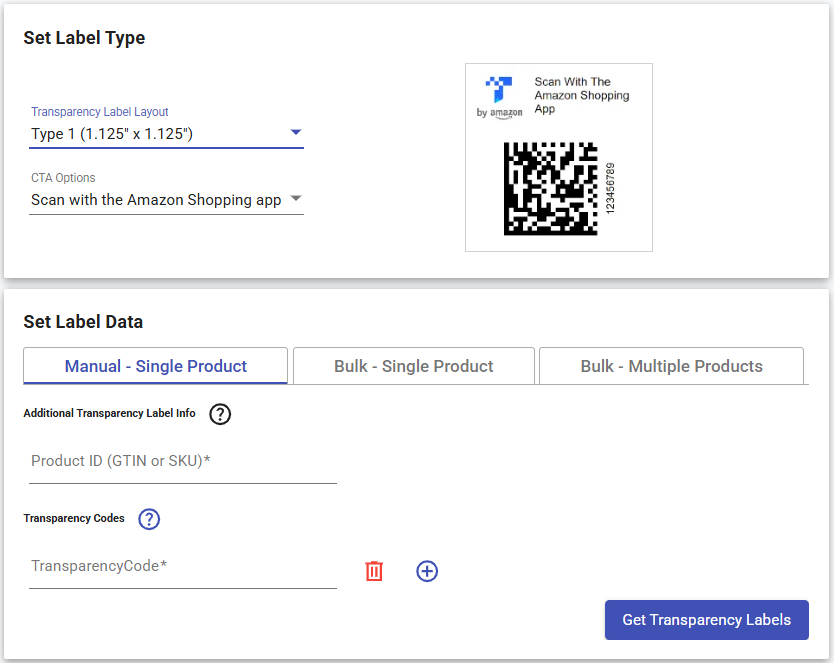
Pick the layout that fits your packaging
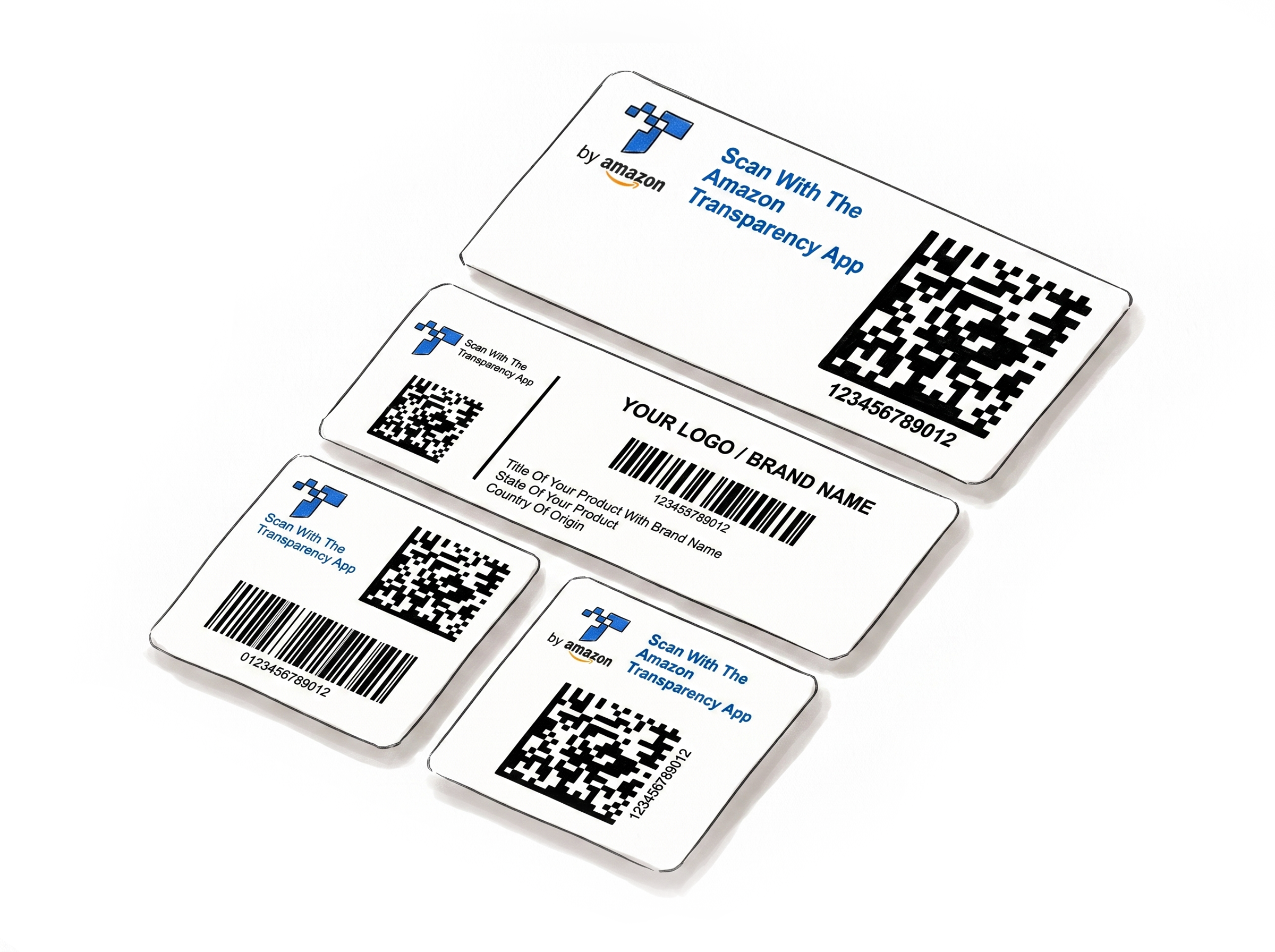
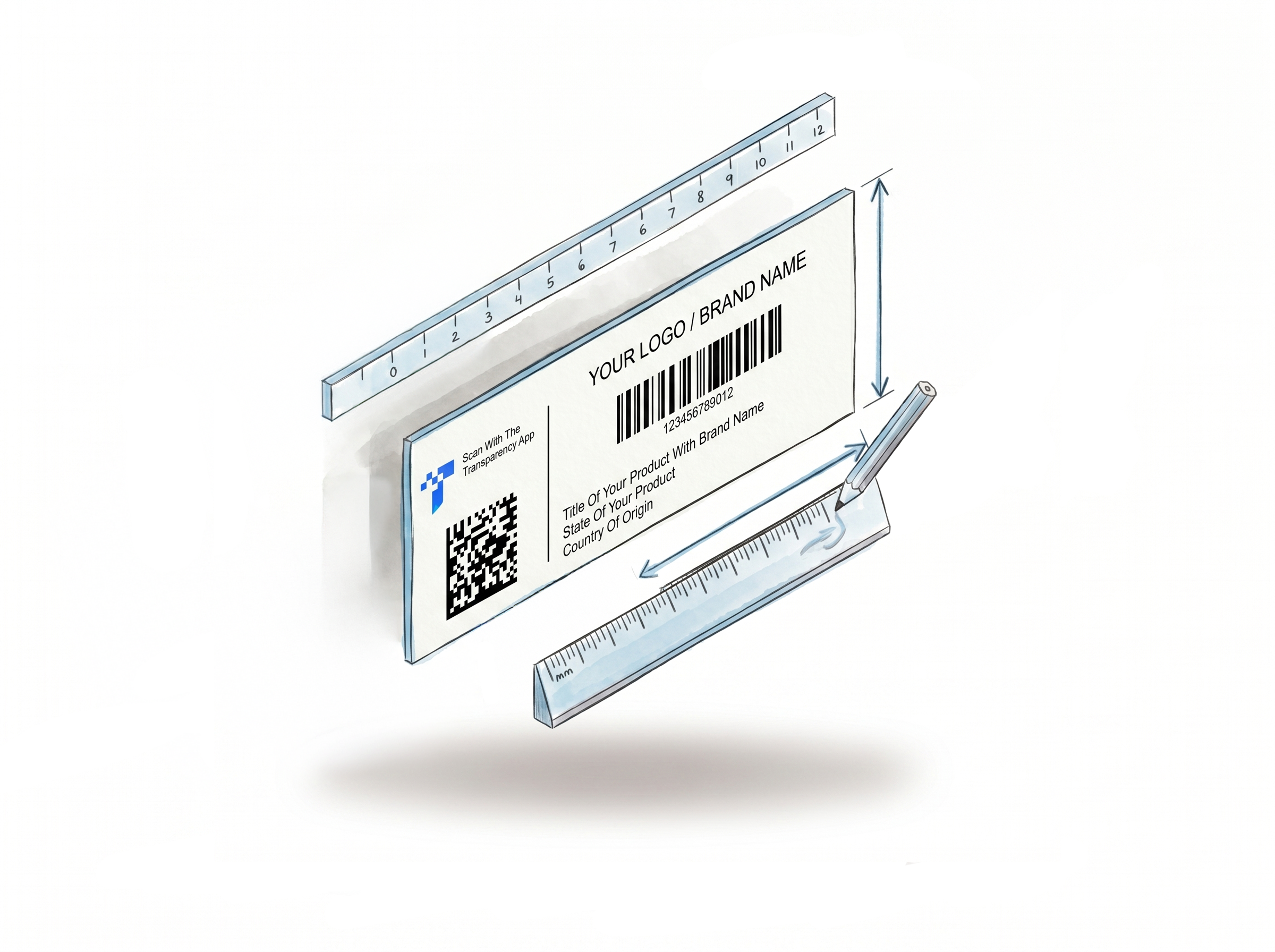
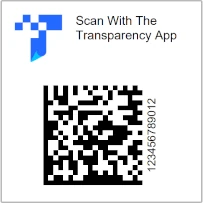
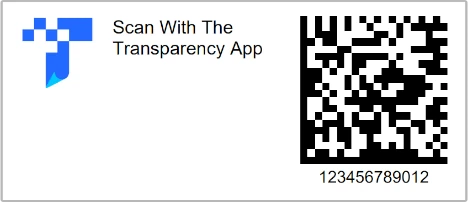
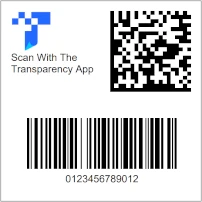
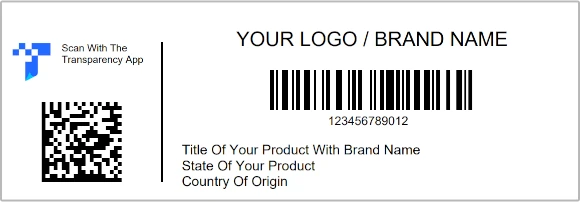
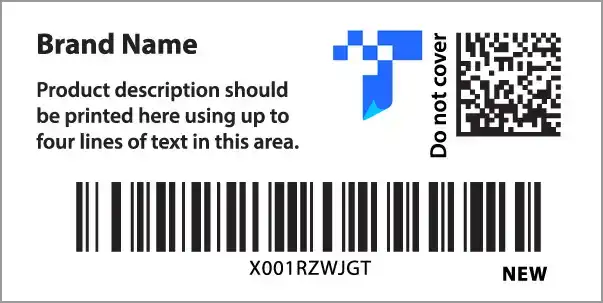
Six standard layouts. Type 1 (1.125" × 1.125"), Type 2 (1.75" × 0.75") and Type 5 (2.0" × 1.0") carry the Transparency code and a Product ID (GTIN or SKU); Type 3 (1.375" × 1.375"), Type 4 (4.0" × 1.375") and Type 6 (2.0" × 1.0") also print a product barcode and, on Types 4 and 6, brand and product details. Type 5 and Type 6 also come as 40-up Avery US Letter sheets.
Two CTA options
Choose "Scan with Transparency App" or "Amazon Shopping App" as the call-to-action on your label - whichever matches the instruction you want customers to see.
One Product or Many? Pick Your Input Mode
Single product: enter the product details once, then type your Transparency codes or upload the CSV Amazon gave you. Multiple products: download the template for your layout, give every row its own Transparency code and Product ID (GTIN or SKU), and upload it.
Bulk CSV upload - no reformatting needed
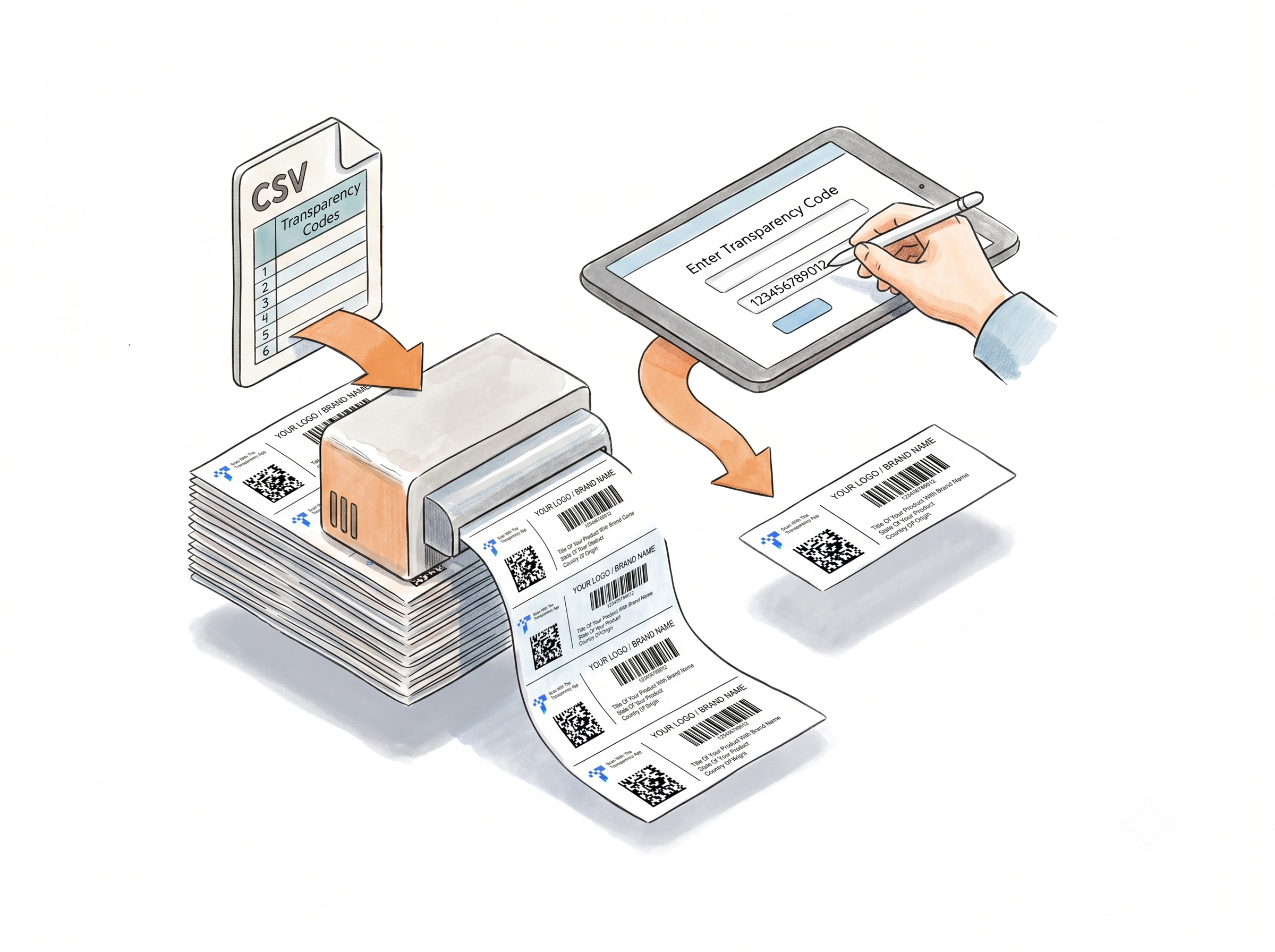
Upload the CSV file Amazon provides directly. The tool reads your Transparency codes from the single-column file and generates all labels in one go. Need a different product on each label? The Multiple Products tab takes an Excel or CSV file with a Transparency code and Product ID (your FNSKU or GTIN) on every row.
Manual Code Entry - Add as Many as You Need
Prefer to enter codes by hand? Add them one by one directly in the web form - each code gets its own row, and you can keep adding as many as you need. Depending on the label type you select, additional fields appear alongside each code so you can fill in the extra information that label requires.
Instant PDF output
Once you're ready, hit generate and your labels download instantly as a PDF - sized to whichever label size you selected, opening in a new tab and ready to print straight away.
How It Works
Three steps from codes to print-ready PDF.
Step 1: Pick Your Layout and CTA
Choose the label size that fits your packaging. Select your call-to-action text - Transparency App or Amazon Shopping App.
Step 2: Add Your Codes
Type codes manually for a small batch, upload the CSV file Amazon gave you directly, or upload one file that pairs every code with its own FNSKU or GTIN.
Step 3: Download and Print
Click "Get Transparency Labels." A PDF opens immediately - ready for thermal or Avery stock in your preferred unit system.
Done!
Watch how to create transparency labels for Amazon
Transparency Label Layouts Available in the Maker
Five label variations across four sizes - choose the one that fits your packaging and preferred call-to-action.
Other Label Makers
More tools for e-commerce sellers - no design software required.
Choose A Plan
Get 100 Product Labels And 10 Shipping Labels Free Every Month - No Credit Card Needed
Monthly Yearly 2 months free
Frequently Asked Questions
Everything you need to know about generating Amazon Transparency labels with Label Resizer.
What is the Amazon Transparency Label Maker?
It's a browser-based tool that lets Amazon sellers generate print-ready Transparency labels from their Transparency codes. It supports 6 label layouts (plus 40-up Avery sheets), single and multi-product bulk upload, custom branding, and PDF output for thermal and Avery label stock - no software installation required.
Can I upload the CSV file Amazon provides directly?
Yes. The Bulk - Single Product tab accepts the CSV file Amazon gives you without any reformatting. The file should contain Transparency codes in a single-column format. Bulk upload is available for logged-in users.
Can I make labels for different products in one upload?
Yes. The Bulk - Multiple Products tab lets logged-in users upload one Excel or CSV file where every row has its own Transparency code and Product ID (your FNSKU or GTIN), so each label gets its own product barcode. On layouts that carry brand and description, each row can also have its own brand and description. You download a ready-made template for your layout first.
What's the difference between the label layouts?
There are six standard layouts. Type 1 (1.125" × 1.125"), Type 2 (1.75" × 0.75") and Type 5 (2.0" × 1.0") carry the Transparency code and a Product ID (GTIN or SKU) printed as text. Type 3 (1.375" × 1.375") adds a scannable product barcode. Type 4 (4.0" × 1.375") and Type 6 (2.0" × 1.0") also include your brand name and product details. Type 5 and Type 6 are also available as 40-up Avery US Letter sheets.
What is the difference between the two CTA options?
"Scan with Transparency App" requires customers to download Amazon's dedicated Transparency app - it verifies authenticity and shows manufacturing details. "Scan with Amazon Shopping App" works with the standard Amazon Shopping app customers already have, requiring no extra download. It verifies authenticity and can also surface brand videos, coupons, and product guides. Amazon Shopping App is the newer, higher-adoption option. You can choose whichever CTA you want printed on your label.
Do I need an account to use this tool?
No. You can generate a label without signing in, though some features and label types are limited in guest mode. This lets you get a feel for how the tool works before committing to an account. Creating a free account unlocks a 14-day trial with full access - after that, you move to a paid or free plan, each with a monthly label allowance.
Does each label I generate count toward my monthly limit?
Yes. Every label generated with this tool uses one product label from your monthly allowance. Limits vary by plan - paid plans include a higher monthly allowance.