
Label Resizer for Warehouses and 3PLs - Organized Labels at Any Scale
Label Resizer gives warehouse teams and third-party logistics providers the tools to manage high-volume label workflows without errors. Merge split FBA shipment box labels by SKU, add product names and custom text to every label, insert separators between product groups, and generate labels in bulk from spreadsheet data - all from a browser, with no software to install.
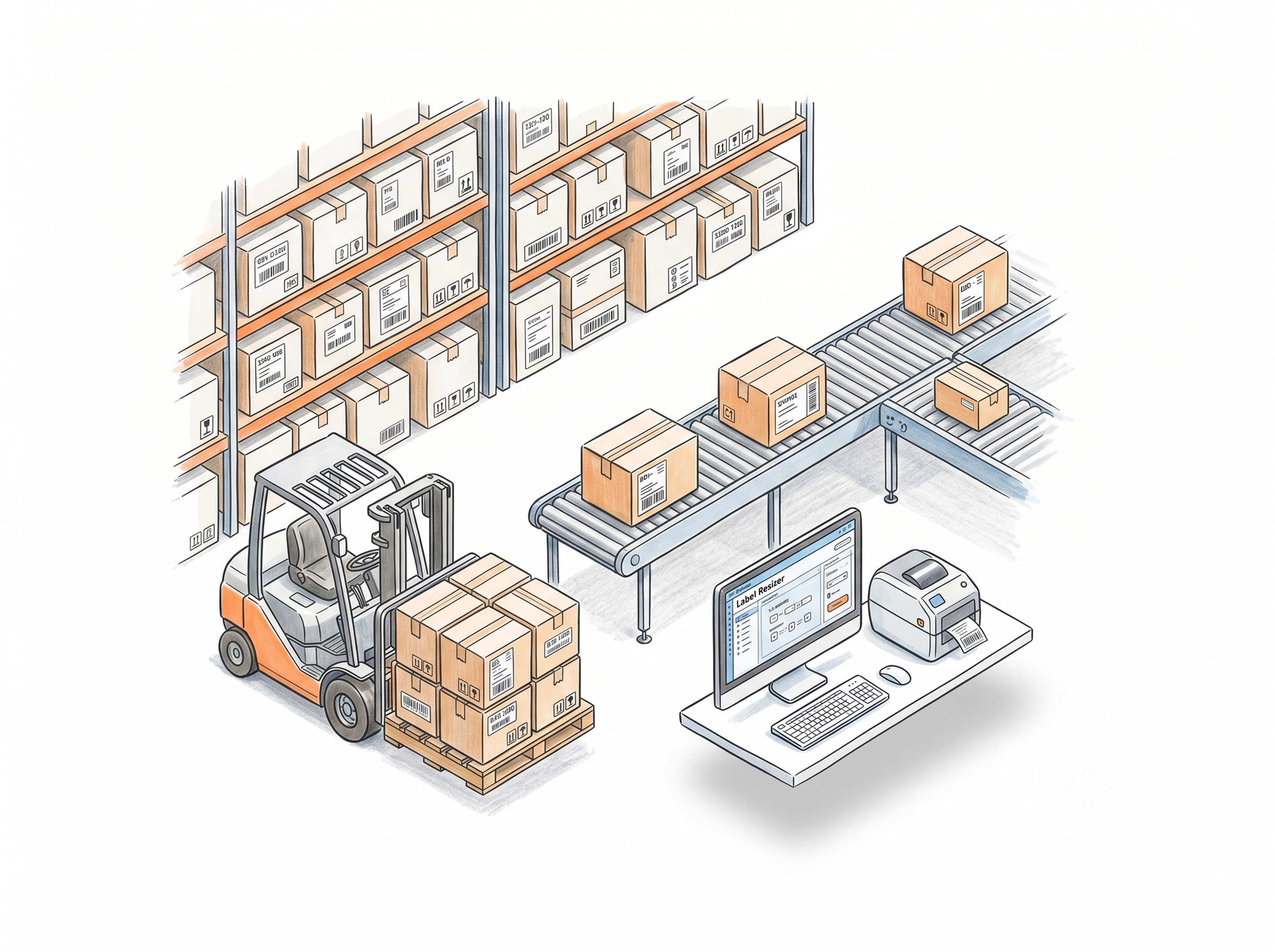
Organized Labeling for High-Volume Shipments
SKU-Based Box Label Merge for FBA shipments
When Amazon splits an FBA shipment, box labels for the same SKU end up across separate PDFs. Label Resizer merges them all - grouped by SKU, sorted alphabetically - and outputs a single PDF or a ZIP with one PDF per SKU. Works inside Send to Amazon via the extension, or via web uploader for offline workflows. Learn more about SKU-based box label merge
Separator labels between every product group
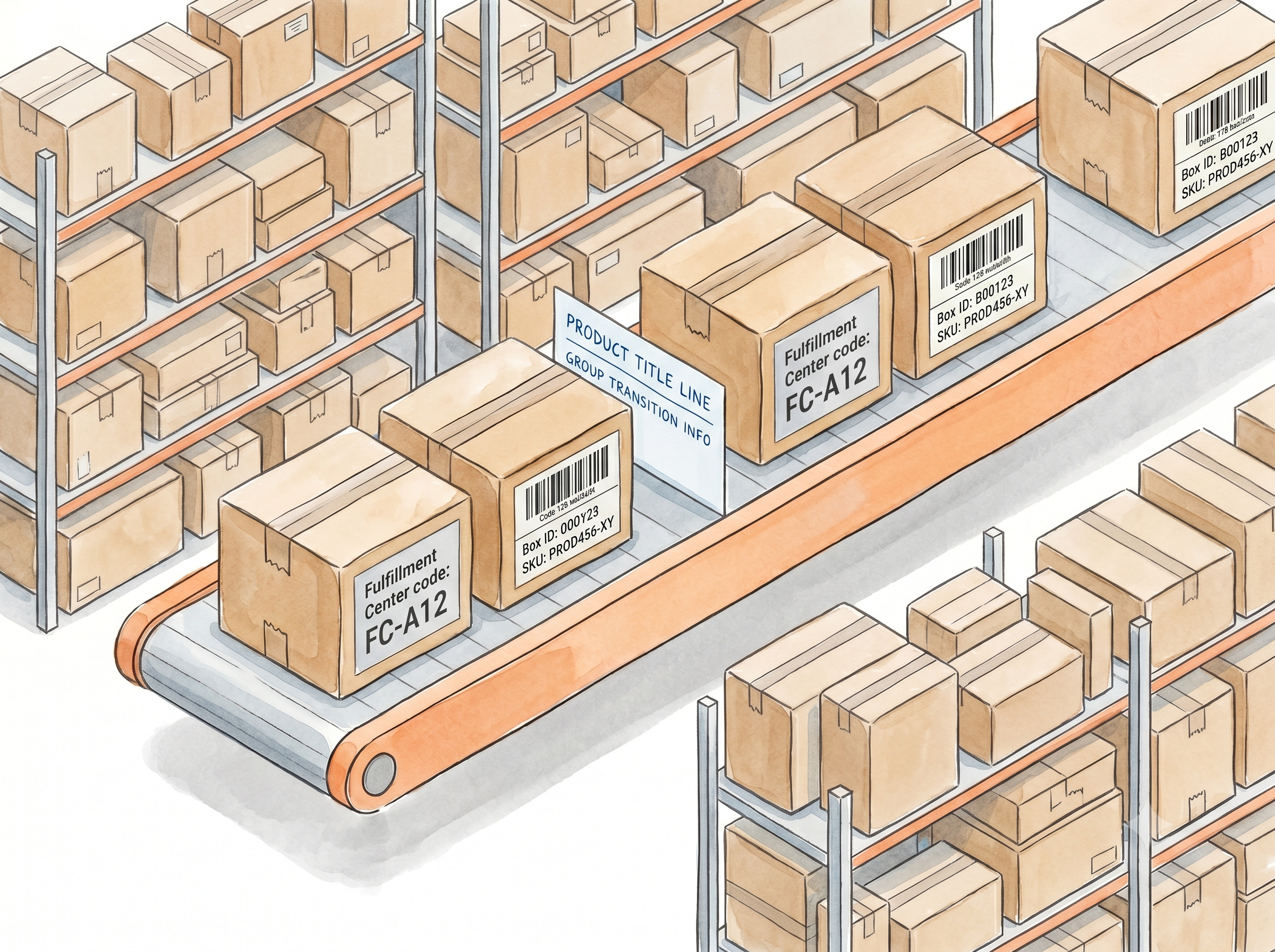
For multi-product batches on Amazon or Walmart, Label Resizer inserts separator labels automatically between FNSKU groups. Each separator shows the ASIN, MSKU, and product title for both the completed group and the next - giving your team a clear transition point with full product context. Learn more about separator labels
Box ID on shipment labels for tracking
Automatically print the Box ID from each FBA box label onto its matching shipment label - linking every box to its shipment visually. Works with both the extension and the web uploader. Reduces misplacement in large multi-box operations. Learn more about box ID tracking on shipment labels
Fulfillment Center codes on FBA box labels
For FBA shipments, Label Resizer prints the Fulfillment Center code clearly on each box label during the SKU-based merge. When multiple fulfillment centers are involved, this prevents boxes from being mixed up during pallet preparation. Learn more about Fulfillment Center codes on box labels
More Information on Every Label
Full product title on product and box labels
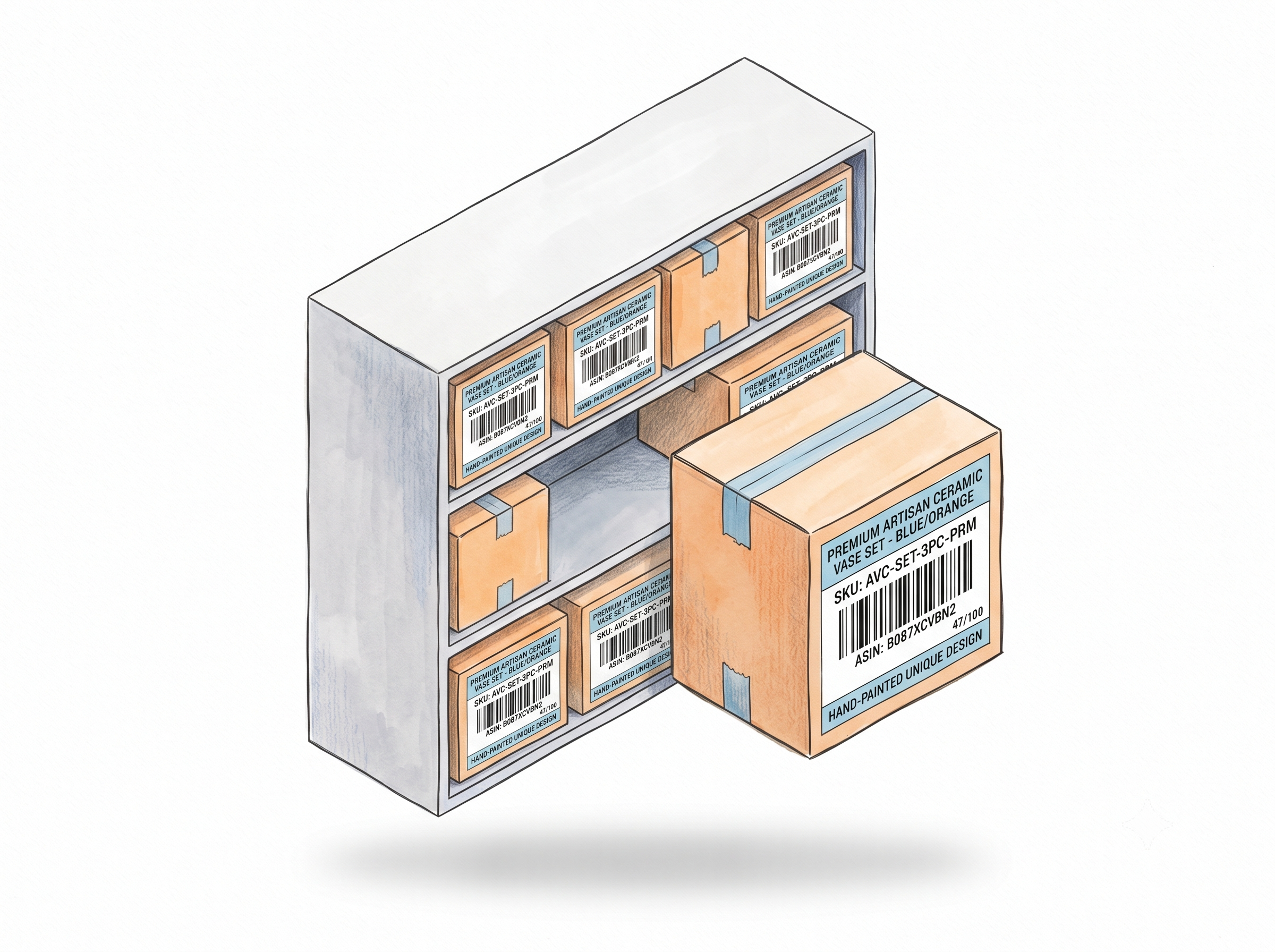
Amazon and Walmart truncate product names on default labels. Label Resizer overrides this - printing the complete product title on every product label and every FBA box label. Products are identifiable at a glance, without scanning. Learn more about printing full product titles
Merchant SKU on every product label
Print the full MSKU directly below the product title on every label. When your warehouse is organized by SKU, this eliminates the lookup step during picking, sorting, and returns. Learn more about adding Merchant SKU to labels
Item numbering for count verification
Add sequential numbers (1, 2, 3) or count format (1/100, 2/100) to every label in a batch. Numbering resets per product group - so a 3-FNSKU batch with 50 units each gives you three independent 1–50 sequences. Catch missing labels before a shipment leaves the floor. Learn more about sequential label numbering
Custom text per product per batch
Add lot numbers, expiration dates, handling instructions, or supplier notes to any label in the header, footer, or side position. Enter per FNSKU or apply the same text to all labels in the batch. Saved between sessions so you only update what changes. Learn more about custom text on labels
Bulk Generation and Custom Designs at Scale
Spreadsheet-based label generation
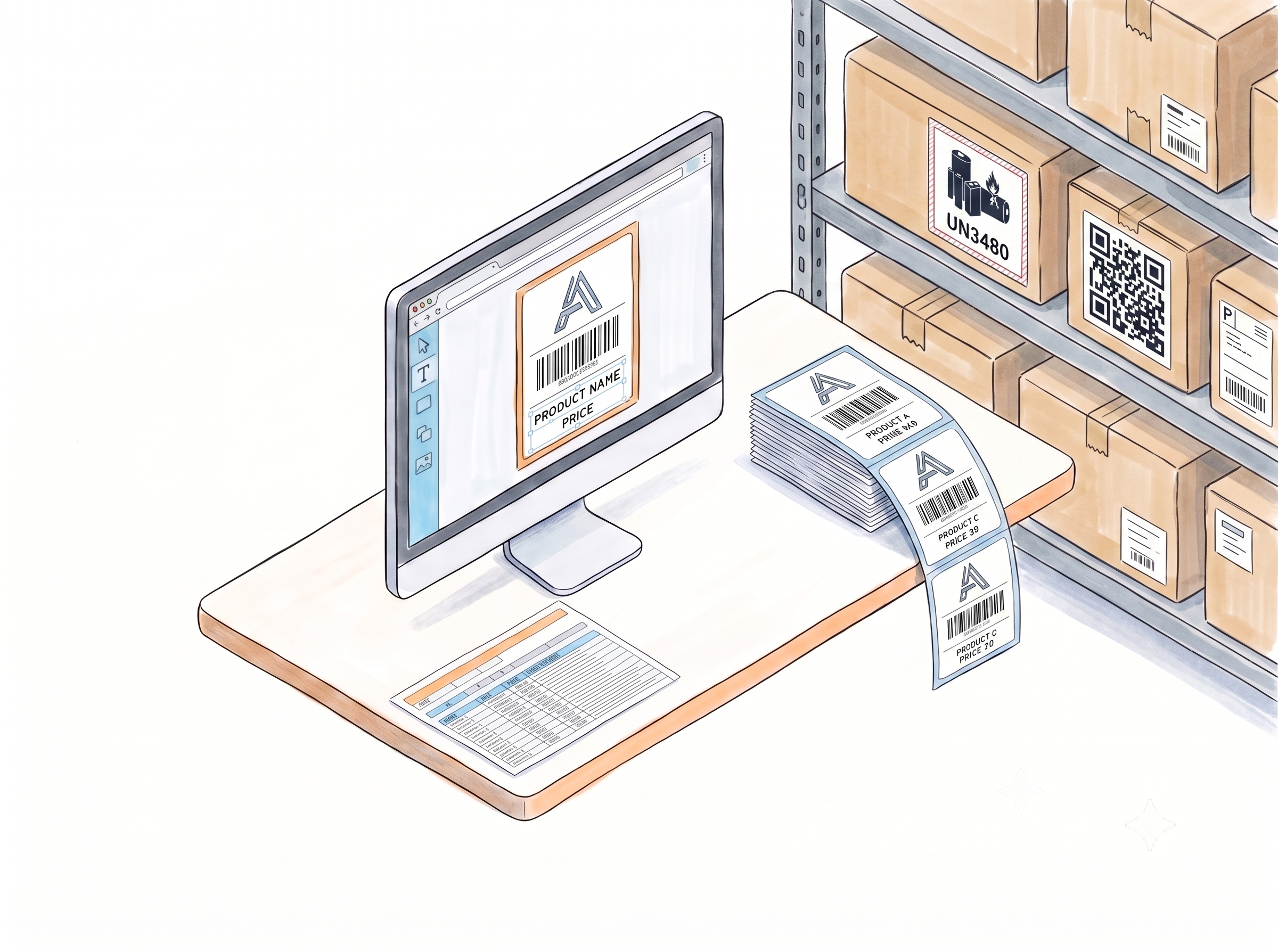
Download the Label Resizer template, fill in FNSKU, product title, condition, quantity, and any free text fields, and upload - labels for every product generate in one batch. No platform PDF needed. Quantities set per row, all enrichment features included. Learn more about spreadsheet-based label generation
Label Editor with Smart Fields
Design custom label templates in the Label Editor using Smart Fields - pre-linked dynamic elements that automatically map to Amazon or Walmart product data through the extension or PDF upload. Build once, reuse across every shipment prep session. Learn more about the Label Editor with Smart Fields
API integration for WMS and order systems
Connect your WMS or order processor to Label Resizer via REST API - send product data in, get labels back. Available on Professional and Unlimited plans. Learn more about the API integration
More Tools for Your Warehouse Operation
If your workflow goes beyond shipment labels, Label Resizer has you covered - FNSKU labels, Transparency labels, barcodes, warning labels, and FBA 2D box content barcodes, all in one place.
Built for Teams and 3PL Operations
Multi-user access for warehouse teams
On Unlimited plans, add extra user seats to your account - each with their own login. Multiple team members can generate and print labels simultaneously without sharing credentials. Additional users are purchased per seat. Learn more about multi-user access
Label storage and shareable links
The Storage Add-on can be added to any plan. Every generated label PDF is stored for up to 6 months and accessible via a shareable link - send labels directly to team members, clients, or carriers without re-uploading. Ideal for 3PLs managing labels on behalf of multiple sellers. Learn more about the Storage Add-on

How It Works
Configure once, generate via any method - labels come out organized and ready to apply.
Step 1: Set Up Your Label Settings Once
Configure label size, enrichment features - Complete Title, Add SKU, Free Text, Separator, Numbering, Box ID - in your Label Resizer account. Settings apply automatically to every label generation session from that point on, via extension, web uploader, or API.
Step 2: Generate Labels for Your Workflow
Use the extension inside Amazon Seller Central or Walmart Seller Center for platform-integrated workflows. Use the web uploader for offline PDF processing or multi-platform batches. Use the spreadsheet method for bulk generation from your own data. Use the API for automated, system-integrated label creation.
Step 3: Print, Sort, and Apply Without Confusion
Labels come out enriched, numbered, and organized - separated by product group, merged by SKU, with product names and SKUs visible on every label. Your team picks up the PDF and works through it without cross-referencing, scanning, or sorting.
Done!
Choose A Plan
Get 100 Product Labels And 10 Shipping Labels Free Every Month - No Credit Card Needed
Frequently Asked Questions
Everything you need to know about using Label Resizer in warehouse and 3PL operations.
How does the SKU-Based Box Label Merge help warehouse teams?
When Amazon splits an FBA shipment, box label PDFs are organized by shipment - not by SKU. Warehouse teams prepping boxes by product have to switch between multiple files and manually sort labels. The SKU-Based Merge combines all PDFs, groups labels by SKU, and outputs a clean sorted file - so the team works through one document in order, not across multiple files.
Can we use Label Resizer for both Amazon and Walmart shipments in the same warehouse?
Yes. One Label Resizer account covers both platforms. The extension works on Amazon Seller Central and Walmart Seller Center simultaneously. Label settings, custom designs, and enrichment features apply to both platforms without separate configuration.
How does item numbering help verify shipment quantities?
When numbering is enabled, every label in a batch carries a sequential number - either 1, 2, 3 or a count format like 12/100. Numbering resets per FNSKU group. If label 47 is missing from a 100-unit batch, it's immediately visible. This acts as a built-in count verification at every stage - labeling, boxing, and dispatch - without adding a separate counting step.
Can we connect Label Resizer to our warehouse management system?
Yes. The Label Resizer API supports product and shipping label generation via REST calls. Send product data from your WMS or order processor and receive labels back - with your account settings applied automatically. API access requires a Professional or Unlimited membership.
Does the spreadsheet method work for large multi-product batches?
Yes. The spreadsheet template supports multiple products in a single file - one row per product with individual quantity settings. Upload once and Label Resizer generates all labels in one batch. All enrichment features - free text, numbering, separators - apply to spreadsheet-generated labels automatically.
Can we add handling instructions or lot numbers to labels without editing PDFs?
Yes. The Free Text feature adds custom text to the header, footer, or side of any label during generation - no PDF editing required. Text is entered per FNSKU through the web interface or extension popup and saved between sessions. Different products in the same batch can carry different text.
How do separator labels reduce packing mistakes in multi-SKU batches?
Without a visual break, a stack of labels from a multi-product batch requires manual counting or memory to identify where one product ends and the next begins. Separator labels insert a dedicated divider at every transition, showing the ASIN, MSKU, and product title of both groups. For large batches prepped over extended periods, this eliminates the most common source of wrong-label errors.
Can multiple warehouse staff use the same Label Resizer account simultaneously?
Yes, on Unlimited plans. Additional user seats can be purchased per person - each gets their own login and can generate, configure, and print labels at the same time without sharing credentials.
Can we share generated label PDFs with clients or other team members?
Yes. The Storage Add-on can be added to any Label Resizer plan. Once active, every generated label PDF is stored for up to 6 months and accessible via a shareable link - send it directly to a team member, client, or carrier without downloading and re-uploading. Ideal for 3PLs managing labels on behalf of multiple sellers.