
5 Critical Labeling Mistakes Amazon Sellers Make When Switching To Walmart WFS
Amazon FBA relies heavily on its proprietary FNSKU barcode system, whereas Walmart WFS demands global retail standards like UPC and GTIN. This comprehensive guide outlines the five most common labeling errors made by cross-channel sellers, detailing how improper barcode placement, overlapping labels, and incorrect master carton markings lead to receiving delays and rejections.

When scaling an e-commerce brand beyond Amazon, expanding into Walmart Fulfillment Services (WFS) is often a logical next step. Many sellers assume the same labeling practices used for Amazon FBA will also work for Walmart WFS. However, improper labeling is one of the most common reasons shipments get delayed or flagged during warehouse receiving.
The main difference lies in how each fulfillment network identifies inventory. Amazon relies heavily on its internal system-generated tracking code—the FNSKU (X00 numbers)—to identify individual seller inventory. Walmart WFS, on the other hand, operates on universal retail standards, requiring standard UPC or GTIN barcoding for sellable units. Sending items tagged with FNSKU labels or incorrectly formatted barcodes to a WFS facility can lead to detailed inspection, receiving delays, or manual processing.
This guide analyzes the five most critical labeling errors Amazon FBA sellers commit when entering Walmart WFS, the key packaging guidelines required by Walmart, and how LabelResizer helps prepare labels for both Amazon and Walmart workflows.
Amazon FBA vs. Walmart WFS: The Core Barcode Philosophy
Before diving into specific mistakes, it is vital to understand how these two fulfillment networks handle inventory identification.
| Feature | Amazon FBA | Walmart WFS |
|---|---|---|
| Primary Unit Identifier | FNSKU (Fulfillment Network Stock Keeping Unit) | UPC (GTIN-12), GTIN-14, or EAN-13 |
| Inventory Separation | FNSKU separates identical items from different sellers | Uses universal barcodes + account mapping |
| Master Case Barcodes | Amazon Box Content Labels / FBA Outer Labels | GTIN-14 / Case Code (when applicable) + WFS Inbound Label |
| Non-Compliant Item Issues | Unprep/Relabel fees billed automatically | Receiving delays, manual processing, or shipment rejection |
Amazon uses FNSKU barcodes so that multiple merchants selling the exact same physical product can store their units in shared warehouse space without co-mingling ownership. Walmart WFS anchors its catalog directly to global standards like UPCs or GTINs. Understanding this distinction helps prevent inbound fulfillment bottlenecks.
Mistake #1: Leaving FNSKU Labels on Units or Covering the UPC Code with FNSKU
Amazon sellers routinely print FNSKU labels and place them over the product’s original manufacturing barcode (UPC/EAN). If you take inventory prepped for FBA and send it directly to WFS, Walmart inbound scanners will read the FNSKU barcode instead of the product identifier.
Walmart WFS requires a readable manufacturer barcode, such as a UPC, GTIN, or EAN. The WFS system does not recognize Amazon’s FNSKU codes. When a scanner reads an FNSKU label, the system cannot identify the item, placing the shipment into problem receiving and triggering manual processing fees.
How to Fix It
Maintain strict separation between FBA and WFS inventory. For dedicated WFS stock, ensure the original UPC/GTIN barcode is uncovered and visible. If an item already has an FNSKU applied over the UPC, remove the sticker or apply a barcode label containing only the verified UPC/GTIN code. You can use LabelResizer to mask or crop out unwanted FNSKU text from existing document files and print clean UPC barcode labels formatted for your thermal printer.
Mistake #2: Leaving Multiple or Legacy Barcodes Visible (Cover-Up Violations)
When multi-channel merchants reuse packaging for both Amazon and Walmart orders, they frequently leave multiple scannable barcodes exposed on the product packaging. A single unit might feature a manufacturer UPC, an internal warehouse SKU, and a leftover Amazon tracking code.
Only one barcode intended for receiving should remain scannable on the outer package. Multiple visible barcodes can confuse automated scanning systems, increasing the likelihood of manual inspection and receiving delays.
How to Fix It
Audit your product packaging prior to carton packing. Apply opaque, light-blocking cover-up labels over secondary internal tracking codes or legacy FNSKU labels. Do not use thin paper labels to cover old barcodes, as scanners can sometimes read through translucent paper. LabelResizer allows you to format custom cover-up stickers to cover old barcodes while keeping primary product text visible.
Mistake #3: Confusing Master Carton Labels with Individual Product Barcodes
In Amazon FBA, sellers generate Box Content Labels to detail the contents of a shipping box. On Walmart WFS, master carton requirements differ depending on how the outer case is packed. Sellers often mistakenly place an individual product’s UPC barcode onto the exterior of the master carton.
Walmart distinguishes between Single-SKU Master Cartons and Mixed-SKU Cartons. Single-SKU cartons may require a dedicated GTIN-14 Case Code barcode (when a case GTIN is defined) alongside the WFS Inbound Shipping Label. Mixed-SKU cartons must display only the WFS Mixed-SKU Shipping Label on the outside container—never an individual unit UPC. Placing an individual unit UPC on the outside of a master box containing multiple units can lead to inventory discrepancies or receiving holds.
How to Fix It
Do not place a unit-level UPC sticker on the outside of a shipping box unless the box itself is the actual sellable unit sold directly to the consumer. Keep master carton case codes distinct from unit barcodes. LabelResizer helps separate carton-level shipping labels from individual unit stickers, ensuring outer shipping labels print at 4x6 dimensions while product barcodes stay sized correctly for item application.
Mistake #4: Incorrect Label Dimensions, Blurry Thermal Prints, and Bad Placement
Using low-resolution printers, incorrect printer settings, or applying labels across package seams, curves, and folds can lead to unreadable barcodes. Walmart requires barcodes to be applied smoothly on flat surfaces, clear of seams, tape, or box flaps.
Every barcode requires a clean “Quiet Zone”—a blank margin on both the left and right ends of the barcode lines. If text or borders intrude into this zone, scanners cannot read the barcode properly. Additionally, placing barcode labels beneath clear plastic polybags creates glare, making barcode scanning unreliable.
How to Fix It
Use thermal printers operating at a minimum of 203 DPI and calibrate print settings to avoid ink bleeding or faint lines. Standard label sizes include 4” x 6” for shipment labels and 2” x 1” or 2.25” x 1.25” for product labels. LabelResizer formats PDF labels directly for thermal printers, maintaining required margin spacing and adjusting barcode sizes to ensure clear readability.
Mistake #5: Using Standard Freight Labels Instead of WFS Inbound Shipment Labels
When booking parcel or freight delivery, sellers sometimes print only the carrier label (such as FedEx or UPS) and forget to attach the official WFS Inbound Shipment ID label.
Every carton arriving at a WFS fulfillment center must display two labels: the Carrier Shipping Label and the WFS Inbound Shipment ID Label generated from the Walmart Seller Center portal. Without the WFS Inbound Shipment ID label, Walmart may be unable to match the shipment to the expected inbound record, resulting in receiving delays, manual processing, or shipment rejection.
How to Fix It
Ensure your warehouse team checks every carton for both required external labels before tendering shipments to the carrier. Place both labels on the same side panel without covering seams or tape lines. LabelResizer simplifies this process by allowing you to format and print carrier labels alongside WFS shipment labels on standard 4x6 thermal paper in a single print run.
LabelResizer Supports Both Amazon FBA and Walmart WFS
If you sell on both Amazon and Walmart, using separate labeling workflows can quickly become time-consuming. LabelResizer helps simplify day-to-day labeling by supporting the requirements of both platforms in a single workflow. Whether you need Amazon FNSKU labels, box labels, and shipping labels, or Walmart WFS product and inbound shipment labels, you can generate, resize, and print them using the same tool.
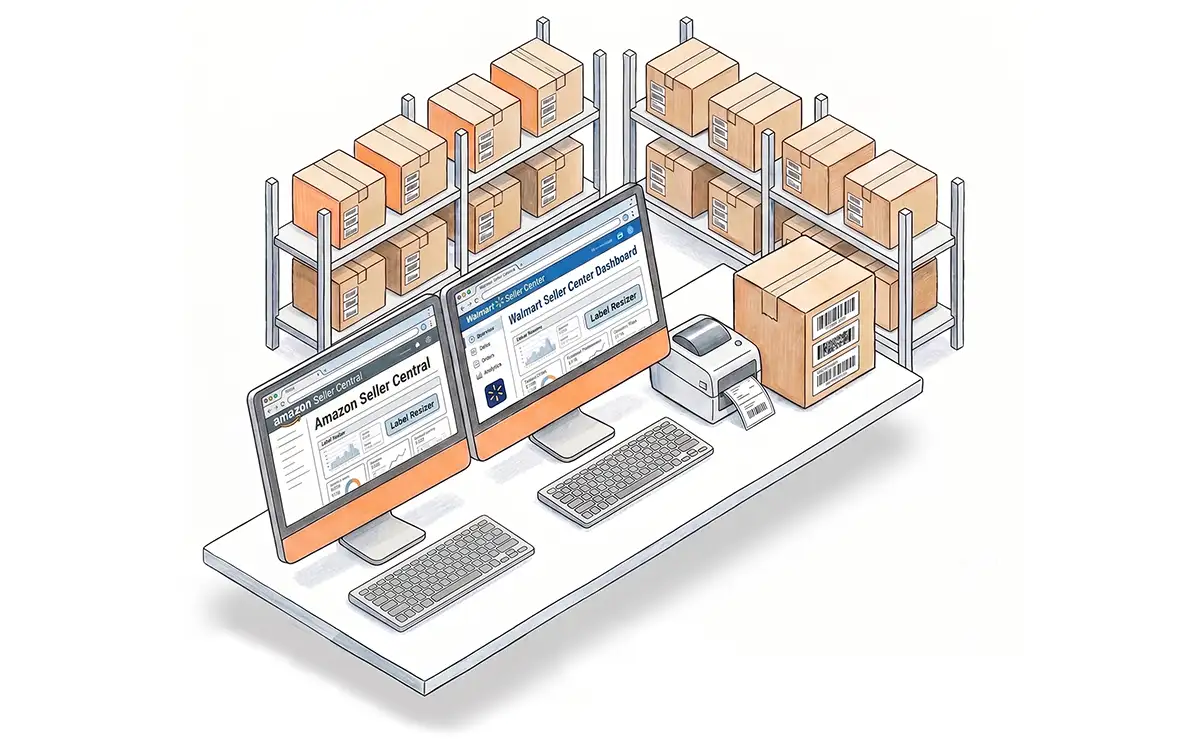
For Amazon sellers, LabelResizer works directly with Seller Central to generate and customize FNSKU labels, shipment labels, box labels, and other common fulfillment documents. Learn more about our solutions for Amazon sellers.
If you’re selling through Walmart Fulfillment Services, LabelResizer also supports WFS product labels and inbound shipment labels, making it easier to prepare inventory for Walmart’s fulfillment network. Learn more about our Walmart seller tools.